

Features of Event Management Software
What features should event management software have?
The core features are registration and ticketing, attendee communication, an event app, check-in, badge printing and reporting. Add lead capture, floor plans, seating, matchmaking or surveys if your event type needs them.
This guide explains each feature in a sentence, says which events need it and links to the Eventdex page that covers it. Use it to build a must-have list before you compare platforms.
Updated by the Eventdex team


4.7/5 from 39 reviews on each
Core features
Most events need these.
Registration and ticketing
Collect attendee details and payments on one branded page.
Event registration softwareAttendee communication
Confirmations, reminders and updates from the attendee list.
Event mobile app
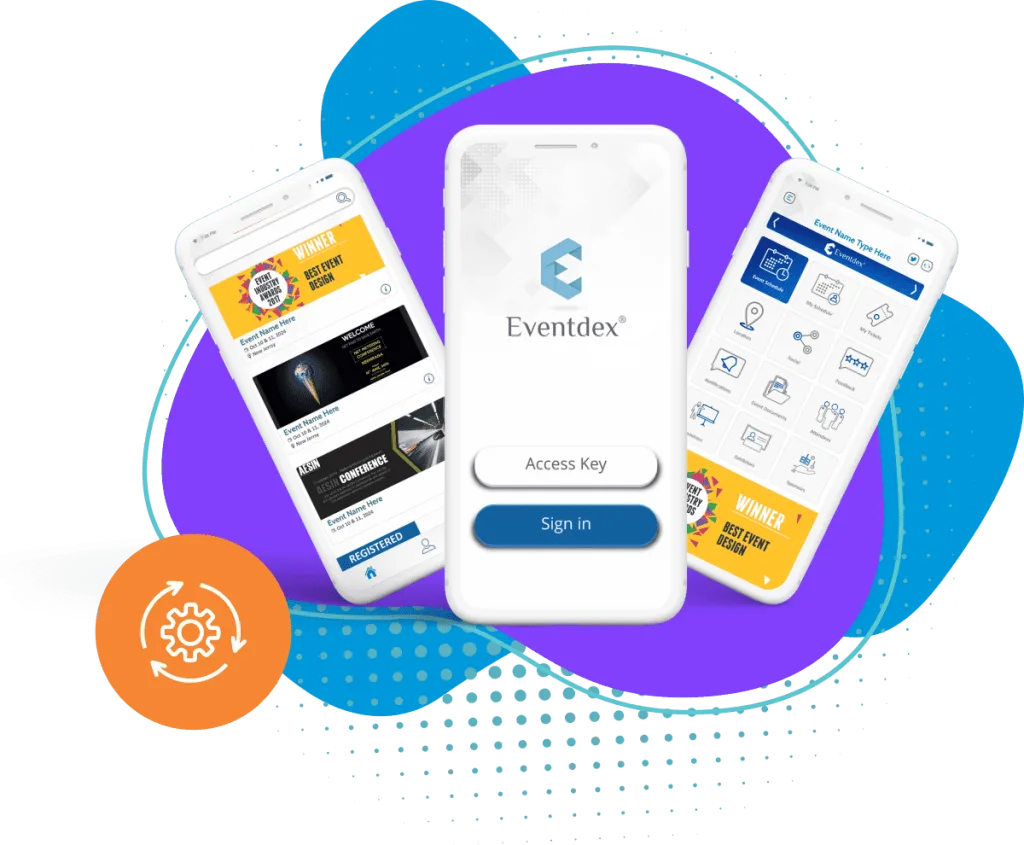
The schedule, announcements and networking on attendees' phones.
Event management mobile app
Feature by event type
Add features for the event you run.
| Event | Features to add | Eventdex page |
|---|---|---|
| Trade show | Features to addFloor plans, exhibitor booking, lead capture | Eventdex pageTrade shows |
| Gala or dinner | Features to addTable seating and finder, ticketing | Eventdex pageGala dinner software |
| Conference | Features to addAgenda, sessions, surveys, networking | Eventdex pageConferences |
| Virtual or hybrid | Features to addVideo rooms and meetings | Eventdex pageVirtual meeting app |
| Fundraiser | Features to addDonations, ticketing, guest lists | Eventdex pageFundraising events |
Extra features and what they add
These add depth once the core is in place.
Build your must-have list
Turn the features into decisions.
List the stages you run
Before, during and after the event.
Mark each feature must-have or nice-to-have
Be strict. Every must-have is a demo question.
Ask for a demo with your scenario
A generic demo hides gaps.
Check how features connect
One attendee record across features matters more than a long list.
The Eventdex platform
The full feature list
- Event management software featuresEverything the platform includes.Learn more about Event management software features
- Registration and ticketingRegistration pages, ticket types and payments.Learn more about Registration and ticketing
- Event mobile appSchedule and announcements on phones.Learn more about Event mobile app
- IntegrationsConnect Eventdex to other tools.Learn more about Integrations
“It's easy to use and interfaces very well with our needs. The scheduling function is awesome. It allows our companies and partners to schedule their meetings with no assistance thus reducing time and resources. In addition, if there are any snags in scheduling, the Eventdex staff takes care of your needs immediately.”
 University at Buffalo
 Eversource Energy
 Georgia Tech
 Influence Communications
FAQ
Features of Event Management Software: common questions
What are the main features of event management software?
Registration and ticketing, attendee communication, an event app, check-in, badge printing and reporting. Add lead capture, floor plans, seating or surveys as your event needs.
Which features are must-haves?
Registration and check-in suit almost every event. The rest depend on whether you run exhibitions, galas, conferences or online events.
Does event software connect to other tools?
Many platforms do. Eventdex lists its integrations on its integrations page; check it for the tools you use.
How do I compare event software?
Write your must-have list, then ask each vendor to demo your own scenario and show how the features share one attendee record.
See the full Eventdex feature list
Start with a free interactive floor plan, or talk to an event specialist on +1 (866) 434-5088.