


Event Planning Technology
What technology do event planners use?
Event planning technology is the set of software and devices a planner uses to run an event, from the first budget to the last report. Most events need tools for six jobs: planning, registration, communication, check-in, the attendee experience and analytics.
This guide walks through those jobs in the order they come up, then gives you a way to choose between one platform and several tools. For a deeper look at how the pieces fit together, see the event tech stack guide. For a list of tools by task, see event planner tools.
Updated by the Eventdex team


4.7/5 from 39 reviews on each
The technology for each stage of an event
Think of technology by the stage it serves rather than by product name. The table shows what each stage needs. A small event may cover several stages with one tool; a large one often needs more.
| Stage | The job to do | Technology that does it |
|---|---|---|
| Planning | Track tasks, dates, budget and vendors | Planning checklists, spreadsheets or event planning software |
| Registration | Collect sign-ups, take payment, issue tickets | Registration and ticketing software |
| Communication | Invite, remind and update attendees | Email, push notifications, an event app |
| Check-in | Confirm who arrived and print badges | QR or barcode scanning, kiosks, badge printers |
| Attendee experience | Show the agenda, enable questions and networking | An event app, polls, Q&A, matchmaking |
| Analytics | Show what happened and what it was worth | Reports and dashboards across the above |
The main tools, in plain terms
Each of these answers one question a planner has.
Planning software
Holds the timeline, tasks and deadlines so nothing depends on one person's memory.
Event planning softwareRegistration and ticketing
Collects attendee details, sells or issues tickets and gives you the guest list the rest of the tools use.
Event registration softwareCheck-in and badges
Replaces the paper list at the door with scanning, so queues move and attendance is recorded as people arrive.
Event check-in softwareAn event app
Puts the agenda, notices and networking in attendees' hands and gives you a channel to reach them during the event.
Mobile event appVirtual and hybrid tools
Streaming, chat and virtual rooms for people who are not in the venue.
Hybrid event platformAnalytics
Turns registration, attendance and feedback into answers about what worked.
Event analytics software
How to choose: one platform or several tools
The main decision is whether to buy one platform that covers most stages or to assemble separate tools. Neither is always right.
A single platform means one attendee record: registration, check-in and the app share the same list, so nothing is imported between tools on event day. Separate tools let you pick the best one for each job, but you carry the work of connecting them and the risk of data that does not match.
Whichever you choose, ask these questions before you commit.
Does it cover the formats you run?
If you run in-person, virtual and hybrid events, check that the tool handles all three, so you do not rebuy when the format changes.
Does it work when the venue wifi does not?
Ask whether check-in keeps working offline and syncs back when the connection returns.
Can your whole team reach the data?
Registration, attendance and engagement numbers should sit in one place that sales, marketing and operations can all read.
Will attendees actually use it?
One app that holds the agenda, notices and networking is easier for guests than a separate app for each.
What does it cost and what does it connect to?
Ask for pricing and the full integration list. Put the answers in writing before you decide.
A sensible way to start
Do not buy for stages you do not yet have a problem in. Start with the stage that costs you the most time now, usually registration or check-in, and add the next once the first works.
List what goes wrong now
Write down the three jobs that eat the most hours or cause the most errors at your events.
Match each to a stage
Use the table above to see which stage each problem belongs to.
Shortlist two options per stage
Compare them on the five questions in the previous section.
Run one real event as a pilot
A small event shows problems a demo hides. Check that the data flows from one stage to the next.
Review after the event
Keep what saved time, drop what did not, and add the next stage.
What Eventdex's pages say about its platform
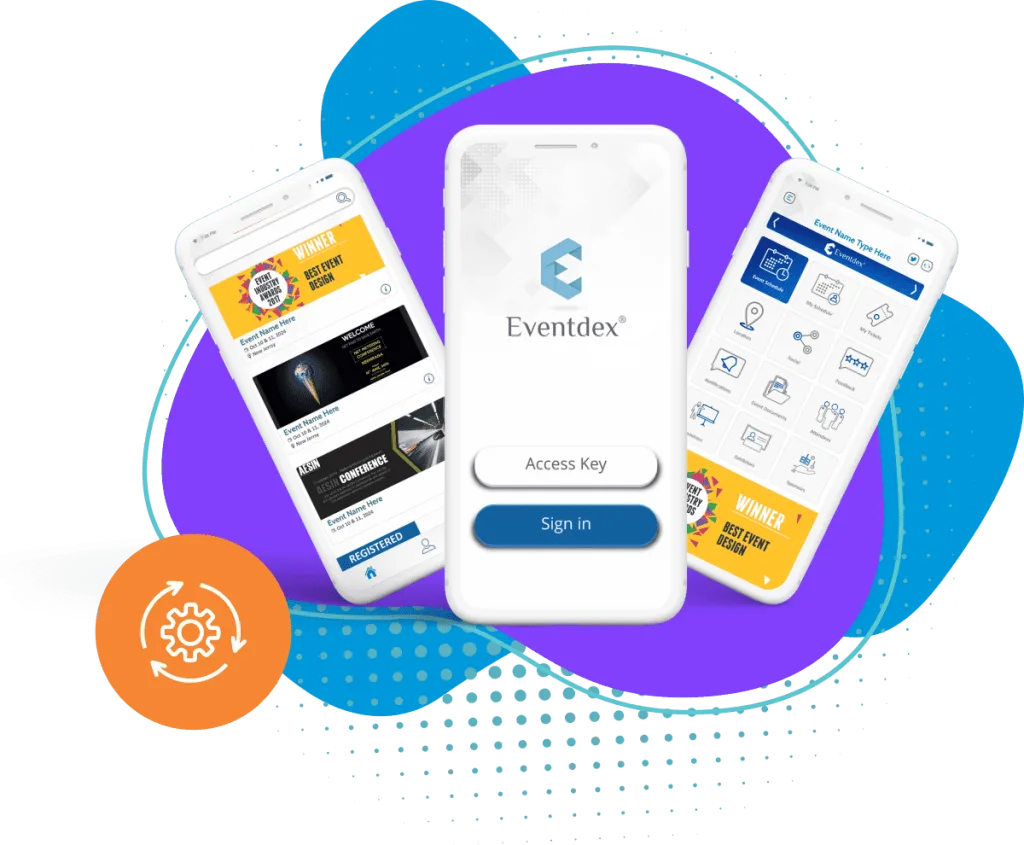
Eventdex's event technology platform page lists registration and ticketing, check-in and badge printing, a white-label event app for iOS and Android, AI matchmaking, in-person, virtual and hybrid events, and reporting in one dashboard. Eventdex's pages do not give prices or a full integration list, so ask for them in a demo.
The Eventdex platform
Technology for each stage in one place
- Event technology platformHow Eventdex brings registration, check-in, the app and reporting together.Learn more about Event technology platform
- Registration and ticketingRegistration pages with ticket types and payments.Learn more about Registration and ticketing
- Mobile event appAgenda, push notifications and networking for attendees.Learn more about Mobile event app
- Event analyticsRegistration, attendance and survey reports.Learn more about Event analytics
“It's easy to use and interfaces very well with our needs. The scheduling function is awesome. It allows our companies and partners to schedule their meetings with no assistance thus reducing time and resources. In addition, if there are any snags in scheduling, the Eventdex staff takes care of your needs immediately.”
 University at Buffalo
 Eversource Energy
 Georgia Tech
 Influence Communications
FAQ
Event Planning Technology: common questions
What is event planning technology?
It is the software and devices used to plan and run an event: planning and budgeting tools, registration and ticketing, communication, check-in and badge printing, event apps and analytics.
What technology does a small event need?
At minimum, a way to register people and a way to check them in. Add an app or analytics once those two work and you find a real gap.
Should I use one platform or several tools?
One platform gives you a single attendee record and less connecting work. Several tools give you more choice per job but more integration effort. Pick based on how many stages you need to cover and how much time you have to join them up.
When should I choose the technology?
Before registration opens, because registration data feeds everything after it. Changing registration tools mid-campaign is costly.
Does Eventdex cover every stage?
Eventdex's pages describe registration and ticketing, check-in and badge printing, a mobile event app, matchmaking, virtual and hybrid events and reporting. Eventdex's pages do not describe budgeting or vendor-tracking tools.
See the Eventdex platform for every stage of your event
Start with a free interactive floor plan, or talk to an event specialist on +1 (866) 434-5088.