



Event Management System
What is an event management system, and how does it fit together?
An event management system is the set of connected tools an organization uses to plan, run and measure its events, usually one software platform with several modules. At its center is a single record of every attendee, order and session, which the modules read from and add to, so a person who registers once is already in the check-in list, the badge printer and the follow-up email.
This guide looks at the system itself: the modules it is made of, how data moves between them, and the steps to put one in place. If you want the discipline, read our guide to event management. If you want to compare vendors, read how to choose event management software. Here you will find a requirements checklist to write before you do either.
Updated by the Eventdex team



4.7/5 from 39 reviews on each
What an event management system consists of
Think of the system as a database with jobs attached. Each job is a module. Not every event needs every module, but each one answers a question you will face:
Registration and ticketing
Who is coming, what they paid and what they chose. This module creates the attendee record the others depend on.
Program and speakers
The agenda: sessions, tracks, rooms and speakers, published to the website and the app.
Communication
Confirmation emails, invitations, reminders and push notifications, sent to the right segment at the right time.
Exhibitors and sponsors
Floor plans, booth sales, exhibitor details and the sponsor packages that fund the event.
Onsite operations
Check-in, badges, session scanning and walk-in registration on the day.
Engagement
Live Q&A, polls, networking and gamification, in the app or the virtual platform.
Reporting and integrations
Dashboards and exports, plus connections to your CRM, email tool, payment gateway and website.
How this guide differs from the other event management pages
We have three pages on neighboring questions, so you can go straight to the one you need:
What event management is
The discipline: the stages from planning to follow-up and who does the work.
Event management guideHow to choose software
What to compare across vendors: features, fees, onsite needs, integrations and support.
How to choose event management softwareThis page
The system's anatomy: modules, data flow, how to implement it and a requirements checklist.
How data flows through the system
The reason to use one system instead of five tools is that data entered once is used everywhere. Follow one attendee through an event and you can see where a break in the chain costs you time:
| Stage | What happens | Data used | What goes wrong if it is not connected |
|---|---|---|---|
| Registration | Attendee buys a ticket and answers questions | Name, email, ticket type, answers | You re-type orders into a spreadsheet |
| Confirmation | Ticket and details are emailed | Email, ticket, event details | Late or missing confirmations |
| Program | Attendee picks sessions | Session choices, tracks | The room plan does not match who signed up |
| Check-in | Ticket is scanned, badge printed | Name, company, ticket type | Queues and badges typed by hand |
| During the event | Scans at sessions, questions, meetings | Session attendance, engagement | You cannot tell who attended what |
| Follow-up | Survey, recording and leads sent | Attendance, answers, contact details | A manual merge before anyone is emailed |
How to implement an event management system, step by step
Implementation is mostly decisions, not installation. Allow several weeks before your next event, and avoid switching systems in the weeks before a big one.
List your events and the pain
Write down what you run, how often, how big and where time is lost today: re-typing, queues, late reports.
Write requirements
Use the checklist below to separate must-haves from nice-to-haves, and note what your team already uses.
Shortlist and demo
Ask each vendor to demonstrate one of your real events, not a generic one.
Decide who owns the system
Name an owner for the data, the settings and the user accounts, so there is one answer to every question.
Connect your other tools
Set up the payment gateway, CRM, email list and single sign-on before building anything.
Build one event end to end
Create the event, registration, program and communication, and test the whole path with real test orders.
Train the team and rehearse onsite
Everyone who touches the door, the app or the data practices with the real equipment.
Run, review and improve
After the first event, compare results with the goals, fix the settings and make the build a template for the next.
An event management system requirements checklist
Write this down before demos. Mark each line must-have, nice-to-have or not needed, so every vendor is judged on the same list.
Event management system requirements
EVENT MANAGEMENT SYSTEM REQUIREMENTS
Organization: [Name]   Prepared by: [Name]   Date: [Date]
Events per year: [Number]   Typical size: [Attendees]   Formats: [In-person / virtual / hybrid]
Mark each line: MUST / NICE / NOT NEEDED

REGISTRATION AND TICKETING
[ ] Branded registration page  [MUST / NICE / NOT NEEDED]
[ ] Free, paid and donation tickets
[ ] Promo codes and waitlists
[ ] Refunds and changes
[ ] Payment gateway we use: [Name]

PROGRAM AND APP
[ ] Sessions, tracks, rooms and speakers
[ ] Personal agendas
[ ] Event app with our branding
[ ] Push notifications

COMMUNICATION
[ ] Email campaigns from templates
[ ] Segments by ticket type or answers
[ ] Integration with: [Email tool]

EXHIBITORS AND SPONSORS
[ ] Floor plan and booth sales
[ ] Exhibitor details and lead capture
[ ] Sponsor packages

ONSITE
[ ] QR check-in on phones or tablets
[ ] Self-service kiosks
[ ] Badge printing on: [Printer model]
[ ] Offline check-in
[ ] Walk-in registration

ENGAGEMENT
[ ] Live Q&A and polls
[ ] Networking or matchmaking
[ ] Surveys after the event

VIRTUAL AND HYBRID
[ ] Virtual sessions with recording
[ ] Hybrid schedule

DATA AND INTEGRATIONS
[ ] CRM: [Name]
[ ] Single sign-on: [Provider]
[ ] Exports of attendees, orders and leads
[ ] Who owns our data if we leave

COMMERCIAL AND SUPPORT
[ ] Total cost for [Number] attendees: [Amount]
[ ] Support during the event, with contact method
[ ] Contract length: [Months]
[ ] Trial or test event before purchase
The Eventdex event management system
Eventdex is a single platform with modules for registration, the event app, check-in, exhibitors and virtual events, and integrations for the tools around them. Here is what its pages state:
Registration and ticketing
Branded registration pages, ticket types, promo codes, waitlists and payments, with 0% commission ticketing available.
Event registration softwarePlanning tools
Floor plans and seating, the agenda and email campaigns with your own templates, scheduled or sent at once.
Event planning softwareWhite-label event app
An iOS and Android app with your event's name, logo and colors, holding the agenda, speakers, exhibitors, notifications and networking.
Event management mobile appOnsite operations
QR check-in, self-service kiosks, on-demand badges on Zebra, Epson and Brother printers, and offline check-in.
Onsite event management softwareVirtual and hybrid
Sessions, booths and networking online, and one schedule for in-person and online audiences.
Hybrid event platformIntegrations
Salesforce, Mailchimp, Zapier, Twilio, single sign-on, payment gateways, live streaming and badge printers.
Integrations
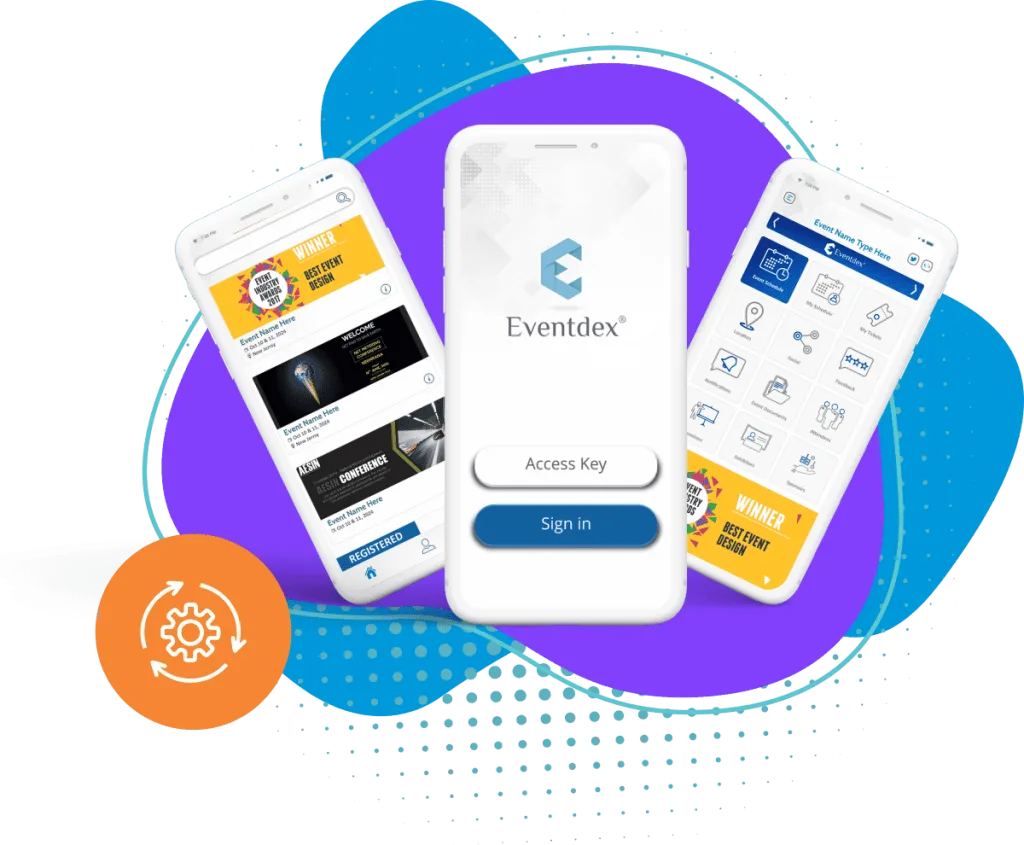
The Eventdex platform
The modules of the Eventdex event management system
- Registration and ticketingTicket types, promo codes, registration questions and payments.Learn more about Registration and ticketing
- Event planning toolsFloor plans, registration, agenda and email campaigns in one place.Learn more about Event planning tools
- Event mobile appThe agenda, speakers, exhibitors and notifications in a branded app.Learn more about Event mobile app
- Onsite event managementQR check-in, kiosks and on-demand badge printing.Learn more about Onsite event management
- Hybrid and virtual eventsOne schedule for in-person and online attendees.Learn more about Hybrid and virtual events
- IntegrationsCRM, email, payments, streaming and single sign-on.Learn more about Integrations
“We really appreciated the adaptability of the software to meet our changing needs. For example, we liked being able to create promo codes to offer reduced rates to conference attendees with special circumstances.”
 University at Buffalo
 Eversource Energy
 Georgia Tech
 Influence Communications
FAQ
Event Management System: common questions
What is an event management system?
It is a connected set of tools, usually one software platform, for planning, running and measuring events: registration, the program, communication, onsite check-in, engagement and reporting, sharing one set of attendee data.
Is an event management system the same as event management software?
In everyday use, yes. "System" tends to stress the connected modules and the data they share, while "software" refers to the product you buy.
Which modules do I need?
Registration and ticketing for nearly every event. After that it depends: an app for conferences, check-in and badges for in-person events, floor plans for trade shows, virtual sessions for online events.
Is one system better than several tools?
One system avoids re-typing data and mismatched lists, which saves time on large or repeated events. Several tools can work for a single small event, if someone is willing to connect them by hand.
How long does implementation take?
It varies with the number of modules and integrations. Plan enough time to build and test one whole event, and train staff before the day, and avoid switching in the weeks before a major event.
What happens to our data if we change systems?
Ask before you sign. A good system lets you export attendees, orders and leads in a standard file, so your history leaves with you.
See the Eventdex event management system in action
Start with a free interactive floor plan, or talk to an event specialist on +1 (866) 434-5088.