



How to Host a Webinar
How do you host a webinar, step by step?
To host a webinar, pick one goal and one topic, choose a format, pick a platform, open registration, rehearse, run the session and follow up. That is the whole job. The rest of this guide gives you each step, a timeline, a format table and a checklist for the day.
New to the term? Start with what a webinar is. Need promotion help? See webinar marketing. Want topics? See webinar ideas.
Updated by the Eventdex team


4.7/5 from 39 reviews on each
The eight steps
Work through these in order. Each one takes an hour or two for a first webinar, and less once you have a routine.
Set one goal
Decide what the webinar must achieve: leads, sign-ups, product understanding or customer training. One goal shapes every later choice. Write it as a number you can check, using your own target.
Choose a topic your audience cares about
Pick a problem your audience has now. A narrow topic beats a broad one. Name the title after the result, such as how to fix X, not after your company.
Webinar ideas by goalPick a format and a length
A talk, an interview, a panel or a demo. Use the format table below. Plan the session so the speaking part leaves room for questions.
Choose a platform
Use the criteria in the next section. Test it before you invite anyone.
Open registration and promote
Build one registration page and send people to it. Plan reminder emails from the start.
Webinar marketing guidePrepare slides and a run of show
Keep slides sparse. Write down who says what, and when. Assign a host, a speaker and someone to watch the chat.
Webinar run of show templateRehearse once, end to end
Run the full session with the same people, devices and platform. Check sound, screen sharing and timing.
Run it, then follow up
Go live, answer questions, then send a thank-you and the recording while the topic is fresh.
A timeline for planning a webinar
Four weeks is a comfortable runway for a first webinar. Shorten it if your audience is small and well known to you. The dates below count back from the live session.
| When | What to do | Who |
|---|---|---|
| 4 weeks out | Set the goal, topic, format and date. Pick the platform. | Organizer |
| 3 weeks out | Build the registration page. Send the first invitation. | Organizer, marketer |
| 2 weeks out | Draft slides and the run of show. Confirm speakers. | Speaker, host |
| 1 week out | Send the second invitation. Rehearse once. | Everyone |
| 1 day out | Send a reminder. Check the link, audio and slides. | Host |
| Day of | Open the room early. Run the session. | Host, speaker |
| 1 to 2 days after | Send the thank-you, recording and survey. | Organizer |
Webinar formats and how long they should be
There is no single right length. Many webinars run between thirty minutes and an hour, including questions. Choose the shortest time that answers the promise in your title, and say the length on the registration page.
| Format | How it works | Best for |
|---|---|---|
| Presentation | One speaker with slides, then questions | Teaching one clear topic |
| Interview | A host asks one guest questions | Expert views, a personal feel |
| Panel | A moderator and two or three guests | Debate and many viewpoints |
| Demo | A live walk through a tool or process | Product education |
| Workshop | Short teaching, then exercises | Skills and hands-on learning |
How to choose a webinar platform
Many tools can host a webinar, and some are free for small groups. Free plans often limit audience size or session length, so check the limits before you commit. Judge any platform against your needs, not a feature list.
Audience size
Will it handle the largest group you might get, not the average?
Registration and reminders
Can it collect sign-ups and send reminders, or will you use another tool for that?
Interaction
Does it support chat, Q&A and polls, and can a helper moderate them?
Recording
Can you record and share the session afterwards?
Joining
Can attendees join from a link on a phone or laptop without installing much?
Reports
Can you see who registered, who joined and how long they stayed?
Day-of checklist
Print this list or keep it open beside the platform. The first four items remove most live problems.
Open the room early
Be inside at least fifteen minutes before the start. Test audio, camera and screen share.
Use a wired connection if you can
A cable is steadier than Wi-Fi. Close other apps and mute notifications.
Have a backup
Keep a second device, a phone number for the speaker and a copy of the slides ready.
Assign roles
One person speaks, one hosts, one watches chat and questions.
Start on time and state the rules
Say how long it runs, how to ask questions and whether you are recording.
Collect questions as you go
Save a few minutes at the end. Answer what you cannot reach by email afterwards.
Close with one clear next step
A single link or action. Many asks mean few responses.
Webinar best practices that make a difference
These habits separate a smooth webinar from a stressful one.
Open with the answer you promised
Tell people in the first minute what they will know by the end.
Keep slides light
One idea per slide. Put detail in a handout.
Invite interaction early
Ask a simple question in the first five minutes so people know they can type.
Speak to one person
Imagine a single colleague on the other side of the screen.
Follow up within two days
Send the recording, the slides and a short survey while memories are fresh.
Webinar survey questions
Where Eventdex fits
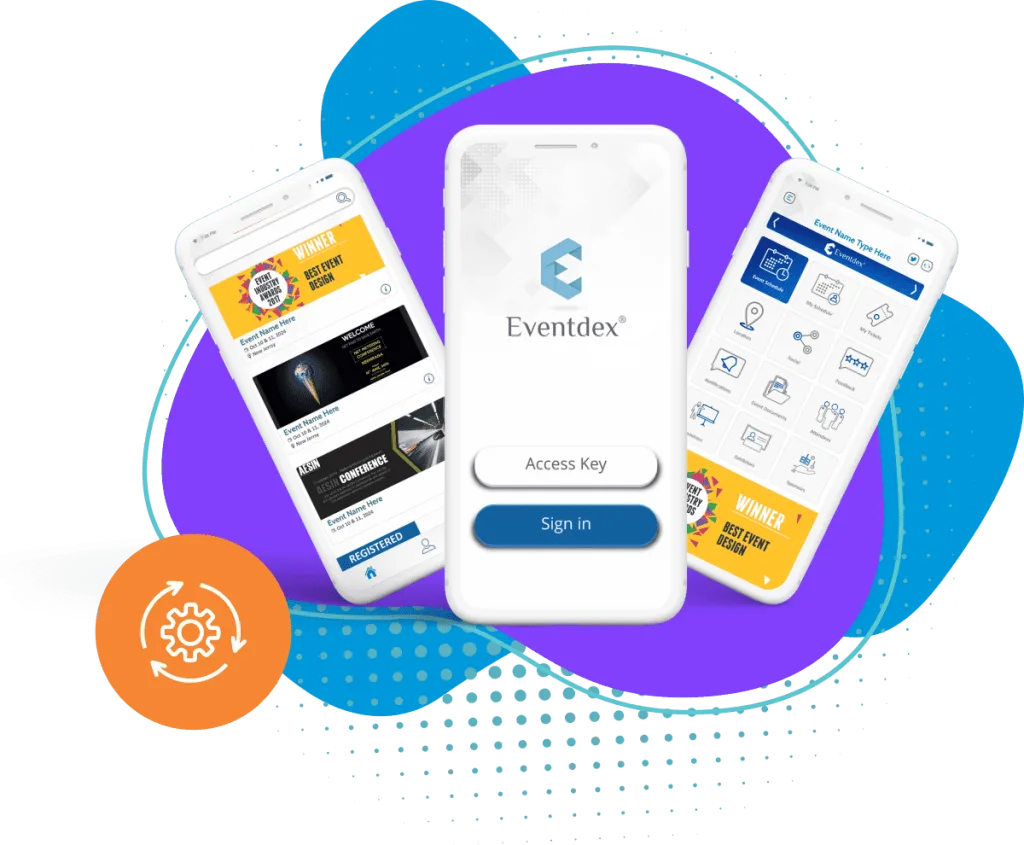
Eventdex's pages describe a virtual meeting app that can run workshops, panel discussions and webinars, with live streaming, audio, video, chat, Q&A and recording. Eventdex's pages do not describe a webinar-only tool or give audience limits for webinars, so ask the team about your case.
For a multi-session online event, see how to host a virtual event.
A larger online event
Use the wider process if you run a series or a conference.
How to host a virtual event
The Eventdex platform
Tools that support online sessions
- Virtual meeting appHow Eventdex describes live sessions, chat, Q&A and recording.Learn more about Virtual meeting app
- Virtual event managementServices for running online events from start to finish.Learn more about Virtual event management
- Registration and ticketingRegistration pages with free, paid or donation-based tickets.Learn more about Registration and ticketing
- Event analyticsReports to judge what worked.Learn more about Event analytics
“It's easy to use and interfaces very well with our needs. The scheduling function is awesome. It allows our companies and partners to schedule their meetings with no assistance thus reducing time and resources. In addition, if there are any snags in scheduling, the Eventdex staff takes care of your needs immediately.”
 University at Buffalo
 Eversource Energy
 Georgia Tech
 Influence Communications
FAQ
How to Host a Webinar: common questions
How do I host a webinar for the first time?
Set one goal, pick a narrow topic, choose a format, test a platform, open registration, rehearse once and run the session. Then follow up within two days. Keep the first one short and simple.
How long should a webinar be?
Many run thirty to sixty minutes, including questions. Make it as short as the promise in the title allows, and state the length on the registration page.
Can I host a webinar for free?
Some platforms offer free plans for small groups. These often limit audience size or session length, so check the limits first. Your time, a good topic and promotion are the real costs.
How far ahead should I plan a webinar?
Four weeks is comfortable for a first one. A small, known audience can work with less. Keep at least a week for promotion and reminders.
How many people do I need to run one?
Three roles are enough: a speaker, a host and someone watching the chat. One person can hold two roles in a small session, but not all three.
Does Eventdex offer a webinar tool?
Eventdex's pages describe a virtual meeting app that can run webinars, with live streaming, chat, Q&A and recording. Eventdex's pages do not describe a webinar-only product.
See how Eventdex handles virtual sessions
Start with a free interactive floor plan, or talk to an event specialist on +1 (866) 434-5088.