



Survey After Webinar
What should you ask in a survey after a webinar?
A webinar ends and the audience is gone in a click. The survey that follows is often your only structured look at what they thought, so it has to be short, sent quickly and built around decisions you will actually make.
This guide gives you a core set of questions you can copy, extra questions by goal, advice on when to send and how long to keep the survey, and a way to read the answers. It applies to webinars and to virtual events with several sessions. For in-person and multi-day events, see the event survey questions and post-event survey guides.
Updated by the Eventdex team


4.7/5 from 39 reviews on each
Start with the decision the survey feeds
Every question should lead to a change you are prepared to make. If you would not change the topic, the length, the speaker or the follow-up based on an answer, drop the question.
Most webinar surveys serve one of three goals. Pick the main one before you write anything.
Improve the next webinar
Ask about topic, length, speaker, format and technical quality. The reader is your content team.
Qualify follow-up
Ask about the attendee's interest and timing so the right people get a call or a resource. The reader is sales or customer success.
Plan a series
Ask which topics, days and times they want next. The reader is whoever owns the content calendar.
The core questions, ready to copy
These six questions fit nearly any webinar and take about two minutes. Use the rating scale your organization already uses, such as 1 to 5, so results compare over time.
Core survey after a webinar
1. Overall, how would you rate this webinar? (1 = poor, 5 = excellent)
2. How relevant was the topic to your work? (1 = not at all, 5 = very)
3. How would you rate the speaker(s)? (1 = poor, 5 = excellent)
4. How was the length? (Too short / About right / Too long)
5. Did you have any problems with audio, video or the platform? (No / Yes - please describe)
6. What is one thing we should change or add next time? (open text)
Add questions by goal
Choose two to four from the table. Keep the whole survey under ten questions, and make only the first two required.
| Goal | Question | Answer type |
|---|---|---|
| Content | Which part was most useful? | Open text |
| Content | Was anything missing that you expected? | Open text |
| Format | Did you use the live chat or Q&A? | Yes / No |
| Format | Would you prefer live sessions or recordings in future? | Live / Recording / Either |
| Next steps | Would you like someone to follow up with you? | Yes / No |
| Next steps | What are you planning to do after this webinar? | Multiple choice |
| Series | Which topics should we cover next? | Multiple choice, with Other |
| Series | Which days and times suit you best? | Multiple choice |
| Referral | How likely are you to recommend this webinar to a colleague? (0 to 10) | Scale |
Questions for virtual event attendees
A virtual event has several sessions, an exhibit area and networking, so a single rating hides where it worked. Ask a short survey after each session and one overall survey at the end.
For the overall survey, add questions that only matter online.
Access
Was it easy to join and find sessions? Did anything stop you from attending live?
Attention
Which sessions did you watch live, and which on demand? Was there too much overlapping at once?
Connection
Did you meet or message anyone you wanted to talk to? What would have helped?
Value for sponsors
Did you visit any sponsor or exhibitor spaces? Which and why?
When to send it and how long to keep it open
Send the survey while the webinar is still fresh. A link on the last slide, the same link in the thank-you email and a reminder to people who did not respond covers most of the ground.
| When | What to do |
|---|---|
| In the last five minutes | Show the link on the final slide and say it aloud. Tell people how long it takes. |
| Within the hour after | Send the thank-you email with the survey link and the recording, if there is one. |
| The next day | Send one reminder to registrants who have not answered. |
| After about a week | Close the survey and start reading the results. |
How to read the results
Read the ratings first, then the open text. Ratings tell you where to look and comments tell you why.
Split by group
Compare registrants who attended live, those who watched the recording and those who did not attend. Different groups often want different things.
Look for the lowest question
If relevance is low and speaker rating is high, you chose the wrong topic. If speaker is low and relevance is high, change the presenter.
Group open comments
Sort comments into a few themes, such as length, technical issues, content and format, and count how often each appears.
Close the loop
Pick the top two changes, tell attendees what you are changing and apply it to the next webinar.
Treat small numbers with care
A handful of responses is a hint, not a result. Do not report percentages from very few answers.
What Eventdex covers, and what it does not
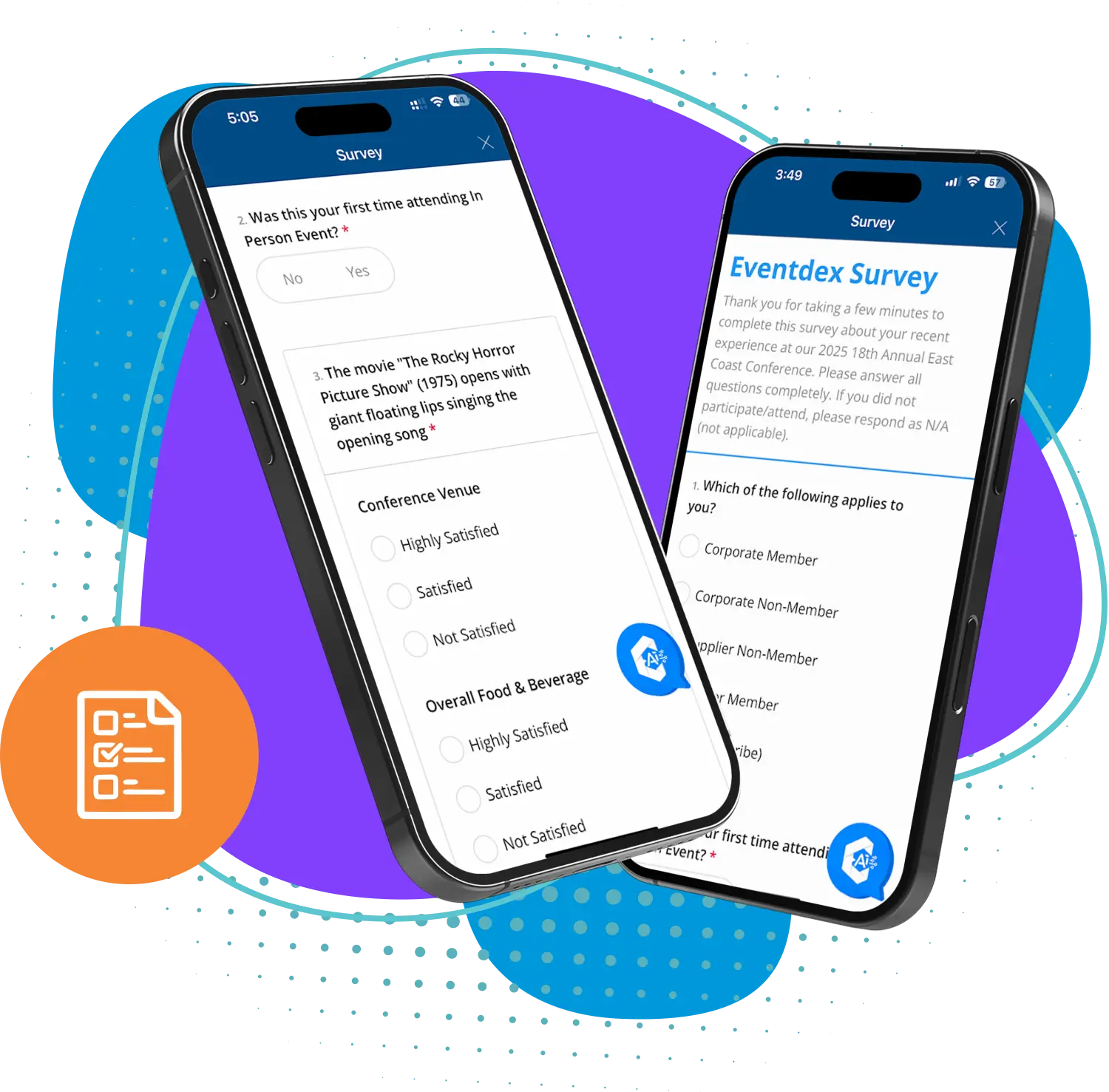
Eventdex describes its survey tool as part of its mobile event app. Surveys can be targeted at sessions, speakers or time blocks, use star ratings, multiple choice, open text or sliding scales, allow anonymous or named answers and show results in a dashboard by session, speaker or theme.
Eventdex's pages do not describe a stand-alone webinar product or a webinar survey that is emailed to registrants. If your webinar runs on another tool, use that tool's survey or a form, and keep the questions above. If you run a virtual or hybrid event on Eventdex, ask in a demo how session surveys are delivered to virtual attendees.
Virtual meeting app
Live stream, chat and Q&A for virtual workshops, panels and webinars.
Virtual meeting app
The Eventdex platform
Collect feedback at virtual and hybrid events
- Event surveysCustomizable surveys targeted by session, speaker or time block.Learn more about Event surveys
- Virtual meeting appLive sessions with chat and Q&A for virtual attendees.Learn more about Virtual meeting app
- Live Q&AQuestions submitted in real time, with speaker controls.Learn more about Live Q&A
- Virtual conferencesRun multi-session online conferences.Learn more about Virtual conferences
“It's easy to use and interfaces very well with our needs. The scheduling function is awesome. It allows our companies and partners to schedule their meetings with no assistance thus reducing time and resources. In addition, if there are any snags in scheduling, the Eventdex staff takes care of your needs immediately.”
 University at Buffalo
 Eversource Energy
 Georgia Tech
 Influence Communications
FAQ
Survey After Webinar: common questions
How many questions should a survey after a webinar have?
Between five and ten. Six core questions take about two minutes. The shorter the survey, the more people finish it, so cut any question you would not act on.
When should I send a survey after a webinar?
Show the link at the end of the webinar and email it the same day, while the content is fresh. Send one reminder the next day and close the survey after about a week.
Should I survey people who registered but did not attend?
Yes, with a different, shorter survey. Ask why they could not attend and whether they want the recording. Their answers often explain timing and reminder problems.
Should I offer an incentive for answering?
It can help, but it also draws answers from people who did not watch. If you offer one, such as the slides or a related resource, say it is for completing the survey and keep the survey short.
How do I survey virtual event attendees?
Ask a short survey after each session and one overall survey at the end. Include questions about access, attention, networking and sponsor spaces, which in-person surveys do not need.
Can Eventdex send a survey after a webinar?
Eventdex's pages describe in-app surveys for events, targeted by session, speaker or time block. They do not describe a webinar-only product or an emailed webinar survey, so ask in a demo how it works for your format.
Collect session feedback with Eventdex
Start with a free interactive floor plan, or talk to an event specialist on +1 (866) 434-5088.