



What Is a Webinar?
What is a webinar, and how does it work?
A webinar is a live presentation, lecture, workshop or discussion held online. The word joins "web" and "seminar". One or more presenters speak, share slides or their screen and answer questions, while the audience watches from their own computer or phone and takes part through chat, Q&A and polls.
Organizations run webinars to teach, to show a product, to train customers and staff, and to give members education they would otherwise travel for. Most are free to join, need only a registration, and are recorded so people who missed the live session can watch later. This guide explains how a webinar works, the formats to choose from, and how to host one step by step.
Updated by the Eventdex team



4.7/5 from 39 reviews on each
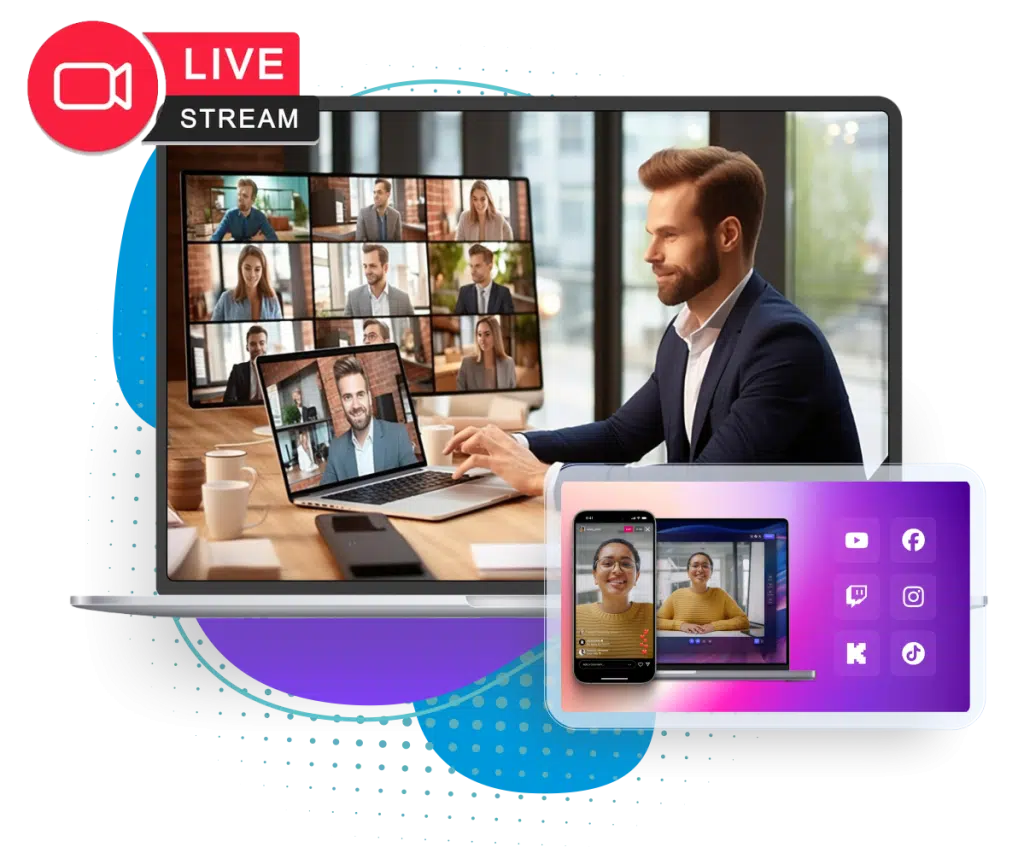
How a webinar works
A webinar runs one to many: a small group of presenters talks to a larger audience. Attendees usually cannot speak or turn on their camera unless the host invites them, which keeps a session with hundreds of people orderly. Interaction runs through text instead.
Registration
People sign up on a registration page with their name and email, and sometimes a few questions. They receive a confirmation and a link to join.
The live session
Presenters share slides, a screen or a product demo. A host opens the session, introduces speakers and keeps time.
Interaction
Attendees ask questions in a Q&A panel, answer live polls and chat. A moderator picks the best questions for the presenter.
Recording and follow-up
The session is recorded and sent to everyone who registered, along with slides, links and a short survey.
Webinar vs. video meeting, seminar and virtual event
People use these words loosely. The difference is mostly in who talks and how many sessions there are:
| Format | Who talks | Shape | Typical use |
|---|---|---|---|
| Webinar | Presenters; the audience uses Q&A and polls | One session, one to many | Education, product demos, lead generation |
| Video meeting | Everyone, cameras on | Small group, many to many | Team meetings, sales calls, interviews |
| Seminar | A speaker or panel, with discussion | In a room, small to medium group | Training, academic and professional talks |
| Virtual event | Many speakers, plus attendee networking | Many sessions, booths and meetings | Virtual conferences, trade shows, summits |
Types of webinars
Pick the format that suits the goal and the speakers you have:
Educational
A subject expert teaches a topic. The value is the knowledge, so keep selling to a short mention at the end.
Product demo
A live walk-through of a product, followed by questions. Works best when the audience already knows the problem it solves.
Panel discussion
Three or four speakers and a moderator discuss one question. Brief the panel beforehand so they do not repeat each other.
Interview or fireside chat
A host interviews one guest. Easy to prepare and often more natural than a slide presentation.
Training and onboarding
Teaches customers or staff to use a product or follow a process, often as a series with a recording library.
Member and continuing education
Associations and professional bodies run sessions for members, sometimes as part of a paid program.
How to host a webinar, step by step
Plan four to six weeks for a first webinar. A regular series can run on a shorter cycle once the routine is set.
Set one goal and one audience
Decide what the webinar should achieve (signups, product trials, member renewals, training completed) and exactly who it is for.
Choose a topic and format
Pick a question your audience is already asking, and a format your speakers can deliver well. Write a working title that promises a specific outcome.
Pick a date and time
Avoid holidays and clashes with big industry events. If the audience spans time zones, choose a slot that works for most, and promise the recording to the rest.
Set up registration
Build a registration page with the title, date, time zone, speakers and what attendees will learn. Ask only the questions you will use.
Promote it
Email your list, post on social media, ask speakers and partners to share, and send reminders a week, a day and an hour before.
Rehearse
Run a full technical rehearsal with every speaker: audio, camera, screen sharing, slides, polls and the hand-over between speakers.
Run it live
Start on time, give a short welcome and housekeeping, keep the main content tight and leave real time for questions. A separate moderator should watch the Q&A and chat.
Follow up
Send the recording and slides to everyone who registered, a short survey to those who attended, and a next step that matches your goal.
A webinar run sheet you can copy
Share a run sheet with presenters and the moderator, so everyone knows who does what and when. Adjust the minutes to your session length.
Webinar run sheet (60 minutes)
WEBINAR RUN SHEET
Title: [Webinar title]
Date and time: [Date], [Start time] [Time zone]
Host: [Name]  |  Moderator: [Name]  |  Tech support: [Name]
Speakers: [Names]

T-60 min  Speakers and moderator join the backstage link. Check audio, camera, lighting and screen sharing.
T-30 min  Load slides, polls and links. Test the recording. Put phones on silent.
T-5 min   Open the waiting room. Show a holding slide with the title and start time.

0:00  Host welcome: who we are, what attendees will learn, how to ask questions. Start the recording.
0:03  Poll 1: [A question about the audience, such as role or experience level].
0:05  Speaker 1: [Topic]. Moderator collects questions in the Q&A panel.
0:20  Speaker 2 or demo: [Topic].
0:35  Poll 2: [A question that leads into the Q&A].
0:38  Q&A, read out by the moderator. Top questions first.
0:55  Host wrap-up: one key takeaway, the next step [link], and when the recording will arrive.
1:00  End the session. Stop the recording.

AFTER THE WEBINAR
Same day:   Send the recording and slides to all registrants.
Next day:   Send the attendee survey. Answer any questions left open.
This week:  Share leads or attendance with the sales or membership team.
Hosting webinars on Eventdex
For a single talk with no registration fee and no follow-up, a video meeting tool may be all you need. Eventdex fits when the webinar is a series, is paid, or is part of a larger virtual or hybrid event with sponsors and networking.
Workshops, panels and webinars online
Run sessions in the virtual meeting app, with screen sharing and recording, and assign seminars to attendees or let them choose.
Virtual event platformRegistration and ticketing
Free, paid or donation tickets on a branded registration page, with registration questions and confirmation emails.
Event registration softwareLive streaming
Stream sessions through the StreamYard, Restream, Zoom and Mux integrations, including to social platforms.
IntegrationsQ&A and polls
Session questions with upvoting, anonymous posts and moderation, plus live polls during the session.
Live Q&A widgetSurveys afterwards
Collect feedback after each session and use it to plan the next one.
Event survey software
The Eventdex platform
Run webinars and online sessions on Eventdex
- Virtual sessionsWorkshops, panel discussions and webinars, with recording and screen sharing.Learn more about Virtual sessions
- Registration and ticketingFree, paid and donation tickets with registration questions.Learn more about Registration and ticketing
- Live Q&A and pollsModerated questions, upvoting and polls for every session.Learn more about Live Q&A and polls
- Surveys and feedbackPost-session surveys to see what worked.Learn more about Surveys and feedback
- Streaming and CRM integrationsStreaming tools, Salesforce, Mailchimp and Zapier.Learn more about Streaming and CRM integrations
“Eventdex helped me run a smooth registration process during my event and helped me deliver an excellent mobile application to my event's attendees. Their support team was brilliant and I really enjoyed incorporating the Eventdex solutions into my events.”
 University at Buffalo
 Eversource Energy
 Georgia Tech
 Influence Communications
FAQ
What Is a Webinar?: common questions
What does webinar stand for?
Webinar is a blend of "web" and "seminar": a seminar held over the internet, with a presenter speaking to an online audience.
Is a webinar live or recorded?
A webinar is usually live, so attendees can ask questions while it runs. It is almost always recorded too, and the recording is sent to registrants or offered on demand.
How long should a webinar be?
Long enough to cover one topic well and leave time for questions. Many hosts plan 45 to 60 minutes, with the main content in the first two thirds.
Do you have to pay to attend a webinar?
Most webinars are free and only ask you to register. Training, certification and member education webinars are sometimes paid.
What is the difference between a webinar and a video meeting?
In a video meeting everyone can talk and share video. In a webinar the presenters talk and the audience takes part through Q&A, chat and polls, which suits larger groups.
What do you need to host a webinar?
A topic and speakers, a webinar or virtual event platform, a registration page, a good microphone and stable internet, a moderator for questions, and a plan for sending the recording afterwards.
Host your next webinar series on Eventdex
Start with a free interactive floor plan, or talk to an event specialist on +1 (866) 434-5088.