



Business Card Scanner for Events
How do you choose a business card scanner app for an event?
Searches for the best business card scanner app mostly lead to general lists written for people who collect cards at the odd meeting. Event use is different. You may collect fifty cards in a day, in a loud hall, with weak signal and no time to type, and every card is a possible sale. The scanner you want is the one that gets a clean contact into your follow-up list that same day.
This guide sets out what to check before you choose, compares the three ways of capturing a card at an event, gives you a scoring checklist you can copy and explains where a badge scan does the job better than a card scan. It also says plainly what Eventdex's business card scanner covers, and what its pages do not describe.
Updated by the Eventdex team



4.7/5 from 39 reviews on each
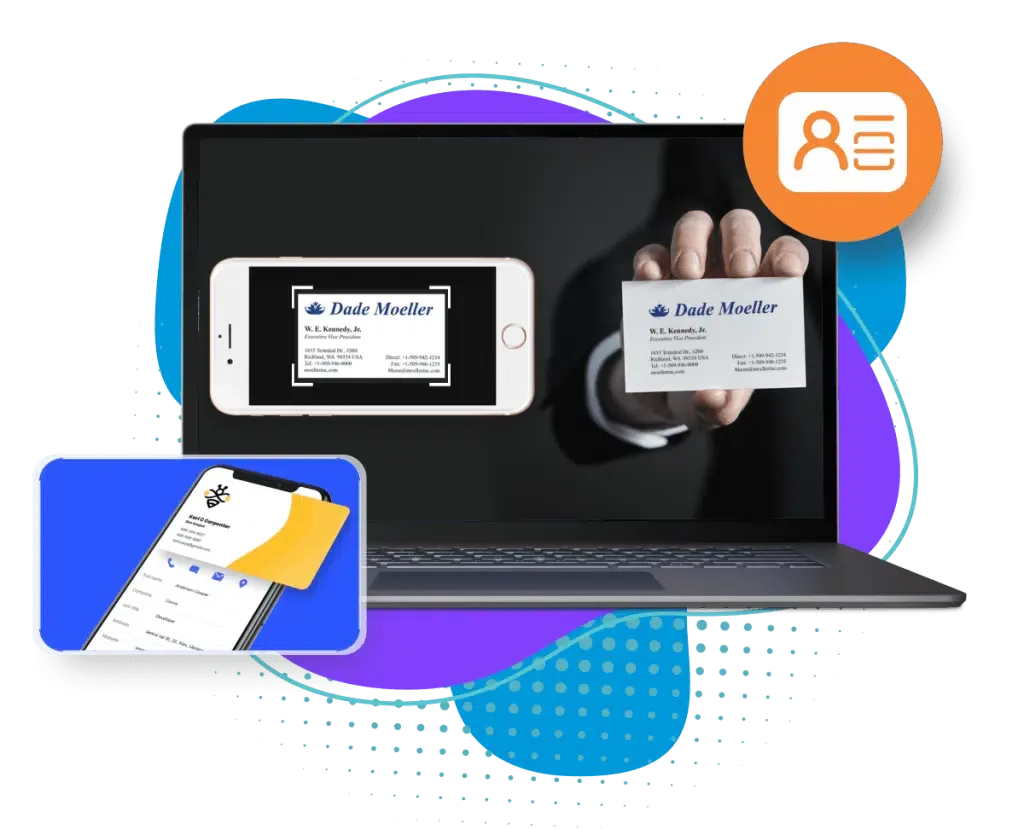
What an event needs that a general scanner app does not
A business card app built for an office desk assumes calm light, one card at a time and a person who will tidy the contact later. A trade show, conference or networking evening breaks each of those assumptions, so judge a scanner on how it behaves in the conditions you will actually be in.
Start from the follow-up, not the scan. A card that is captured but never reaches your CRM, or never gets a note about what the person wanted, is a card you have effectively lost.
Speed at the booth
Time one scan from picking up the phone to a saved contact. If it takes more than a few seconds, the queue at your booth will tell you.
A way to add a note
The most useful detail about a lead is what they asked for. A scanner with a notes field lets you write it while the conversation is fresh.
A route into your CRM
Look for CRM integration or a clean export. Retyping contacts after the show is where most cards get dropped.
Eventdex business card scannerEvery device your team uses
Check that it runs on both iOS and Android, because booth teams rarely all carry the same phone.
Safe handling of contact data
You are holding other people's details. Check where the scanned data is stored and who can see it.
Three ways to capture a contact at an event
A business card scan is one of three routes. Which is best depends on whether the other person has a card, a badge or neither.
| Method | What you scan or type | Best when | Watch out for |
|---|---|---|---|
| Business card scan | The printed card, read with the phone camera | At a networking event or a booth visit where the person hands you a card | Not everyone carries cards; cards give you no information about what the person did at the event |
| Badge scan | The QR code or barcode on the attendee badge | At a trade show where every visitor wears a badge | Only works for registered attendees; the data is what they gave at registration |
| Manual entry | Typing name, email and company into a form | A fallback when there is no card or badge | Slow, and typing errors lose leads |
What to check before you pick one
Work through these questions for every scanner you shortlist. Most vendor pages answer the first few and go quiet on the rest, so ask for the answer in writing or test it yourself.
Does it capture the fields you need?
Name, company, title, email and phone at a minimum. Check what happens when a card is two-sided or in another language.
What happens with a poor read?
Scan a creased card, a glossy card and a card with a dark background. A good scanner lets you correct a field in a second.
Does it work without signal?
Exhibition halls are often poor for connectivity. Ask whether scans are held on the device and sent later.
Eventdex lead retrieval offline modeCan you categorize and tag leads?
Hot, warm or cold, or a product of interest, turns a stack of contacts into a ranked follow-up list.
Where does the data go?
Check for a CRM link, a CSV export and sync with your email contacts and address book.
Who owns the data, and how is it stored?
Read the privacy terms. If you scan on behalf of a company, the data should sit in a company account, not on one person's phone.
What Eventdex's business card scanner covers
Eventdex's business card scanner is described on its own page as a tool for exhibitors at trade shows. It is part of the lead capture tools in its event platform rather than a stand-alone app for general use. The table sets out what the pages state and where they are silent.
| Question | What the Eventdex pages say |
|---|---|
| How is a card captured? | Real-time scanning: point the device at a card to digitize it on the spot |
| Which devices? | iOS and Android; Eventdex offers lead capture as both a mobile app and a website version |
| Where do contacts go? | Direct transfer into a CRM; sync with email clients, CRM systems and address books |
| Can you organize them? | Categorization and note-taking on each contact |
| How is data stored? | Secure cloud storage is mentioned |
| Offline use? | The lead retrieval app page says scanning works offline and syncs when the network returns |
| Accuracy rate, supported languages, price, or use outside an event? | Not described on Eventdex's pages; ask for a demo |
A scoring checklist to copy
Use this to compare two or three scanners on the same footing. Test each one with the same ten cards, on a phone, standing up, the way you will use it.
Business card scanner scorecard
Scanner name:
Tested by:
Date:

Score each line 0 (fails), 1 (works with effort) or 2 (works well).

SCANNING
[ ] Time from opening the app to a saved contact (aim for a few seconds)
[ ] Reads a plain card correctly
[ ] Reads a glossy or dark-background card
[ ] Reads a two-sided or non-English card
[ ] Lets me correct a field quickly

EVENT USE
[ ] Works with no signal, then syncs
[ ] Works on iOS and Android
[ ] I can add a note while the person is still there
[ ] I can tag or grade the lead (hot, warm, cold)
[ ] Several team members can scan into one account

AFTER THE EVENT
[ ] Exports to CSV or links to our CRM
[ ] Syncs with email or address book
[ ] I can see who scanned what, and when

DATA
[ ] Stored in a company account, not on one phone
[ ] Privacy terms read and acceptable

Total: ____ / 28
Decision:
What to do with the cards after the event
The scan is the easy part. A contact that waits a week for a message has already cooled, so plan the follow-up before you arrive.
Send within a day or two
Use the note you wrote at the booth to open the message. Refer to what the person asked about.
Event follow-up email guideSort before you send
Split the contacts by interest level and write a different first message for each group.
Clean the list
Check for duplicates and for fields the scanner misread before you load anything into your CRM or email tool.
Measure the show
Count the contacts you captured against the cost of the booth. The trade show ROI guide shows how to set that up.
Trade show ROI guide
The Eventdex platform
Capture contacts at the booth and keep them
- Business card scanner appReal-time scanning on iOS and Android, with CRM integration and notes.Learn more about Business card scanner app
- Lead retrieval appScan badges and business cards, score leads, work offline and export to your CRM.Learn more about Lead retrieval app
- Lead capture appCustom forms, lead scoring and grading, and real-time syncing.Learn more about Lead capture app
- Badge scanner appScan QR codes and barcodes on event badges.Learn more about Badge scanner app
“Eventdex helped me run a smooth registration process during my event and helped me deliver an excellent mobile application to my event's attendees. Their support team was brilliant and I really enjoyed incorporating the Eventdex solutions into my events.”
 University at Buffalo
 Eversource Energy
 Georgia Tech
 Influence Communications
FAQ
Business Card Scanner for Events: common questions
What is the best business card scanner app for events?
It is the one that fits how you will use it: quick to scan, usable without signal, available on your team's phones and able to send contacts to your CRM. Test each candidate with the same set of cards and use the scorecard above. Eventdex's scanner is built for exhibitors at events, so it suits that use better than a general contacts app.
Should I scan business cards or attendee badges?
At a trade show where visitors wear badges, a badge scan is usually faster and carries what they gave at registration. A card scan is better at a networking event, or when someone who is not registered hands you a card. Eventdex's lead retrieval app describes scanning QR codes on both name badges and business cards.
Do business card scanners work without internet?
Some do and some do not, so check before the show. Eventdex's lead retrieval app page says exhibitors can collect leads without internet access and that the data syncs once the connection returns. Its business card scanner page does not describe offline use separately, so confirm this in a demo.
How accurate is the Eventdex business card scanner?
Eventdex's pages call the scanning precise and say automation reduces data-entry errors, but they give no accuracy rate and no list of supported languages or card layouts. Do not rely on a number you have not seen. Scan your own sample cards in a demo and count the corrections.
Is the Eventdex business card scanner free?
Eventdex's pages do not give a price for it. Contact the team through the contact page or book a demo to ask what is included.
See the Eventdex business card scanner at work
Start with a free interactive floor plan, or talk to an event specialist on +1 (866) 434-5088.