



Event Badge Scanner Apps
How does a badge scanner app work at an event?
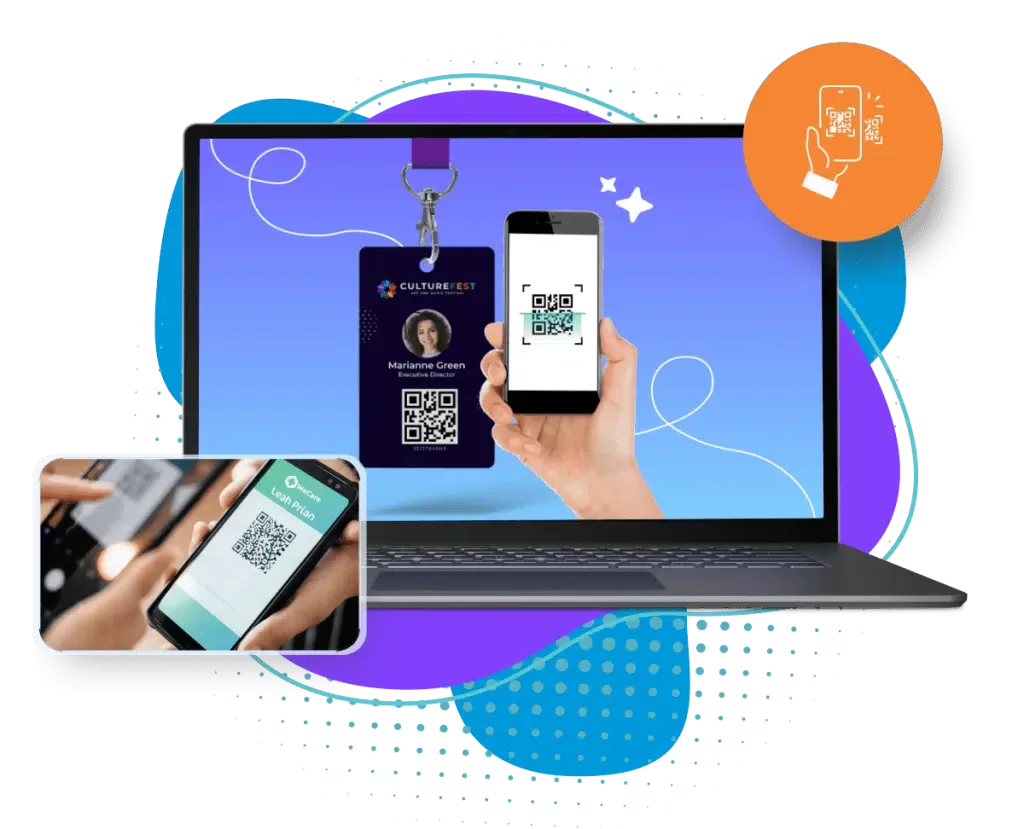
A badge scanner app uses a phone or tablet camera to read the QR code or barcode printed on an attendee's badge, then looks up the person and records the scan. The same scan can check someone in, log a session visit or capture a lead.
This guide explains the three main uses, what to look for in an app and the steps to set one up. Product details come from Eventdex's own pages.
Updated by the Eventdex team



4.7/5 from 39 reviews on each
The short answer
Each badge carries a code that stands for one registered attendee. When the app scans it, the app finds that attendee's record and writes something against it: a check-in, a session attendance or a lead note.
Eventdex's badge scanner page says its app uses the device's camera to read QR codes or barcodes on event badges, and its pages also mention RFID. This is why the badge needs a readable code, which the badge sizes guide covers.
Three common uses of badge scanning
The scanning is the same; what you record against the scan differs.
| Use | Who scans | What it records |
|---|---|---|
| Event check-in | Registration staff | That the attendee has arrived |
| Session or access control | Door staff at a room | Who entered a session or restricted area |
| Lead capture | Exhibitors and sponsors | A contact with notes for follow-up |
What to look for in a badge scanner app
Check these before you choose an app, because they decide how the day runs.
Works on the phones you already have
Eventdex's lead capture page says its app runs on iOS and Android phones and tablets.
Offline scanning
Venue Wi-Fi is often weak. Eventdex's lead retrieval page says leads can be scanned offline and sync when the connection returns.
Reports
You should be able to see who checked in or which sessions were attended. Eventdex's badge scanner page mentions attendance reports.
Lead notes and export
Exhibitors need notes and an export. Eventdex's lead retrieval page mentions notes, lead scoring and a CRM export.
Lead retrieval app for trade showsEasy to teach
Volunteers and exhibitors should learn it in minutes, not hours.
How to set up badge scanning
Plan the scanning before you design the badge.
Decide what you will scan for
Check-in, sessions, leads, or all three.
Put a code on every badge
Print the QR code or barcode large enough to scan easily, and test it with the app.
Event badge designAssign scanners
Give each door or session its own scanning device and a named person.
Test with a sample badge
Scan in good light and in poor light, and on every device model you will use.
Brief the exhibitors
Share short instructions before the event, covering how to scan and how to export.
Lead capture at eventsReview the data afterwards
Export check-in and scan reports while the event is fresh.
Help articles for the Eventdex scan apps
Eventdex's help center has step-by-step articles on the scanning apps.
Scan attendee badges
Steps for scanning an attendee badge with the ScanAttendee app.
Scan a badge with ScanAttendeeAssign sessions to scan users
How to set which session each scan user covers.
Assign sessions to scan usersScan leads at a trade show
How exhibitors scan leads in the Eventdex app.
Scan leads with the Eventdex app
The Eventdex platform
Scanning tools from Eventdex
- Badge scanner appScan badge QR codes and barcodes with a device camera.Learn more about Badge scanner app
- Lead retrieval appCapture trade show leads by scanning badges.Learn more about Lead retrieval app
- Event check-in kioskSelf-service check-in for arriving attendees.Learn more about Event check-in kiosk
“Very smooth... Liked selecting meetings and blocking off time. Amazing! Would use again! ... I met with the people I wanted to meet and appreciated the option to read the profiles and decline meetings if someone would not be a good fit.”
 University at Buffalo
 Eversource Energy
 Georgia Tech
 Influence Communications
FAQ
Event Badge Scanner Apps: common questions
What is a badge scanner app?
It is a phone or tablet app that reads the QR code or barcode on an event badge and records the scan against that attendee, for check-in, session attendance or lead capture.
Can I scan event badges with my phone?
Yes, if the app uses the phone camera to read QR codes. Eventdex's pages describe scanning with the device camera on iOS and Android.
What is the best badge scanner app for a trade show?
The best one for exhibitors captures leads with notes, works offline and exports to a CRM. Compare apps against that list rather than a feature count.
Does badge scanning work without internet?
It depends on the app. Eventdex's lead retrieval page says offline scans sync once the connection returns. Ask any vendor the same question.
Is an event badge scanner a separate device?
Not necessarily. Many events use phones. Eventdex's help center also has an article on connecting an external scanner to its mobile app.
See Eventdex badge scanning in action
Start with a free interactive floor plan, or talk to an event specialist on +1 (866) 434-5088.