

Lead Capture at Events
How do you capture leads at events?
Lead capture at an event means recording who you spoke to, how interested they were and what to do next, while the conversation is still fresh. A stack of business cards does not do that. A short, consistent record for every contact does.
This guide is a step-by-step plan for exhibitors and for organizers who give exhibitors a tool: what to decide before the show, how to capture at the booth, how to follow up and how to choose a lead capture tool for conferences and trade shows.
Updated by the Eventdex team

4.7/5 from 39 reviews on each
The lead capture plan in six steps
Work through these in order. Steps one to three happen before the event, step four at the booth, and steps five and six afterwards.
Decide what a good lead is
Write down the job titles, companies or needs you want. Without that definition every contact looks the same.
Pick three or four qualifying questions
Ask what the person wants, when they might buy and who else decides. Short answers, not essays.
Choose how you will capture
Scan the badge, scan a business card or use a form. Pick one main method and a backup.
Record every conversation
Scan, score, add a note and move on. Capture before the person walks away.
Set the follow-up window
Agree who contacts whom, with what message, within what time. Write it in the team plan before the show.
Review and improve
After the event, check which questions predicted real interest and change them next time.
Qualify as you capture
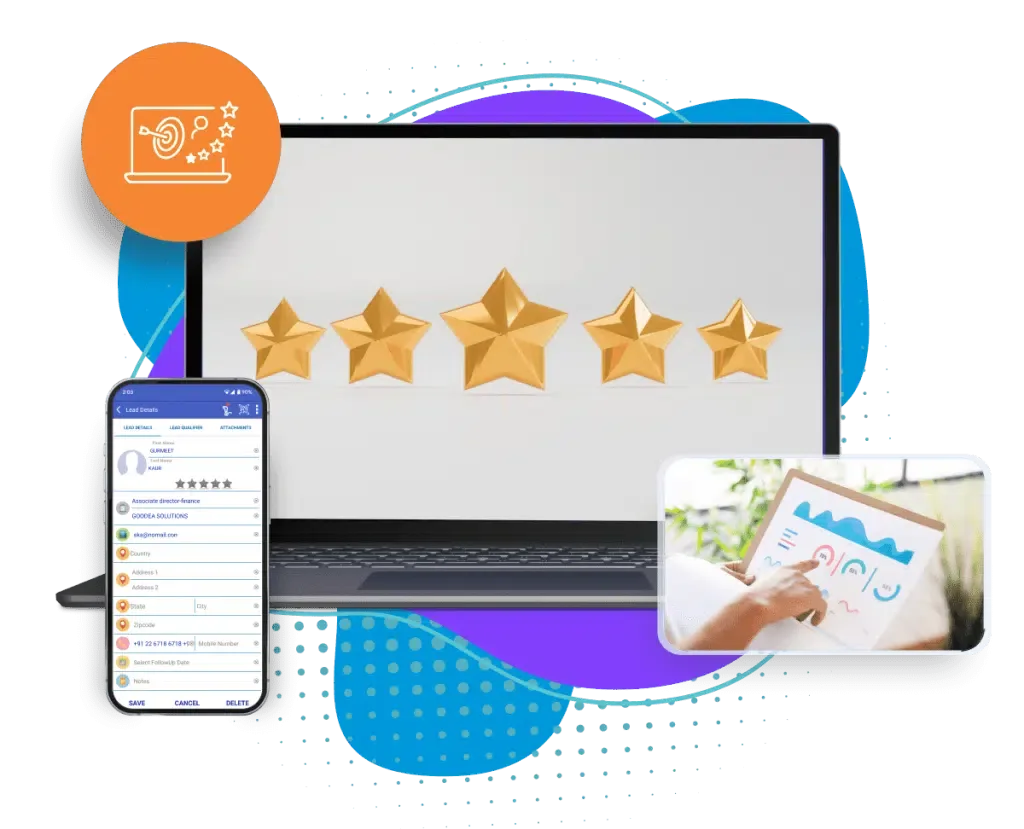
A qualifier is a quick judgement made at the booth. It tells the person doing follow-up which contacts to call first. Eventdex's lead retrieval page describes lead qualifiers and scoring that rank and categorize leads, plus a star rating.
| Question | Why ask it | Example answers |
|---|---|---|
| What are you trying to solve? | Shows a real need | Free text or a short list of topics |
| When are you looking to decide? | Sorts urgent from long-term | This quarter / this year / just exploring |
| What is your role in the decision? | Finds the buyer | Decision maker / influencer / researching |
| What should we send you? | Gives the follow-up a job to do | Pricing / demo / case study |
| Anything else we should know? | Catches the detail you would forget | Short note |
Scan, card or form: which capture method
Each method suits a different booth. If the organizer's attendees have badges with codes, scanning is usually quickest. If they do not, a card scan or a form is the fallback.
Badge scanning with Eventdex
Eventdex's lead retrieval page says exhibitors scan the QR code or barcode on a visitor's badge with the phone camera or an external scanner such as Socket Mobile or Linea Pro.
Lead retrieval app for trade showsBusiness cards
Eventdex also describes scanning business cards to collect leads.
Business card scanner appCustom forms
The lead capture page mentions custom forms for contact details, preferences and feedback.
Lead capture app
| Method | Best when | Watch out for |
|---|---|---|
| Badge scan | Attendees wear badges with a QR code or barcode | Only gives what is in the registration record, so add your own notes |
| Business card scan | The visitor has a card but no scannable badge | Cards give little context, so add a note and a score |
| Form or survey on a tablet | You want specific answers from everyone | Slower, so keep it to a few fields |
| Paper and photo | A backup when devices fail | Needs typing up afterwards, which delays follow-up |
At the booth: a capture routine
Make capture a habit, not a decision. Every team member should follow the same short routine so the data is consistent.
Greet, then scan
Scan early so the data is in before the conversation ends.
Score before they leave
A quick rating while the details are fresh beats a guess on day three.
Write one useful line
"Wants pricing for 200 attendees, asks about August" is more useful than "Interested".
Promise one next step
Say what you will send and when. This is the line you will follow up on.
Check sync at the end of the day
Eventdex says leads captured offline sync with the portal when connectivity returns. Confirm that the count matches the number of conversations.
Follow up inside a stated window
Pick a window your team can actually keep, and write it down: for example, hot leads contacted by a named person within a set number of days, everyone else added to a nurture email. The number is yours to choose. This guide does not claim a figure.
Eventdex's lead retrieval page describes sending materials to captured contacts in a few clicks and exporting the contact list as a CSV file for import into your CRM.
Post-event lead follow-up message
Subject: Good to meet you at [Event]

Hi [First name],

Thanks for stopping by our booth at [Event]. You mentioned [one line from your note], so I have attached [resource].

Would [day/time] suit you for a short call to talk through [their need]?

Best,
[Name]
[Company]   [Phone]
How to choose a lead capture tool
Whether you are an exhibitor choosing for yourself or an organizer choosing for your exhibitors, compare tools on the same questions.
What Eventdex's pages describe
QR code and barcode badge scanning, lead qualifiers and scoring, notes, offline capture with later sync, CSV export for a CRM, reporting and iOS and Android devices. Confirm the details for your event in a demo.
Lead capture software and app
| Question | Why it matters |
|---|---|
| How does it capture: badge, card, form? | Must match what attendees actually carry |
| Can you score and add notes? | Follow-up depends on context |
| Does it work offline? | Exhibit halls often have weak connections |
| How does data leave it? | CSV export or CRM integration |
| Which devices does it run on? | Your team's phones and tablets |
| Who sees the data? | Exhibitor, organizer or both |
| What does it cost, in writing? | Ask for the total for your event |
The Eventdex platform
Lead capture tools
- Lead retrieval appScan badges, score leads, add notes and export contacts at trade shows.Learn more about Lead retrieval app
- Lead capture appCapture leads on iOS and Android, offline or online.Learn more about Lead capture app
- Business card scannerCollect leads from business cards at the booth.Learn more about Business card scanner
- Trade show solutionsRegistration, exhibitors and lead tools for trade shows.Learn more about Trade show solutions
“Eventdex helped me run a smooth registration process during my event and helped me deliver an excellent mobile application to my event's attendees. Their support team was brilliant and I really enjoyed incorporating the Eventdex solutions into my events.”
 University at Buffalo
 Eversource Energy
 Georgia Tech
 Influence Communications
FAQ
Lead Capture at Events: common questions
What is lead capture at events?
It is the process of recording each contact you meet at an event, with their details, a score for their interest and a note on what to do next. It can be done with a badge scanner, a business card scanner, a form or a combination.
How does lead capture for conferences differ from trade shows?
At a conference the contacts are usually sponsors' visitors and session attendees rather than a busy hall of booths, so conversations are fewer and longer. The same steps apply: qualify, capture, note and follow up.
Is scanning badges better than collecting business cards?
Scanning is faster when attendees wear badges with codes. Cards are a good fallback. Either way, add a score and a note, because a name alone does not say who to call first.
How fast should I follow up?
As quickly as your team can reliably manage. Choose a window, write it down and assign names. This guide does not quote a statistic on the best timing.
Does Eventdex lead capture work offline?
Eventdex's pages say exhibitors can collect leads without internet access and that the data syncs with the backend portal when connectivity returns. They do not say how long a device can stay offline, so test your venue.
Can I send leads to my CRM?
Eventdex's lead retrieval page describes exporting the contact list as a CSV file to import into a CRM. Its other pages mention integration with CRMs such as Salesforce. Check the integrations page for your CRM.
Capture more from every event conversation
Start with a free interactive floor plan, or talk to an event specialist on +1 (866) 434-5088.