





Skip to content
Eventdex

Virtual Event Survey Questions

What should you ask in a virtual event survey?

A virtual event has problems an in-person one does not. The video may freeze. The chat may be hard to find. People may drop out because they were alone at a screen. A good survey asks about those things directly.

This guide gives copy-ready virtual event survey questions, grouped by section. It also covers rating scales, when to send, how to get more replies and how to use the answers to measure success. For general question banks, see the event survey and post-event survey guides.

Updated by the Eventdex team

  • Software Advice badge
  • Capterra badge
  • GetApp logo

4.7/5 from 39 reviews on each

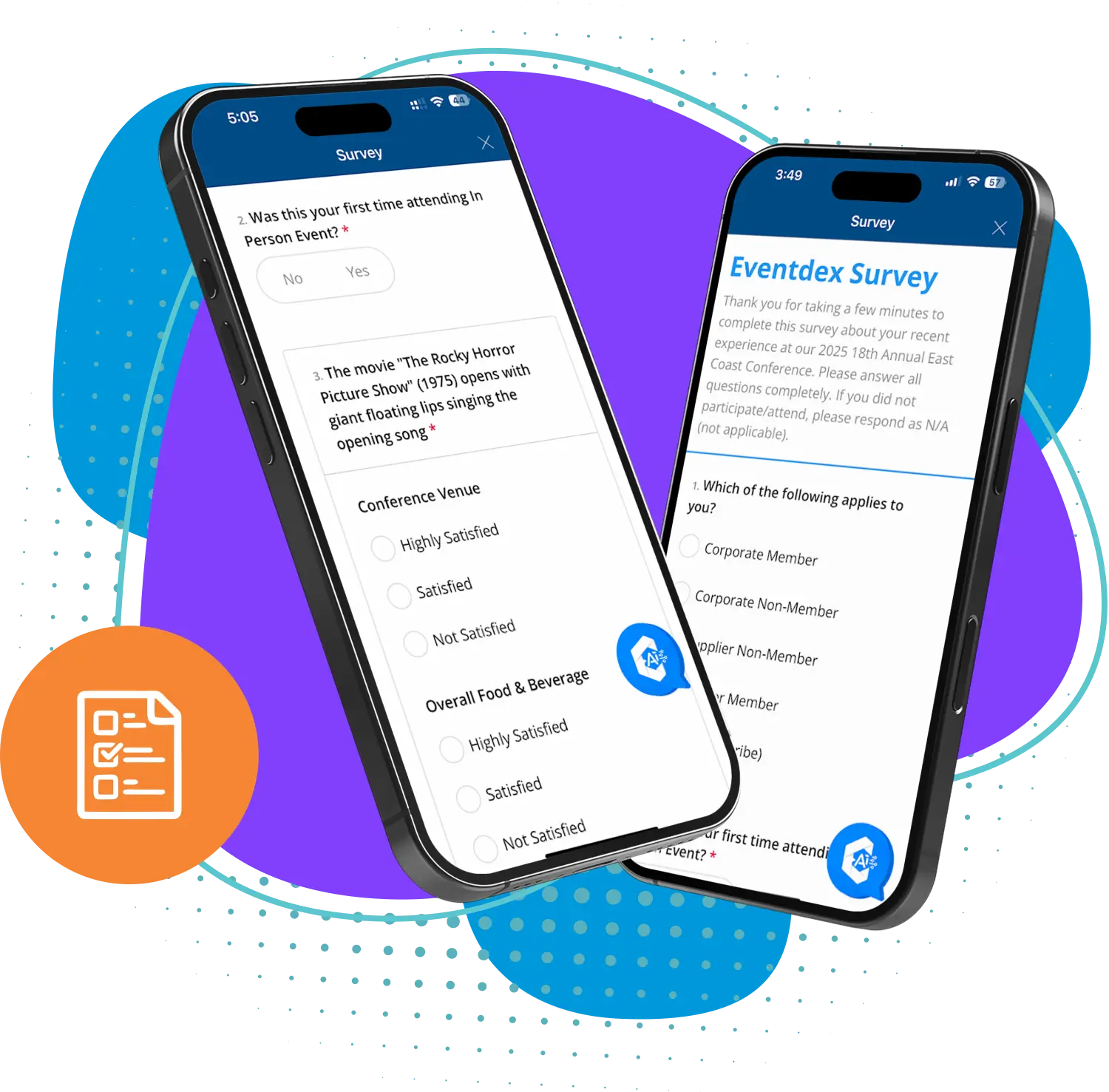
Two phones showing an Eventdex event survey with satisfaction and multiple-choice questions

Design the survey first

Short surveys get more answers. Aim for 8 to 12 questions that take about three minutes. Every question should lead to a decision.

Use the same rating scale throughout. A five-point scale from "Very poor" to "Excellent" is easy to read and easy to compare across events.

  • Put the easy questions first

    Start with one rating, then move to detail. Leave open text for the end, and make it optional.

  • Ask about one thing at a time

    "How was the audio and video?" is two questions. Split it so you know which one to fix.

  • Offer an anonymous option

    People are more candid when they can stay unnamed. Ask for a name only if you plan to follow up.

Questions about the platform and access

These show whether technology got in the way. They are the questions that are unique to virtual events.

Platform and access questions

PLATFORM AND ACCESS
1. How easy was it to join the event? (1 = Very difficult, 5 = Very easy)
2. How would you rate the video quality? (1 = Very poor, 5 = Excellent)
3. How would you rate the audio quality? (1 = Very poor, 5 = Excellent)
4. Did you have any technical problems? (Yes / No)
5. If yes, what happened? (Open text)
6. Which device did you mainly use? (Computer / Phone / Tablet)
7. How easy was it to find the sessions you wanted? (1 = Very difficult, 5 = Very easy)

Questions about content and speakers

Ask about each session or the content as a whole. Keep the same scale so you can compare.

Content and speaker questions

CONTENT AND SPEAKERS
1. How relevant was the content to your work? (1 = Not relevant, 5 = Very relevant)
2. How would you rate the speakers overall? (1 = Very poor, 5 = Excellent)
3. Which session was most useful to you? (Pick from list)
4. Which session was least useful to you? (Pick from list)
5. Was the length of the sessions right? (Too short / About right / Too long)
6. What topic would you like us to cover next time? (Open text)

Questions about interaction and networking

Online, people can sit through a whole event without speaking to anyone. These questions show whether they felt part of it.

Interaction and networking questions

INTERACTION AND NETWORKING
1. How easy was it to ask questions during sessions? (1 = Very difficult, 5 = Very easy)
2. Did you use the chat, polls or Q&A? (Yes / No)
3. Did you meet or message anyone new? (Yes / No)
4. How valuable were the networking options? (1 = Not valuable, 5 = Very valuable)
5. What would have helped you connect with other attendees? (Open text)

Overall questions

These give you the headline numbers to compare year to year.

Overall questions

OVERALL
1. Overall, how satisfied were you with the event? (1 = Very dissatisfied, 5 = Very satisfied)
2. How likely are you to recommend this event to a colleague? (0 = Not at all likely, 10 = Extremely likely)
3. How likely are you to attend again? (1 = Very unlikely, 5 = Very likely)
4. What was the best part of the event? (Open text)
5. What is the one thing we should improve? (Open text)
6. May we contact you about your answers? (Yes / No)

When and how to send it

Ask while the event is fresh. Wait too long and replies fall.

A simple send plan
WhenWhat to sendWhy
At the end of each sessionA one-question rating, if the platform allows itGets a reading while the talk is fresh
Within a day of the eventThe full survey by email, with a clear linkMemory is best and people still care
A few days laterOne short reminder to those who have not repliedLifts replies without nagging
After the resultsA short thank-you with what you will changeShows answers are used and helps next year

Use the answers to measure success

Compare survey scores with what you can count. Registration, attendance and how long people stayed show what the scores cannot.

Pair a low score with a specific fix. If audio rates poorly, test the setup. If networking rates poorly, add scheduled meetings next time. Share the results with your team within a week.

  • Event KPIs

    Which numbers to track and how to read them together.

    Event KPIs
  • Post-event survey

    Timing, tone and follow-up for any event survey.

    Post-event survey

Where Eventdex fits

Eventdex's survey page describes in-app surveys with star ratings, multiple choice, open text and sliding scales. Surveys can target a session, speaker or time block, and results show in a dashboard.

Eventdex's pages do not describe an emailed survey sent after a virtual event. Ask in a demo how surveys reach virtual attendees for your format.

  • Event survey software

    Build and target surveys, and read results by session or speaker.

    Event survey software
4.7/ 5From 39 reviews on Software Advice, Capterra and GetAppCustomer Support 4.8Value for Money 4.8Features 4.7Ease of Use 4.6
  • Software Advice badge
  • Capterra badge
  • GetApp logo
“It's easy to use and interfaces very well with our needs. The scheduling function is awesome. It allows our companies and partners to schedule their meetings with no assistance thus reducing time and resources. In addition, if there are any snags in scheduling, the Eventdex staff takes care of your needs immediately.”
Georgia Institute of Technology - Donna E. Project Director
  • University at Buffalo logoUniversity at Buffalo
  • Eversource Energy logoEversource Energy
  • Georgia Tech logoGeorgia Tech
  • Influence Communications logoInfluence Communications

FAQ

Virtual Event Survey Questions: common questions

What questions should I ask in a virtual event survey?

Ask about joining the event, video and audio, content and speakers, interaction and networking, and overall satisfaction. Add one question on whether they would attend again and one open question on what to improve.

How long should a virtual event survey be?

Aim for 8 to 12 questions that take about three minutes. Put the rating questions first and make open text optional. Shorter surveys are finished more often.

When should I send a virtual event survey?

Within a day of the event, with one short reminder a few days later. A one-question rating at the end of a session can add a quick reading while the talk is fresh.

How do I measure virtual event success?

Combine survey scores with counts such as registration, attendance and time in sessions. Compare each against a goal you set before the event, and against your last event if you have one.

Can Eventdex survey virtual attendees?

Eventdex's pages describe in-app surveys for events, targeted by session, speaker or time block. They do not describe an emailed survey for virtual attendees, so ask in a demo how it works for your format.

Collect feedback with Eventdex

Start with a free interactive floor plan, or talk to an event specialist on +1 (866) 434-5088.