



Event Staffing
How do you staff an event, and how many people do you need?
Event staffing is the work of deciding which jobs need a person on the day, how many people each one needs, who fills them and what they have been told. Get it wrong in one direction and a registration line backs up while three people stand by the coffee. Get it wrong in the other and the event runs on a skeleton crew who cannot take a break.
There is no honest number that fits every event, so this guide gives you a method instead of a ratio: list the stations, measure how fast one person works at each, and divide. It then covers the roles most events fill, what a briefing should say, and a shift sheet template to copy.
Updated by the Eventdex team



4.7/5 from 39 reviews on each
The roles most events need to fill
Not every event needs every role, and in a small event one person holds several. Start from the list of jobs, then decide who does each, rather than starting from the people you happen to have.
| Role | What they do | Where they are |
|---|---|---|
| Event lead | Makes decisions, handles escalations, holds the run of show | Roaming, with a radio or phone |
| Registration and check-in | Welcome attendees, check them in, hand out or print badges, register walk-ins | Registration desk or kiosks |
| Floaters and ushers | Direct people, answer questions, fill gaps wherever a queue forms | Entrances, corridors, lobby |
| Session room monitors | Open the room, keep time, manage the microphone and questions | Each session room |
| Speaker and VIP host | Meet speakers and guests, take them to the green room and the stage | Speaker area, backstage |
| Exhibitor and load-in coordinator | Direct deliveries, help exhibitors set up, solve booth problems | Loading dock, exhibit hall |
| AV and technical | Run sound, screens, streaming and Wi-Fi | Control desk, rooms |
| Volunteer coordinator | Brief, place and look after volunteers | Volunteer base |
How to estimate how many staff you need
Do this for each station and each time block, not for the event as a whole. The method is the same every time, and the only numbers in it come from your own event.
List the stations and the time blocks
Write down every place a person is needed (registration, each session room, the hall entrance) and split the day into blocks that match your run of show: doors open, session changes, lunch, close.
Run of show guideEstimate the demand in each block
How many people will arrive at registration between doors opening and the first session? How many will move between rooms at a session change? Use your registration numbers and, if you have run the event before, last time's arrival pattern. Do not assume everyone arrives evenly: most arrivals bunch just before the start.
Time one person at the task
Run a dry run with a colleague acting as an attendee. How long does one check-in take with your process? How long does a badge reprint take? That figure is your rate for one person at one station, and it is the only honest basis for a headcount.
Divide demand by what one person handles
People needed = attendees arriving in the block, divided by what one person can handle in that block (one over the time per attendee, times the minutes in the block). Round up. Check the answer against the longest wait you are willing to accept.
Add cover, breaks and a floater
Add people so that everyone gets a break without a station closing, and add at least one floater per area who is not tied to a post. Then add a named reserve for no-shows.
Cut the number with process, not people
Before you hire more staff, see what removes work: self-service kiosks, QR scanning instead of name search, badges printed on demand. Each takes time off the per-attendee figure in step 3.
What to cover in the staff briefing
A briefing that takes ten minutes and is read from a one-page sheet beats a long email nobody opened. Hold it on the day, in the space they will work in, and cover these points:
The event in one paragraph
What it is, who is coming, what a good day looks like. Staff answer questions better when they know the whole event, not just their post.
Their post, their shift and their relief
Where they stand, when they start, when their break is and who covers them.
The five questions everyone gets asked
Where is the toilet, the coffee, the next session, the exit, the registration desk. Give the answers on the sheet and a map.
How to do the task
For check-in staff, a walk-through of the check-in screen, the badge printer and what to do when a name is not found. Let them try it before the doors open.
Who to call and when
One escalation path with names and numbers: who handles a lost child, a medical problem, an angry guest, a broken printer. Say plainly what staff may decide themselves.
Dress, behaviour and breaks
What to wear, how to greet, phone rules, where to eat and when.
Shift sheet template
One sheet for the whole team, printed and pinned at the staff base, with a copy sent to each person's phone. Copy the text below and fill in the brackets.
Event staff shift sheet
EVENT STAFF SHIFT SHEET
Event: [name]    Date: [date]    Venue: [venue]
Event lead: [name, mobile]    Backup contact: [name, mobile]
Staff base: [room / location]    Briefing: [time] at [place]

SHIFTS
Name | Role | Post | Start | Break | End | Relief
[name] | Check-in | [desk A] | [07:30] | [10:30, relief: name] | [13:00] | [name]
[name] | Floater | [lobby] | [07:30] | [11:00, relief: name] | [13:00] | [name]
[name] | Session room monitor | [Room 2] | [08:30] | [12:00, relief: name] | [17:00] | [name]

THE FIVE QUESTIONS
Registration: [location]
Toilets: [location]
Coffee and lunch: [location, times]
Next session rooms: [see agenda, map attached]
Exit and first aid: [location]

ESCALATION
Medical or safety: [name, mobile]
VIP or speaker issue: [name, mobile]
Technical problem: [name, mobile]
Venue issue: [name, mobile]

RULES
Dress: [description]
Breaks: [where and how long]
Phones: [rule]
What Eventdex does for event staffing
Eventdex does not supply or hire event staff. You bring the people, whether employees, volunteers or an agency. What Eventdex gives them is the check-in and onsite software they work with, and that can change how many of them you need at the registration desk.
Staffed check-in on phones and tablets
Staff check attendees in with iOS and Android phones and tablets, scanning QR codes or barcodes, and multiple devices can be used with one login.
Attendee check-in appSelf-service kiosks
Attendees check themselves in and print their own badge. Eventdex says kiosk mode lets a small team cover check-in while they handle the questions only people can answer.
Check-in kioskWalk-ins and badges
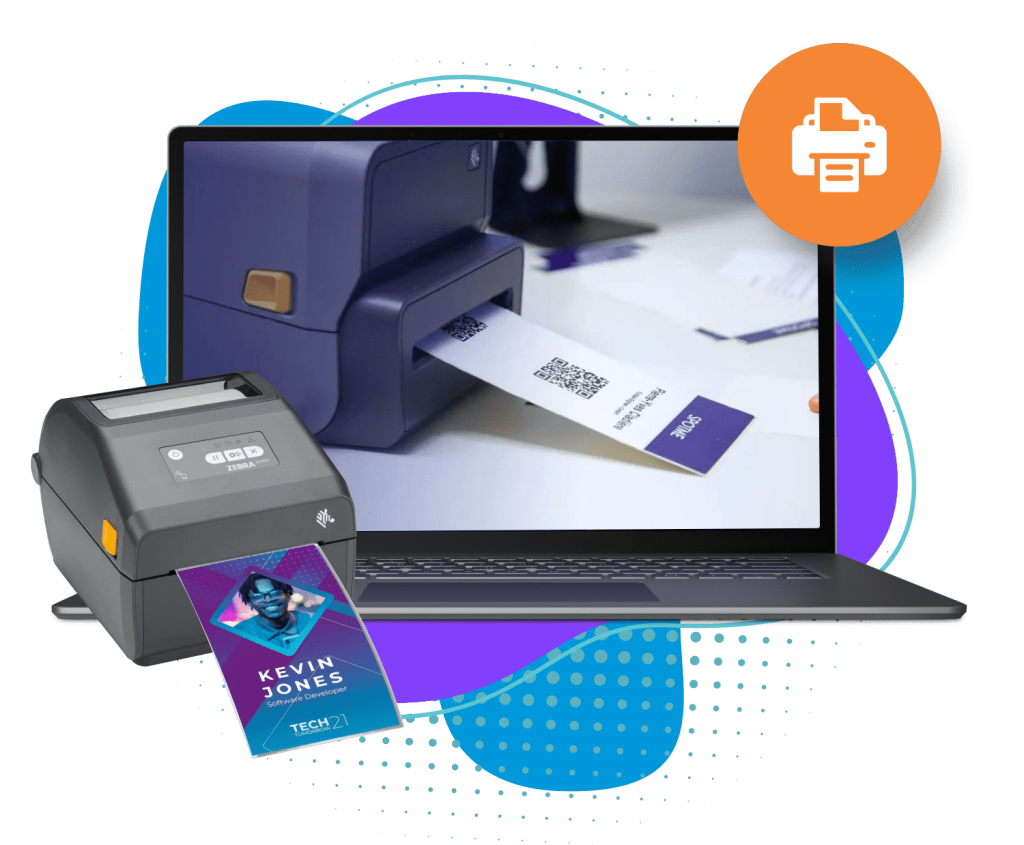
Last-minute registrants can be registered and checked in on the spot, and badges print on demand on Zebra, Epson and Brother printers.
Onsite event management softwareOffline check-in
Tickets can be scanned and validated offline, and the data syncs back when the connection returns, so a poor venue network does not stop the desk.
Onsite check-in and badge printingHardware to rent
iPads, tablets, printers, kiosks and accessories are available to rent for the event.
Supported devices
The Eventdex platform
Onsite tools your staff will use
- Attendee check-in appQR and barcode check-in on phones and tablets, with offline syncing.Learn more about Attendee check-in app
- Check-in kiosksSelf-service check-in with the badge printed on the spot.Learn more about Check-in kiosks
- Event badgesOn-demand badge printing for walk-ins and reprints.Learn more about Event badges
- Onsite event managementCheck-in, walk-in registration and badges for the event day.Learn more about Onsite event management
- Hardware to rentTablets, scanners, printers and kiosks for the event.Learn more about Hardware to rent
“Eventdex helped me run a smooth registration process during my event and helped me deliver an excellent mobile application to my event's attendees. Their support team was brilliant and I really enjoyed incorporating the Eventdex solutions into my events.”
 University at Buffalo
 Eversource Energy
 Georgia Tech
 Influence Communications
FAQ
Event Staffing: common questions
What is event staffing?
It is the planning and scheduling of the people who work an event on the day: registration and check-in staff, ushers, room monitors, hosts, technicians and volunteers, along with the briefing and shifts that put them in the right place.
How many staff do I need for an event?
It depends on the stations you run and how fast one person works at each. Estimate the arrivals in each time block, time one person at the task in a dry run, divide, round up and add cover for breaks and a floater.
Can volunteers replace paid staff?
For many roles, yes, if they are briefed and supervised. Keep paid or experienced people for jobs where a mistake is costly, such as the registration desk lead, technical operation and safety, and give volunteers shorter shifts with proper breaks.
Does Eventdex provide event staff?
No. Eventdex is software. It provides check-in, kiosks, badge printing and related onsite tools your own staff use, and iPads, tablets, printers and kiosks can be rented for the event.
Can check-in software reduce the staff I need?
It can reduce the number at the registration desk. Eventdex describes kiosk mode as letting a small team cover check-in, because attendees check themselves in and print their own badge.
Run check-in with fewer people on your next event
Start with a free interactive floor plan, or talk to an event specialist on +1 (866) 434-5088.