


Event App Engagement Challenges
Why do attendees not engage with the event app, and what helps?
Event app engagement challenges are the reasons attendees download a mobile event app but then do little in it: they do not know why to open it, the content is generic, nothing prompts them to return, or the app is hard to use at the venue. Each challenge has a fix that sits mostly in planning, not in code.
This guide lists seven challenges with a fix for each, and explains what personalization can and cannot do. For the feature list itself, see event app features.
Updated by the Eventdex team


4.7/5 from 39 reviews on each
Seven challenges and a fix for each
Most apps fail on the first two. Check them before adding features.
Attendees do not know why to install it
Tell people before the event what the app gives them: the agenda, their schedule and meeting requests. A single reason in the confirmation email works better than a list.
Event app featuresSign-in is a barrier
Use the same email as registration and test sign-in on a phone with no saved details. Every extra step loses people.
Content is the same for everyone
Personalization starts with what you collected at registration. Ask for role, interests and goals, then use them to suggest sessions and people. Collect only what you will use.
AI event personalizationNothing brings people back
Plan the moments: a push notification when a session changes, a poll in the keynote, a prompt to rate a session. Keep each message useful and rare.
Networking feels empty
Profiles with no information give people no reason to message. Ask attendees to complete a short profile at registration, and give them an introduction to start from.
Event networking appsThe venue connection is poor
Ask the venue about Wi-Fi capacity for the expected number of devices, and keep essential details, such as the agenda, available as printed signage too.
You cannot see what people do
Decide which engagement measures matter before the event, such as sessions added, polls answered and messages sent, and review them with the team afterwards.
Event data
What personalization can and cannot do
Personalization means showing each attendee the sessions, people and updates most relevant to them. It depends on data: what attendees told you, what they chose and what they did. Without fields collected at registration, there is little to personalize with.
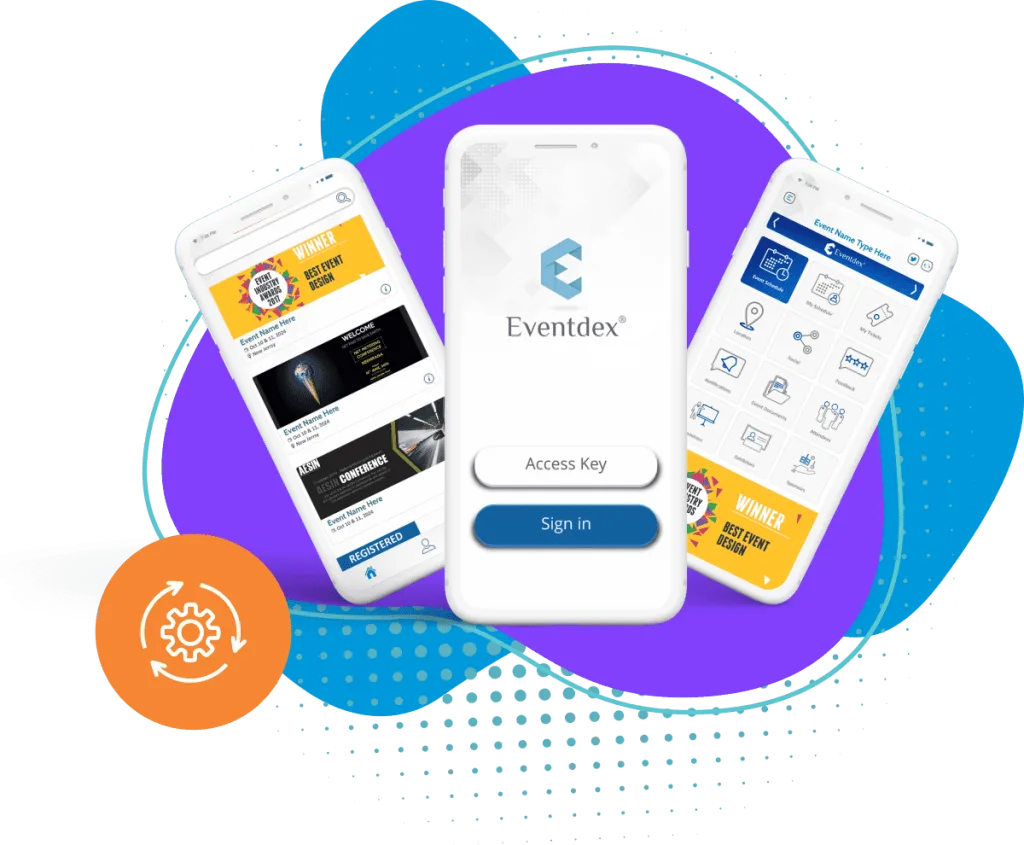
Eventdex's mobile app page describes a branded app with agenda, push notifications, networking, polls, Q&A and engagement analytics. Eventdex's pages do not describe how much of the app's content can be tailored to each individual, so ask during a demo.
Where Eventdex fits
These are the pages that describe the features behind the fixes above.
Business matchmaking app
Preference-based meeting suggestions between attendees.
Business matchmaking app
Where to start
Fix the basics before adding features: attendees need to download, sign in and find something useful in the first minute.
Make first use easy
Fewer steps between download and the first useful screen.
Give a reason to open it
Put the agenda, maps and messages in one place.
Check after the event
Ask attendees what they used and what they ignored.
The Eventdex platform
Tools for attendee engagement
- Event mobile appAgenda, push alerts, polls and Q&A.Learn more about Event mobile app
- Business matchmakingMeetings built from attendee preferences.Learn more about Business matchmaking
- Event engagement platformWays to keep attendees involved.Learn more about Event engagement platform
- Registration softwareCollect the fields that make personalization possible.Learn more about Registration software
“We really appreciated the adaptability of the software to meet our changing needs. For example, we liked being able to create promo codes to offer reduced rates to conference attendees with special circumstances.”
 University at Buffalo
 Eversource Energy
 Georgia Tech
 Influence Communications
FAQ
Event App Engagement Challenges: common questions
Why do attendees download an event app and not use it?
Usually they do not see a reason to return. Give them a specific reason before the event and prompts during it, such as schedule changes and session polls.
How do you personalize an event app?
Collect role, interests and goals at registration, then use them to suggest sessions and people. Collect only what you will use.
Does venue Wi-Fi affect app use?
Yes. Ask the venue about capacity for the number of devices you expect, and keep key information on printed signage as a backup.
What should you measure?
Choose measures before the event, such as sessions added to schedules, polls answered and messages sent, and compare them with the number of registered attendees.
See the Eventdex event mobile app
Start with a free interactive floor plan, or talk to an event specialist on +1 (866) 434-5088.