



Conference App Guide
What is a conference app?
A conference app is a mobile app built for one conference (or a series of them) that puts the agenda, speakers, exhibitors, maps and announcements on every attendee's phone. Attendees use it to plan their day, get updates, take part in sessions and meet other attendees. Organizers use it to change the program on the fly, send notifications and see what people are doing.
This guide covers the features that matter, what each group gets from the app, how to choose one, and how to make sure attendees actually download and use it.
Updated by the Eventdex team



4.7/5 from 39 reviews on each
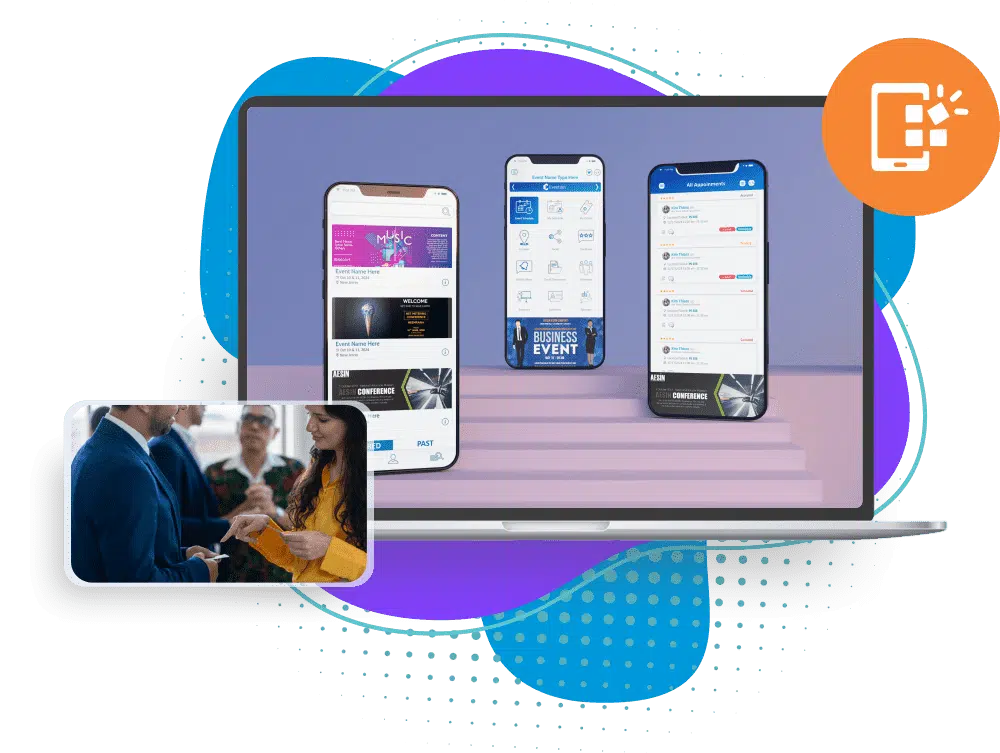
Conference app features
These are the features attendees use most, roughly in the order they matter:
Agenda and personal schedule
The full program by day, track and room, with session details and speakers. Attendees star sessions to build their own schedule and add them to their calendar.
Speakers, exhibitors and sponsors
Profiles, photos, booth numbers and documents, so attendees can decide who to see and find them.
Push notifications
Room changes, start times, sponsor messages and reminders sent to every attendee, or to one ticket type.
Networking
Attendee profiles, matchmaking, meeting requests and one-to-one chat.
Session engagement
Live polls, Q&A with upvoting, and session ratings that show the organizer what worked.
Maps and documents
The floor plan, venue location, slides and handouts, so nothing has to be printed.
Surveys and feedback
Session and event surveys answered on the phone while the experience is fresh.
Gamification
Points for checking in, attending sessions and visiting booths, with a live leaderboard.
What a conference app does for each group
A conference app serves several audiences at once. Plan its content with each of them in mind.
| User | What they use it for | What they get |
|---|---|---|
| Attendees | Agenda, notifications, networking, maps | A personal plan for the day and the right people to meet |
| Organizers | Program changes, notifications, polls, surveys | One place to update everyone, and data on engagement |
| Speakers | Session details, Q&A, ratings | Questions from the audience and feedback on the talk |
| Exhibitors | Profiles, booth details, documents, meetings | Visibility before the event and visits during it |
| Sponsors | Banners, sponsored posts and sessions | Exposure across the event they can report on |
How to choose a conference app
Before you compare apps, list your must-haves. Then check each app against these questions:
Is it connected to registration?
Attendees should log in with the details they registered with, and see the sessions and meetings tied to their ticket.
Can you brand it?
A white-label app carries your conference's name, logo and colors instead of the vendor's.
Does it run on iOS, Android and the web?
Attendees use the phone they already have, and some prefer a laptop for planning.
Can your team update it live?
Program changes should appear in the app as soon as you save them, without a new release.
Does it handle networking and engagement?
Matchmaking, chat, polls and Q&A in the same app, rather than separate tools attendees have to find.
What reports does it give you?
Downloads, logins, session popularity, poll and survey results, and meetings held.
Who sets it up?
Find out what the vendor does for you and what your team has to build, and when.
How to get attendees to download the app
An app nobody downloads is wasted. Treat the launch as part of your event marketing:
Launch two to three weeks before
Announce the app once the agenda is final enough to be useful, and give a reason to download it now, such as booking meetings.
Put it in every message
Add download links to the confirmation email, every reminder and the event website.
Make it the main source
If the printed program is short or missing, the app becomes the place to look.
Promote it onsite
Signs at registration, a slide before each session and a mention from the stage.
Send useful notifications
A few timely messages a day. Too many and attendees turn them off.
Conference app launch email and notifications
EMAIL
Subject: Get the [Conference name] app before you arrive

Hi [First name],

The [Conference name] app is live. Download it to:
- build your personal agenda from [number] sessions
- request meetings with other attendees and exhibitors
- get room changes and reminders as they happen

Download: [App Store link] | [Google Play link]
Log in with the email address you registered with: [email].

See you on [date],
[Your name]

PUSH NOTIFICATIONS
- Day before: Doors open at [time]. Registration is at [location].
- Morning: The keynote starts at [time] in [room]. Take your seats from [time].
- Room change: [Session name] has moved to [room].
- Afternoon: Rate this morning's sessions in the app. It takes 30 seconds.
- Closing: Thank you for coming. Please complete the event survey: [link].
Conference app or event website?
An event website persuades people to come: it carries the pitch, the speakers and the registration link. A conference app goes with them into the event: their schedule, live updates, meetings and participation in sessions.
Most conferences need both. If you only have budget for one, choose the website for a small single-track event and the app for a multi-track conference, a trade show or any event where networking matters.
Keep the two in step. The agenda, speakers and exhibitors should come from one source, so a change made once shows up on the website and in the app at the same time. Two copies maintained by hand will drift apart, usually on the morning of the event.
The Eventdex conference app
Eventdex includes a white-label conference app for iOS and Android, connected to registration, check-in and matchmaking. Organizers choose which features appear on the app's dashboard and what each one is called.
Agenda, seminars and speakers
The event schedule with favorites and add-to-calendar, seminars, speakers, sponsors, documents and poster walks.
Event mobile appPush notifications
Notifications to selected ticket types, sent now or scheduled, to the app, the virtual platform or both.
Event mobile appLive Q&A and polls
Session Q&A with upvoting and anonymous questions that moderators sort by popularity or recency, plus live polls.
Live Q&A widgetNetworking and matchmaking
Attendee chat and connections, AI matchmaking and meeting scheduling.
Business matchmaking appAI event assistant
A voice and chat assistant in the app that answers attendee questions about the event.
AI event chat assistant
The Eventdex platform
One app for the whole conference
- Conference mobile appAgenda, notifications, networking, polls and Q&A.Learn more about Conference mobile app
- Conference managementRegistration, app and check-in on one platform.Learn more about Conference management
- Event surveysSession and event feedback in the app.Learn more about Event surveys
- Trivia and leaderboardsPoints for taking part, with a live leaderboard.Learn more about Trivia and leaderboards
- White labelYour name and brand on the app.Learn more about White label
“Eventdex helped me run a smooth registration process during my event and helped me deliver an excellent mobile application to my event's attendees. Their support team was brilliant and I really enjoyed incorporating the Eventdex solutions into my events.”
 University at Buffalo
 Eversource Energy
 Georgia Tech
 Influence Communications
FAQ
Conference App Guide: common questions
What is a conference app?
A mobile app for a specific conference that carries the agenda, speakers, exhibitors, maps and announcements, and lets attendees build a schedule, take part in sessions and meet each other.
What features should a conference app have?
A searchable agenda with a personal schedule, speaker and exhibitor profiles, push notifications, networking and meeting scheduling, live polls and Q&A, maps and documents, and surveys.
How do I get attendees to download the conference app?
Launch it two to three weeks before the event with a reason to download it, put the links in every email, make the app the main source of the program, and promote it onsite.
Can a conference app carry my own brand?
Yes, if it is a white-label app. Attendees then download an app with your conference's name, logo and colors.
Do I need a conference app if I have an event website?
The website persuades people to attend; the app helps them during the event with their schedule, live updates and networking. Multi-track conferences and events built around meetings get the most from an app.
Launch your conference app with Eventdex
Start with a free interactive floor plan, or talk to an event specialist on +1 (866) 434-5088.