



Poster Session
What is a poster session, and how do you organize one?
A poster session is part of a conference where presenters display their work on posters and stand beside them to talk with attendees one to one. Instead of a 20-minute talk to a seated room, the presenter has a short conversation with each person who stops by. Poster sessions are common at scientific, medical and academic meetings, and they suit work that is too new or too specialized for a full talk.
They work well because they are the most conversational part of a conference. They also fail easily: a crowded hall, posters that cannot be read from a step away, or a time slot that clashes with talks. This guide explains what a poster session is, how to run one in person and online, gives guidelines you can send to presenters and covers timing, layout and judging.
Updated by the Eventdex team



4.7/5 from 39 reviews on each
What a poster session is
In a poster session, each presenter prepares a single large poster that summarizes a piece of work: the question, the method, the result and what it means. The posters hang in a shared space. Attendees walk along the rows, read what interests them and talk with the presenter, who stands by the poster for the length of the session.
Three things set it apart from a talk. The audience moves, rather than the speaker. Many conversations happen at the same time, so the room is busy and noisy. And each exchange is two-way: presenters get questions and feedback they would not hear in a lecture hall, and attendees can ask exactly what they want to know.
Poster sessions are most common in research settings. Researchers often submit an abstract in response to a call for papers, and abstracts that do not get a talk slot are offered a poster. Other fields use them too, for example product teams that want to show a concept, students showing coursework, and community groups presenting projects.
When a poster session is the right choice
A poster session is not a lesser version of a talk. It does different things, and it is the right format in these cases.
Many presenters, little stage time
A program has room for a limited number of talks. A poster session lets dozens of presenters share work in the same hour.
Work in progress
Early results benefit from direct feedback more than from a polished talk. A poster invites that.
Specialized topics
A narrow topic may interest 15 people in a large audience. A poster lets those 15 find the presenter, without taking a slot from everyone else.
Networking between peers
Presenters with similar interests meet at the poster. Many collaborations start that way.
A younger or newer audience
Students and early-career researchers often find a poster less intimidating than a podium, and it gives them a way into the field.
How to organize an in-person poster session
Poster sessions look informal, but they need careful logistics. Work through these steps.
Collect and select the abstracts
Use a call for papers or abstracts, with a clear deadline and a short form. Decide who reviews them and how accepted ones are marked as poster, talk or either.
Call for speakers guideSend poster guidelines
Tell presenters the size, orientation, file format for printing, and what the poster must contain. Use the guidelines template below.
Assign each poster a number and a board
Number the boards and match each accepted poster to one. Publish the list so attendees can find a poster by title or author.
Choose the room and the layout
A large room with space between rows. Allow room for people to stand and read without blocking the aisle. See the layout section below.
Prepare the hanging materials
Boards, pins or tape that the venue allows, and a team to help presenters hang posters before the session starts.
Schedule the session
Give it its own time, not competing with talks. See the timing section below for how long to allow.
Plan judging, if any
If there is a best poster prize, name the judges, the criteria and when the winner is announced.
Take posters down on time
State when posters must be removed and who clears leftovers, so the room is ready for what follows.
How to run a poster session online or in hybrid form
An online poster session replaces the printed poster with an e-poster, and the conversation with comments and short live chats. The principles stay the same: easy to browse, easy to talk to the presenter, and its own slot in the schedule.
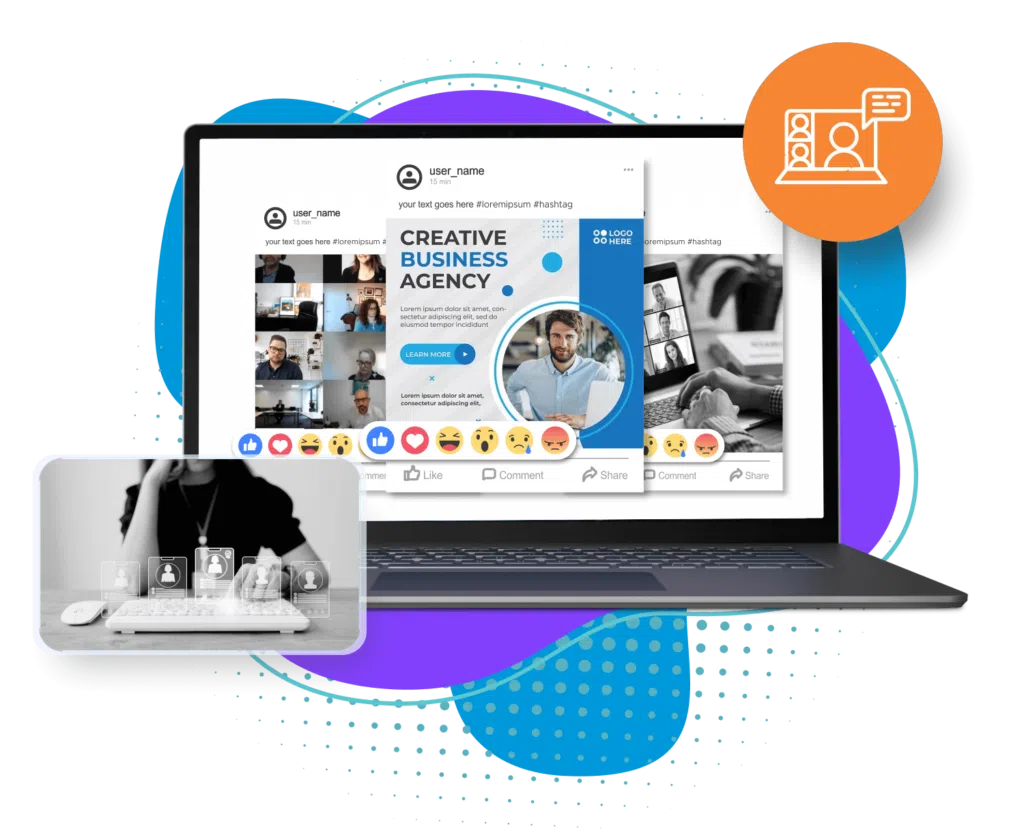
Eventdex has a poster walk feature for this. Its virtual meeting app page describes a Virtual E-Poster Walk Session in which organizers create e-posters for their sessions, attendees like, comment, vote and download them, and organizers get real-time reports on each poster. E-posters are also supported in the Eventdex mobile event app, so attendees can view posters on the go. The hybrid event platform page describes hybrid poster sessions, so the same session can serve an in-room and an online audience from one platform.
Create the e-poster gallery
Collect poster files by a set date, in the format you specify. Check them for readability on a phone screen.
Virtual meeting appOpen the gallery before the session
Let attendees browse and comment ahead of time, so the live slot is for conversation, not first reading.
Schedule live presenter time
Give presenters a set window to be available for questions, so attendees know when to find them.
Use votes and comments for judging
Attendee votes can feed a people's choice award. Judges can use their own scoring on top.
Keep the gallery open afterward
Online, posters can stay available after the session, which extends the life of the work.
Hybrid event platform
Poster guidelines you can send to presenters
Clear guidelines prevent the most common problems: posters that do not fit the board and text too small to read. Copy this, change the sizes to match your boards and send it with the acceptance.
Poster guidelines for presenters
POSTER GUIDELINES
Event: [Event name]   Session: [Poster session name]
Date and time: [Date], [Start] to [End]   Location: [Room and address]
Contact: [Name, email]

YOUR BOARD
Poster number: [Number]   Board size: [Width x height]   Orientation: [Portrait / landscape]
Your poster must fit within [dimensions]. Please do not exceed it.

SET UP AND TAKE DOWN
Hang your poster between [Time] and [Time] on [Date]. Pins or tape provided: [Yes / No]
Please stand at your poster during the full session, [Start] to [End].
Remove your poster by [Time] on [Date]. Posters left after that are [recycled / held at the desk].

CONTENT
Title, authors, affiliations and a contact email at the top.
Sections: [Background / Question / Method / Results / Conclusions / Next steps]
Keep text short. Use bullets, charts and images in place of paragraphs.
Aim for no more than [300 to 800] words in total.

READABILITY
Title readable from [2 meters / 6 feet]. Body text no smaller than [24] point.
High-contrast colors. Do not place text over busy images.
Credit funding sources and any data sources at the bottom.

PRINTING
Print before you travel, or send the file to [Printer or email] by [Date].
File format: [PDF] at [Size] and [Resolution].

ONLINE VERSION (if used)
Upload an e-poster file by [Date]. Format: [PDF / image], maximum size [Size].
Be available for live questions on [Date], [Start] to [End].

JUDGING (if used)
Criteria: [Clarity / Method / Originality / Presentation]
Judges will visit between [Start] and [End]. Please be ready for a [3 to 5] minute summary.
Timing and layout
Two factors decide whether a poster session works: how long it runs, and how the room is arranged.
Plan for the floor
Draw the room to scale, mark boards and aisles, and number each board. Eventdex's floor plan software is built for expo and trade show halls, so it suits posters only when they share a hall with booths.
Event floor plan software
| Decision | Guidance | Why it matters |
|---|---|---|
| Session length | One to two hours, with its own slot in the program | Attendees need time to see several posters and talk at each one |
| Competing sessions | Avoid talks at the same time | Posters lose attendees to scheduled sessions |
| Time of day | Pair it with a break, lunch or reception | Food and drink draw people to the room and keep them there |
| Odd and even numbers | Split presenters into two shifts if posters outnumber the space | Each presenter gets time to see other posters |
| Aisle width | Wide enough for people to stand and still pass | Crowding at one poster blocks the row |
| Board position | Group by theme and put the busiest topics in open space, away from the entrance | People find related work and bottlenecks form less often |
| Lighting and noise | Good light on every board, away from loud areas | Posters must be readable and conversation audible |
| Signage | A floor plan at the door and numbers visible from a distance | Attendees can find a specific poster fast |
Common poster session mistakes
Avoid these and the session will run itself.
Too many posters for the room
Count boards before you accept abstracts. Cramped rows ruin the experience for everyone.
Scheduling over talks
If the session clashes with the main program, presenters will stand beside empty boards.
No guidelines
Without a size and a format, posters arrive in every shape. Send guidelines at acceptance.
No one at the poster
The point is the conversation. Tell presenters to stand at the poster for the whole session.
Nothing after the event
Share the poster list or e-poster gallery afterward so attendees can follow up with presenters.
The Eventdex platform
E-posters and poster sessions on Eventdex
- Virtual e-poster walkE-posters attendees can like, comment, vote on and download.Learn more about Virtual e-poster walk
- Hybrid poster sessionsOne platform for in-room and online audiences.Learn more about Hybrid poster sessions
- Eventdex for health eventsAbstract submission and poster sessions for medical meetings.Learn more about Eventdex for health events
- Eventdex for university eventsCall for papers, abstracts and poster walks for academic meetings.Learn more about Eventdex for university events
“Eventdex helped me run a smooth registration process during my event and helped me deliver an excellent mobile application to my event's attendees. Their support team was brilliant and I really enjoyed incorporating the Eventdex solutions into my events.”
 University at Buffalo
 Eversource Energy
 Georgia Tech
 Influence Communications
FAQ
Poster Session: common questions
What is a poster session?
A poster session is a part of a conference where presenters display posters about their work and stand beside them to talk with attendees one to one. It is common at scientific, medical and academic events.
How long should a poster session last?
One to two hours is a common starting point. It needs its own slot, not overlapping talks, and works well alongside a break, lunch or a reception.
Can you run a poster session online?
Yes, with e-posters in an online gallery and live time for the presenter to answer questions. Eventdex's virtual meeting app has a poster walk where attendees can like, comment, vote and download e-posters.
What size should a conference poster be?
It depends on the boards you provide. Measure them first, then tell presenters the maximum width and height and whether the poster should be portrait or landscape. Always state this in your guidelines.
How do you judge posters?
Name judges and criteria in advance, such as clarity, method, originality and presentation, and let judges visit each shortlisted poster for a short summary. For an online session, attendee votes can support a people's choice award.
See e-poster walks on Eventdex in a demo
Start with a free interactive floor plan, or talk to an event specialist on +1 (866) 434-5088.