



How to Sell Event Tickets Online
How do you sell tickets for your event online, from setup to the door?
Selling tickets online comes down to a handful of choices made in the right order: which platform, which ticket types, what to charge, how people pay, where they find the page and what happens after they buy. Most mistakes come from rushing the first of those and discovering that the platform does not do what the event needs.
This guide walks through the process, compares what to look for when you choose a platform and says what to expect from fees, free tools and paid ones. It then covers pricing, promotion and the steps after the sale. For a view of ticketing systems as a category, see the event ticketing system guide, for a registration form with more fields, the event registration form guide, and for conference-style registration, the conference registration guide.
Updated by the Eventdex team



4.7/5 from 39 reviews on each
The steps, in order
Follow these in sequence. Each step feeds the next, and the later ones are hard to fix once tickets have sold.
Choose a platform
Pick it against your event's needs: ticket types, payment methods, check-in and reports. The comparison table below lists what to check.
Define the ticket types
General admission, early bird, VIP, group, day pass. Keep the list short and give each type a name that says who it is for.
Eventdex event ticketing softwareSet prices and limits
Set a price for each type and a quantity limit where seats are scarce. Decide whether prices rise at a set date.
Connect payment
Link a payment gateway and run a real test transaction and a test refund before launch.
Build and brand the page
A page with the date, place, program, price and a clear buy button. Match it to your event's look.
Event landing page guideLaunch and promote
Share the link by email, social media and partners, and track which channel brings the sales.
Deliver and check in
Send each buyer a confirmation and a ticket, then scan it at the door.
What to look for in a ticket sales platform
Searches for the best ticket sales platform return long lists that rank everything on one score. Your event has specific needs, so compare platforms on the points that matter to it.
| Check | What to ask | Where Eventdex's pages stand |
|---|---|---|
| Ticket types | Early bird, VIP, group, multi-day, free, donation? | Describes early bird, VIP, group, multi-day, and free, paid and donation options |
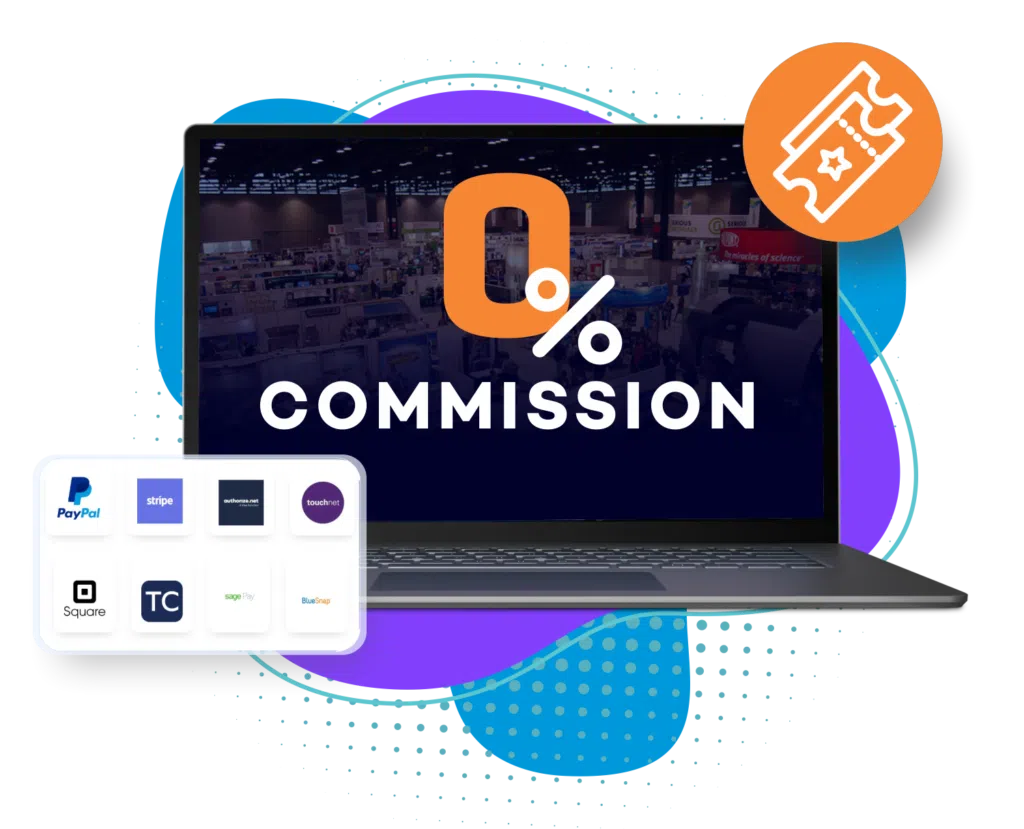
| Fees | Who charges what, and when? | States 0% commission; does not list the fees of payment gateways |
| Payment methods | Cards, wallets, contactless, global currencies? | Lists gateways such as Square, Stripe, PayPal and Authorize.net, Tap to Pay and global currencies |
| Payouts | When do you receive the money? | Says payouts are processed as tickets are sold |
| Branded page | Can you match your event's look? | Describes branded event pages and ticket design |
| Tickets and check-in | Digital tickets and QR scanning? | Describes digital tickets, instant confirmations and QR code check-in |
| Reports | Sales by type, channel and date? | Describes real-time ticket sales and revenue reports |
| Waitlist | What happens when you sell out? | Mentions waitlists in one line without explaining the feature |
| Price | What does the platform itself cost? | Not stated on its pages; ask for a quote |
Free ticket tools, and what "free" can mean
People searching for a free ticket selling platform may mean three different things, and it pays to know which one a vendor is offering.
A free event
You are not charging, so you only need registration and a ticket for entry. Many platforms support this, and Eventdex lists free as one of its payment options.
A free platform with fees on each sale
No subscription, but the platform keeps a share of each ticket. Calculate the cost for your expected sales before you commit.
A zero-commission platform
No share of ticket revenue is taken. Eventdex states 0% commission on ticketing. Its pages do not list the charges of the payment gateway you connect, which are set by that gateway, so add them to your calculation.
0% commission ticketing platformAlways read the fee page
Whatever the label, find the full fee list and work out the total on a sample of 100 tickets at your price.
Pricing your tickets
Pricing is a business decision, not a platform setting. A few simple structures cover most events.
| Structure | How it works | Good for | Watch out for |
|---|---|---|---|
| Single price | One ticket, one price | Small events, simple offers | No way to reward early buyers or sell premium access |
| Early bird | A lower price until a set date, then the standard price | Encouraging early commitment | Make the end date clear and keep to it |
| Tiers | General, VIP or premium with extra benefits | Events with some people willing to pay more | Make the extra value visible |
| Group | A price for several tickets bought together | Teams, schools and organizations | Decide the minimum group size |
| Multi-day | A pass for several days | Conferences, festivals | Offer day passes alongside if people cannot attend everything |
| Donation or pay what you can | The buyer chooses an amount | Fundraisers, community events | Set a suggested amount |
Promote the ticket page
A ticket page does not sell itself. The first sales usually come from people who already know you, so reach them first.
Email your list first
Past attendees and subscribers are the likeliest buyers. Give them the link before the public launch if you can.
Track each channel
Give each channel its own link or code so you can see which one brings sales, then put more effort there.
Share the page, not the homepage
Link straight to the ticket page, with the date and price visible without scrolling.
Use deadlines honestly
A real early bird end date or a real capacity limit creates urgency. Invented scarcity loses trust.
Event promotion ideas
After the sale
Selling the ticket is half the job. The other half is making sure the buyer arrives, and that you know who is in the room.
Ticket sales launch checklist
PLATFORM AND SETUP
[ ] Ticket types named for who they are for
[ ] Prices and quantity limits entered
[ ] Early bird end date set, if used
[ ] Payment gateway connected
[ ] Test purchase and test refund completed
[ ] Fees worked out on a sample of 100 tickets

THE PAGE
[ ] Date, place, program and price visible at the top
[ ] Refund and transfer policy linked
[ ] Mobile view tested
[ ] Each channel has its own link

AFTER PURCHASE
[ ] Confirmation email arrives within minutes, with ticket or QR code
[ ] Buyer can change or cancel according to the policy
[ ] Reminder scheduled before the event

DAY OF EVENT
[ ] Scanner tested and charged
[ ] Name list as a backup
[ ] Process for lost or missing tickets

AFTER THE EVENT
[ ] Sales by ticket type and channel saved
[ ] Attendance compared with tickets sold
[ ] Notes for next time
The Eventdex platform
Sell tickets and check people in
- Event ticketing softwareTicket types, branded pages, payments, reports and onsite check-in.Learn more about Event ticketing software
- 0% commission ticketing platformKeep the revenue from ticket sales, with flexible payment options.Learn more about 0% commission ticketing platform
- Event payment processingCollect, refund and reconcile payments for events.Learn more about Event payment processing
- Event registration softwareRegistration, ticketing and walk-ins on a branded page.Learn more about Event registration software
“Eventdex helped me run a smooth registration process during my event and helped me deliver an excellent mobile application to my event's attendees. Their support team was brilliant and I really enjoyed incorporating the Eventdex solutions into my events.”
 University at Buffalo
 Eversource Energy
 Georgia Tech
 Influence Communications
FAQ
How to Sell Event Tickets Online: common questions
How do I start selling event tickets online?
Choose a ticketing platform, define your ticket types and prices, connect a payment gateway, build the event page and test a real purchase and refund before you launch. Then share the link and track which channels bring buyers.
Is there a free ticket selling platform?
Some platforms charge nothing to set up and take a fee on each sale, and some charge a subscription instead. Eventdex's pages state 0% commission on ticketing and do not give a price for the platform or list gateway fees, so ask for a quote and add the gateway's charges to your cost estimate.
What fees should I expect when selling tickets online?
Typically a platform fee or commission, a payment processing fee from the gateway, and sometimes a fee passed to the buyer. Get all three in writing and work out the cost on a sample number of tickets at your price.
When do I receive the money from ticket sales?
It depends on the platform and the gateway. Eventdex says payouts are processed as tickets are sold, and its pages do not describe gateway-specific timing, so confirm the schedule for the gateway you choose.
How do buyers get into the event?
They receive a digital ticket or QR code on purchase and show it at the door, where it is scanned. Eventdex describes instant confirmations, digital tickets and QR code check-in with on-demand badge printing.
Sell tickets with 0% commission on Eventdex
Start with a free interactive floor plan, or talk to an event specialist on +1 (866) 434-5088.