



How to Boost Audience Participation
How do you get an audience to take part?
Audience participation is when attendees do something other than listen: they answer a poll, ask a question, vote, talk to the person next to them or complete a challenge. To boost it, ask for a small action early, give each session one clear way to respond, and make that response take seconds.
This guide gives a plan by stage of the session, a table of tools and what each asks of the audience, and the mistakes that keep people quiet. For a longer list of formats, see event engagement ideas.
Updated by the Eventdex team


4.7/5 from 39 reviews on each
Why audiences stay quiet
Most silent rooms are not bored. They are unsure what is wanted, worried about being singled out, or blocked by the effort of replying. Fix those three and participation rises without a bigger budget.
They do not know what to do
Say the action out loud and show it on screen: scan this code, vote on this poll, write one question.
Speaking up feels risky
Anonymous or typed responses lower the cost of answering, especially in large rooms.
Replying takes too long
If joining needs an account, a download and a long form, most people will skip it. Keep the first action to one tap or one line.
A participation plan by stage
Plan one prompt for each stage of a session. Do not stack several at once.
Before the session: ask a question in advance
Invite attendees to send a question when they register or in the event app. The room arrives with a stake in the answers.
Pre-event survey questionsIn the first five minutes: a low-effort poll
Start with a poll that has no wrong answer, such as a role or a first impression. It shows the room how replying works.
Midway: a question queue
Collect questions in writing during the talk and answer the top ones at the end. Writing is easier than raising a hand.
At a lull: talk to a neighbour
Give a two-minute prompt to discuss with the person next to them, then take two or three replies.
At the close: one next step
End with a single action, such as rating the session or booking a follow-up. Too many closing asks cancel each other out.
Post-event survey guide
Tools and what each asks of the audience
Pick one or two. A tool nobody has been shown how to use will not lift participation.
| Tool | What the attendee does | Good for | Watch out for |
|---|---|---|---|
| Live poll | Taps an option | Opening a session, quick votes | Poll fatigue if used every few minutes |
| Written question queue | Types a question | Large rooms, shy audiences | Needs a moderator to pick questions |
| Show of hands | Raises a hand | Small rooms | Others can see each response |
| Pair discussion | Talks to a neighbour | Lulls and long sessions | Needs a clear prompt and a time limit |
| Points and challenges | Completes tasks for points | Multi-day events and exhibit halls | Prizes must be worth the effort |
Where Eventdex fits
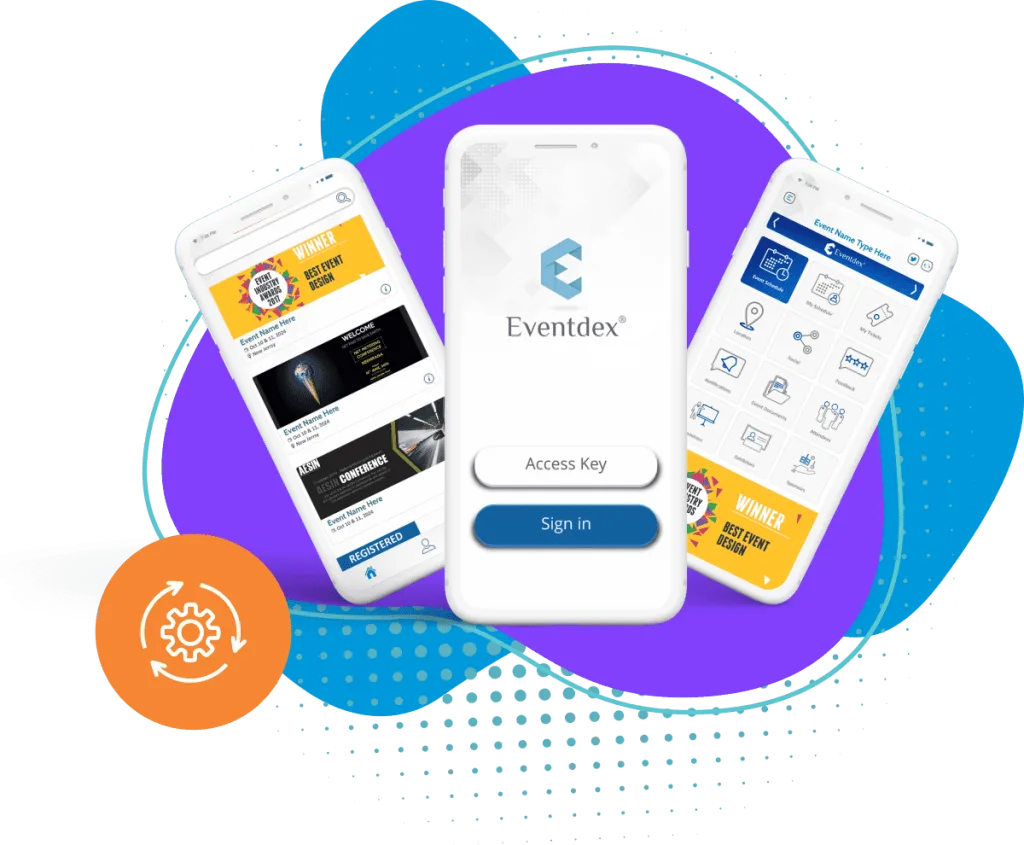
Eventdex's pages describe live polling, questions in sessions and push notifications in the event app, a live Q&A widget where attendee questions appear in a queue, and points, challenges and leaderboards for gamification. Eventdex's pages do not describe how many prompts per session work best, so that judgment stays with the organizer.
Event mobile app
Live polling, session questions and push notifications in one attendee app.
Event management mobile app
The Eventdex platform
Tools that give the audience a voice
- Event mobile appAgenda, push notifications, live polling and attendee messaging.Learn more about Event mobile app
- Event survey softwareMobile-friendly survey forms with analytics and reports.Learn more about Event survey software
- Live Q&A widgetAttendees send questions that appear in a live queue.Learn more about Live Q&A widget
- Registration softwareOnline registration and a clear attendee list to promote to.Learn more about Registration software
“We really appreciated the adaptability of the software to meet our changing needs. For example, we liked being able to create promo codes to offer reduced rates to conference attendees with special circumstances.”
 University at Buffalo
 Eversource Energy
 Georgia Tech
 Influence Communications
FAQ
How to Boost Audience Participation: common questions
What is audience participation?
It is any action by attendees beyond listening, such as answering a poll, sending a question, voting or completing a challenge.
How do you get a large, quiet audience to participate?
Use typed or anonymous responses, such as polls and a written question queue, and show the audience the first step on screen. Raising a hand in front of hundreds of people is a high bar.
How often should I ask the audience to respond?
One prompt for each stage of a session is a workable start: before, opening, midway, a lull and the close. Too many prompts in a row make people stop replying.
Does Eventdex have audience participation tools?
Eventdex's pages describe live polling and session questions in the event app, a live Q&A widget and gamification with points and leaderboards.
See how Eventdex gives attendees a voice
Start with a free interactive floor plan, or talk to an event specialist on +1 (866) 434-5088.