



Event Invitation Email Template
How do you write an event invitation email people answer?
An invitation email has to do four things in a few seconds: say what the event is, say when and where, say why the reader should care, and make replying easy. Everything else is decoration. The invitations that get answers are short, specific and have a single button.
This guide covers subject lines, structure, what to include, timing and reminders, plain text versus a designed email, and then gives five copy-ready templates with placeholders: a business conference, a networking event, a webinar, a gala or fundraiser and a VIP invitation. Eventdex sends event transaction emails, so the guide is plain about which tool sends the invitation itself.
Updated by the Eventdex team



4.7/5 from 39 reviews on each
Subject lines that get opened
The subject line decides whether the email is read. It should name the event and one reason to open, and it should fit on a phone screen. Put the most important words first, since the end is often cut off.
Avoid words that make an invitation look like bulk promotion, such as all capitals, strings of exclamation marks or claims of a once in a lifetime chance. They hurt trust with the people you most want to reach. A plain, specific subject nearly always beats a clever one, and a personal subject, using the reader's first name, suits small and senior audiences best.
If you can, write two versions and send each to a small part of the list before the main send. Compare how many people open and how many reply, and use the better one for the rest. Only do this if your list is large enough for the difference to mean something.
| Pattern | Example | Use for |
|---|---|---|
| Plain and direct | You are invited: [Event name], [date] | Most business events |
| Reason to attend | [Speaker] on [topic] at [Event name] | Conferences and webinars |
| Personal | [First name], would you join us on [date]? | Networking and VIP invitations |
| Date and place | [City], [date]: [Event name] | In-person events |
| Limited places | [Number] places for [Event name], reserve yours | Capped events, only if true |
| Occasion | Join us for [Event name], an evening for [cause] | Galas and fundraisers |
The structure of an invitation email
Use the same order every time. A reader who skims should still get the date, the place and the button.
The order matters because most readers decide in a few seconds. The opening and the essentials answer what and when. The reason to come answers why. The button and the deadline answer what to do next. If any of the four is missing, readers who are interested but busy will put the email aside and forget it.
A short opening
One line that says who is inviting and to what.
The essentials
Date, time, place or link, and the cost if there is one, in a block that is easy to scan.
The reason to come
Two or three lines or bullets: the speaker, the topic, who else will be there, what the reader will take away.
One clear button
A single action such as Reserve my place or RSVP. Repeat the link as plain text underneath.
A deadline
The date to reply by, and the reason for it, such as catering numbers or limited places.
A way to ask
A named person and an email address for questions, and for dietary or accessibility needs.
What to include, and what to leave out
Include everything a person needs to decide and to arrive: the event name, the date and start and end times, the full address or link, the dress code if there is one, parking or travel notes, the agenda in a line or two, and who to contact. For a paid event, say the price and what it covers.
Leave out the long history of the event, a list of every speaker and logos that crowd the top. Link to a page for the detail and keep the email to one screen. Do not bury the date in a paragraph.
Write it as you would say it to the person. If you would not say a sentence aloud to a colleague, cut it or simplify it. Use the reader's name, the sender's real name and a real reply address, so that people can answer a question by replying. Avoid attachments for the details, since many people will not open them on a phone, and put anything long on a web page instead.
Think about who else might need the details. An invited executive may pass the email to an assistant, who needs the date, the place and a contact without any context. Make sure the email stands alone, and say whether guests may bring a colleague and how to add them.
Timing, reminders and follow-up
Send the invitation early enough for busy people to plan and late enough that they do not forget. Time it to the type of event: a large conference or a gala needs weeks of notice, a webinar needs far less. The right gap depends on your audience, so base it on what has worked for you before.
Plan the whole sequence before you send the first email.
| Message | When | Purpose |
|---|---|---|
| Save the date | Well ahead, for large events | Hold the date in the calendar |
| Invitation | Weeks before, or earlier for big events | Ask for the RSVP |
| Reminder 1 | Midway to the deadline | Nudge those who have not replied |
| Last call | A few days before the deadline | Create urgency, only if it is true |
| Confirmation | Straight after the RSVP | Confirm details and add to calendar |
| Final details | The week or day before | Arrival, parking, agenda, contact |
Plain text or designed email
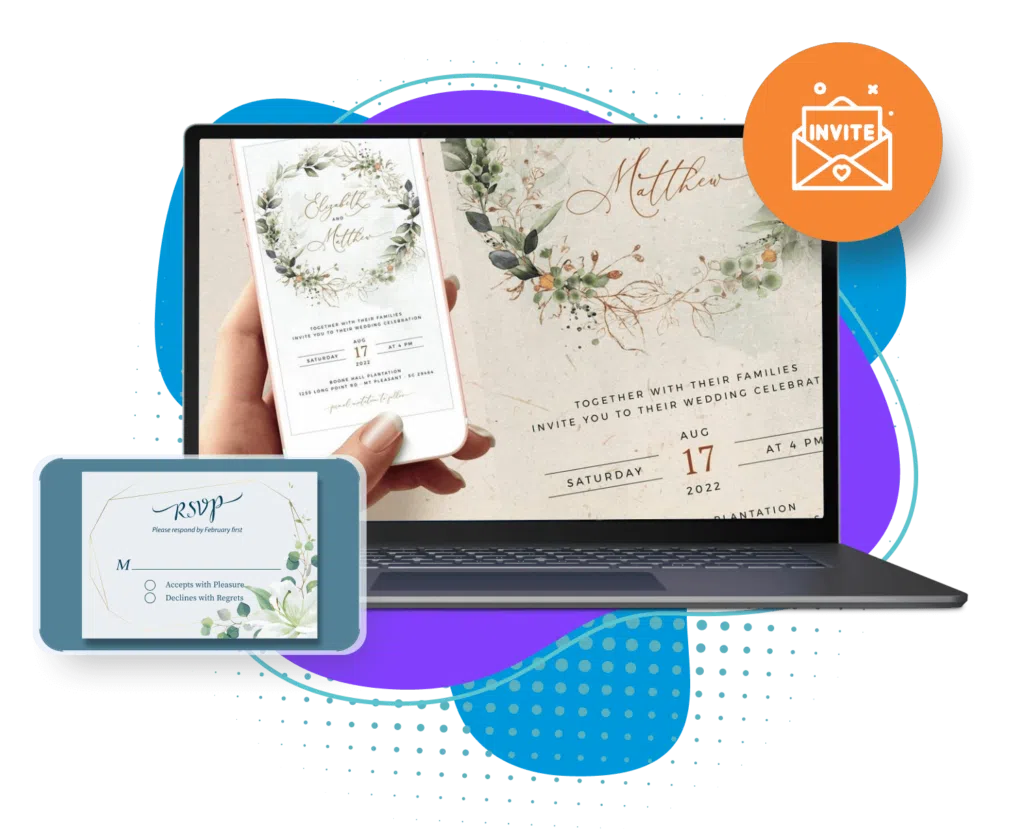
A plain-text style email often looks more personal and is more likely to render properly, which suits invitations from one person to another. A designed email with an image and a button suits a gala or a large conference, where the look is part of the message.
Whichever you use, keep the width narrow, use readable type, make the button large enough to tap on a phone, and write alt text for any image. Include a plain link in case the button does not display. Check the email on a phone before you send it.
Send a test to yourself and a colleague before every mailing. Check that the date, the time zone and the links are right, that the button opens the correct RSVP page, and that the email reads well with images turned off. Most invitation mistakes are small errors in a date or a link, and they are cheap to catch before the send and expensive to correct after.
Personal invitations
Plain text, from a named person, short. Good for VIPs, partners and executives.
How to invite executives to eventsLarge mailings
A simple designed layout with one button and a text link. Send it from your own email tool to your mailing list.
RSVP links
The link should open a page that works on a phone and takes under a minute to complete.
Event RSVP guide
Five invitation templates to copy
Replace the bracketed placeholders and delete any line that does not apply. Read each one aloud before sending. The five below cover a business conference, a networking event, a webinar, a gala or fundraiser and a VIP guest. Keep each to a single screen and one button.
Send them from your own email tool to your own mailing list or contact list. Add the confirmation and reminder messages from the sequence above once people reply.
Five event invitation email templates
TEMPLATE 1: BUSINESS CONFERENCE
Subject: You are invited: [Event name], [date]

Hello [First name],

[Organization] is hosting [Event name] on [date] at [venue, city], and we would be glad to have you join us.

WHEN: [Date], [start time] to [end time]
WHERE: [Venue, address]
COST: [Free / price and what it includes]

Why come:
- [Keynote speaker] on [topic]
- [Number] sessions on [theme]
- Time to meet [type of attendee]

Reserve your place by [deadline]: [RSVP link]

Questions, or dietary or access needs? Contact [name] at [email].

We hope to see you there.

[Name]
[Title, Organization]

----------

TEMPLATE 2: NETWORKING EVENT
Subject: [First name], join us for [Event name] on [date]

Hello [First name],

We are bringing together [type of people] for an evening of conversation at [venue].

WHEN: [Date], [time]
WHERE: [Venue, address]
INCLUDED: [Drinks and light food / nothing]

You will meet [who will be there] and have time to talk, with no formal program.

Please RSVP by [deadline]: [RSVP link]

This is a small event of about [number] guests, so please let us know if your plans change.

[Name]
[Organization]

----------

TEMPLATE 3: WEBINAR
Subject: [Topic] with [speaker]: free webinar on [date]

Hello [First name],

Join [speaker, title] for a [length]-minute session on [topic].

WHEN: [Date], [time and time zone]
WHERE: Online. The link arrives after you register.

You will learn:
- [Takeaway 1]
- [Takeaway 2]
- [Takeaway 3]

Save your seat: [registration link]

[If true: A recording will be sent to everyone who registers.]

[Name]
[Organization]

----------

TEMPLATE 4: GALA OR FUNDRAISER
Subject: Join us for [Event name], an evening for [cause]

Dear [First name],

[Organization] invites you to [Event name] in support of [cause].

WHEN: [Date], [arrival time]
WHERE: [Venue, address]
DRESS: [Dress code]
TICKET OR TABLE: [Price and what it includes]

The evening will include [dinner, speaker, program]. Your support will help [one plain sentence on what the funds do].

Please reply or reserve by [deadline]: [RSVP link]

For tables, seating requests or dietary needs, contact [name] at [email or phone].

With thanks,
[Name]
[Title, Organization]

----------

TEMPLATE 5: VIP INVITATION
Subject: [First name], an invitation to [Event name]

Dear [First name],

I would like to invite you personally to [Event name] on [date] in [city]. [One sentence on why this person matters to the event or what they would add to it.]

WHEN: [Date], [time]
WHERE: [Venue]
FOR YOU: [A private reception / reserved seating / time with the speaker]

Please let me know by [date] whether you can join us, by reply or here: [RSVP link]. If someone else on your team should receive the details, tell me and I will arrange it.

You can reach me directly at [phone or email].

Warm regards,
[Name]
[Title, Organization]
Invitations and RSVPs with Eventdex
Eventdex email is for event transactions such as confirmations, reminders and updates, not for marketing campaigns. Send bulk invitations to a mailing list from your own email tool, and use Eventdex for the registration and RSVP that follow.
For gala dinners, Eventdex's gala dinner page describes digital invitations with integrated RSVP, where responses update in real time. It says organizers can personalize messaging, track email engagement and send follow-ups, and that guest lists can be imported from Excel. The page does not describe the other templates in this guide, so use your own tool for those.
Gala dinner software
Guest list, digital invitations and RSVPs, seating and check-in for a seated event.
Gala dinner softwareRegistration software
The registration form and ticketing the invitation links to.
Event registration software
The Eventdex platform
From invitation to RSVP and check-in
- Gala dinner softwareDigital invitations, RSVPs and seating.Learn more about Gala dinner software
- Registration softwareRegistration and ticketing.Learn more about Registration software
- Event ticketingBranded event pages and ticket types.Learn more about Event ticketing
- Check-inCheck guests in at the door.Learn more about Check-in
“We really appreciated the adaptability of the software to meet our changing needs. For example, we liked being able to create promo codes to offer reduced rates to conference attendees with special circumstances.”
 University at Buffalo
 Eversource Energy
 Georgia Tech
 Influence Communications
FAQ
Event Invitation Email Template: common questions
What should an event invitation email include?
The event name, date, time, place or link, cost, the reason to attend, one RSVP button with a deadline, and a contact for questions and access needs.
When should I send an event invitation?
Early enough for people to plan: weeks ahead for large conferences and galas, less for webinars. Follow with a reminder and a last call before the RSVP deadline.
What makes a good subject line?
Put the event name and a reason to open first, keep it short enough for a phone and avoid claims you cannot support, such as limited places when the event is not limited.
Should an invitation be plain text or designed?
Plain text suits personal invitations from one person to another. A designed email with a button suits galas and large mailings. Include a text link either way.
Can Eventdex send my invitations?
Eventdex email covers event transactions such as confirmations and reminders. Its gala dinner page describes digital invitations with RSVP. Send bulk invitations to a mailing list from your own email tool.
Collect RSVPs and register guests on Eventdex
Start with a free interactive floor plan, or talk to an event specialist on +1 (866) 434-5088.