

Event Communication Channels
Which channel should you use to communicate with event attendees?
Event communication channels are the ways you reach registrants, speakers and sponsors before, during and after an event: email, text messages, push notifications from an event app, social posts and signage at the venue. Each suits a different kind of message, so the aim is to match message to channel, not to use all of them.
This guide compares five channels, gives a rule for choosing and a checklist for every message. For the full schedule of messages, see the event communication plan.
Updated by the Eventdex team


4.7/5 from 39 reviews on each
The five channels compared
Choose the channel by how urgent the message is and whether the reader has to keep it.
| Channel | Use it for | Not for |
|---|---|---|
| Confirmations, agendas, receipts, anything to keep | Last-minute changes | |
| Text message | Urgent, short notices, if attendees agreed to texts | Long content |
| App push notification | Session changes, reminders and polls during the event | Attendees who have not installed the app |
| Social posts | Public announcements and reach | Details only registrants should see |
| Onsite signage and announcements | Directions, schedule changes in the venue | Messages that need a reply |
A simple rule for choosing
Ask three questions about each message, in this order.
Is it urgent?
If people must act in the next hour, use a push notification, text or announcement. If not, use email.
Do they need to keep it?
Tickets, receipts and agendas belong in email, where people can search for them later.
Who needs it?
Send to the smallest group that needs it. A change to one session should reach only the people who chose it.
A checklist for every message
Check each message before it goes out.
One purpose
Each message does one thing: confirm, remind, change or ask.
Date, time and place first
Put what changed or what to do in the first line.
A named sender and a way to reply
People trust messages from a person or the event, and need somewhere to ask questions.
Permission
Use text messages and marketing email only for people who agreed to receive them, and follow the rules that apply where your attendees live.
Where Eventdex fits
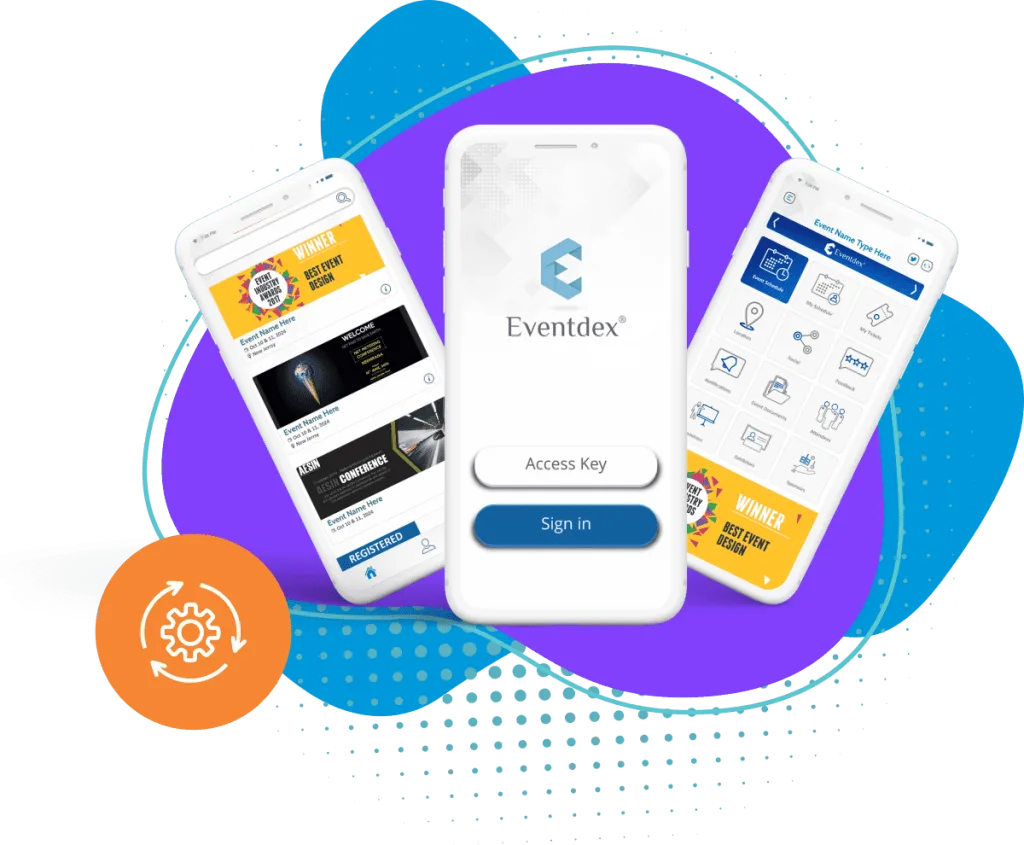
Eventdex's mobile app page describes push notifications for last-minute changes, plus live polls and Q&A during sessions. Eventdex's pages do not describe a text message service or a social posting tool, so use your own tools for those channels.
The Eventdex platform
Tools for reaching attendees
- Event mobile appPush notifications for changes during the event.Learn more about Event mobile app
- Registration softwareCollect contact details and permissions.Learn more about Registration software
- Onsite event managementCheck-in and badge tools for the day.Learn more about Onsite event management
- Hybrid event platformReach in-person and remote attendees.Learn more about Hybrid event platform
“Eventdex helped me run a smooth registration process during my event and helped me deliver an excellent mobile application to my event's attendees. Their support team was brilliant and I really enjoyed incorporating the Eventdex solutions into my events.”
 University at Buffalo
 Eversource Energy
 Georgia Tech
 Influence Communications
FAQ
Event Communication Channels: common questions
What is the best channel for event communication?
There is no single best one. Use email for things to keep, push notifications or texts for urgent changes, and signage for directions at the venue.
How do you tell attendees about a last-minute change?
Use a push notification if they have the app, or a text message if they agreed to texts, and put the change on signage and in an announcement.
How many messages is too many?
When people stop opening them. Send fewer, more useful messages and send each to the smallest group that needs it.
Where does the schedule of messages go?
In the event communication plan, which lists each message, its channel, its audience and its date.
See Eventdex attendee communication tools
Start with a free interactive floor plan, or talk to an event specialist on +1 (866) 434-5088.