


Conference Agenda App
What should a conference agenda app do?
A conference agenda app puts the programme on attendees' phones so they can see what is on, build a personal schedule and get updates when something changes. The best ones replace the printed programme rather than duplicate it.
Use the checklist below to compare apps, and the setup steps to get the agenda right before launch.
Updated by the Eventdex team



4.7/5 from 39 reviews on each
Features to look for
Check each against how your attendees actually use the programme.
| Feature | Why it matters | Question to ask |
|---|---|---|
| Session list by day and track | Attendees find sessions quickly | Can sessions be filtered by track or room? |
| Personal schedule | Attendees plan their own day | Can they save sessions and see a personal view? |
| Live updates | Rooms and times change | Are changes pushed to attendees' phones? |
| Speaker information | Helps attendees choose sessions | Can each session link to its speakers? |
| Works without a good connection | Venue wifi is often poor | What can be seen offline? |
| One place for everything | Fewer apps to download | Does it also carry registration details and networking? |
How to set up the agenda
A clean agenda is more useful than a long one.
Finalise the programme structure
Fix tracks, rooms and time slots before entering sessions.
Conference agendaWrite short session descriptions
Two or three sentences that say who the session is for.
Add speakers and rooms
Link each session to its speakers and location.
Test on real phones
Open the agenda on both iPhone and Android before launch.
Plan for changes
Decide who sends updates and how attendees will see them.
Mistakes to avoid
These show up in most conference apps.
Launching with an unfinished agenda
Attendees lose trust if sessions change without notice.
Too much text per session
Keep descriptions short enough to read on a phone.
No plan for updates
Decide who sends changes before the event starts.
Where Eventdex fits
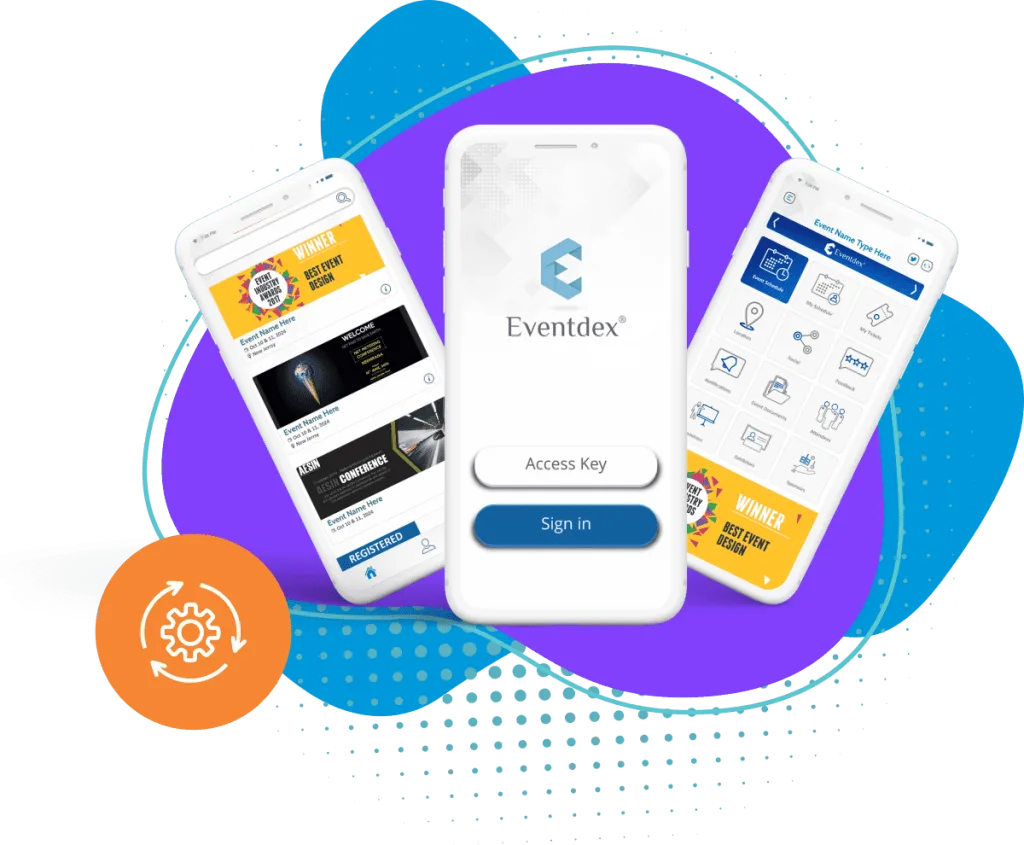
Eventdex's event app pages describe an agenda and updates on attendees' phones, alongside registration and networking. Conference organizers can use the app as the single place for the programme.
Confirm the exact agenda features you need against the product pages or in a demo.
The Eventdex platform
Tools for conference programmes
“It's easy to use and interfaces very well with our needs. The scheduling function is awesome. It allows our companies and partners to schedule their meetings with no assistance thus reducing time and resources. In addition, if there are any snags in scheduling, the Eventdex staff takes care of your needs immediately.”
 University at Buffalo
 Eversource Energy
 Georgia Tech
 Influence Communications
FAQ
Conference Agenda App: common questions
What is a conference agenda app?
An app that shows the conference programme on attendees' phones, lets them build a personal schedule and sends updates when sessions change.
What features should a conference agenda app have?
A session list by day and track, a personal schedule, live updates, speaker information and some offline access.
When should the agenda go into the app?
As soon as the programme is stable, and before attendees are invited to download the app. Tell them how changes will be communicated.
Do you still need a printed agenda?
Some attendees prefer one, so a short printed programme can still help. Make the app the source of truth for changes.
See the Eventdex event app
Start with a free interactive floor plan, or talk to an event specialist on +1 (866) 434-5088.