



Virtual Town Hall Software
What should virtual town hall software do?
Virtual town hall software lets leaders speak to employees online and lets employees ask questions in return. It should handle a large audience, a clear Q&A and a recording, without asking staff to learn a new tool.
Use the checklist below to compare options against your own needs, rather than against a feature list.
Updated by the Eventdex team


4.7/5 from 39 reviews on each
Features to check
Rank these against your own audience size and how open you want the discussion to be.
| Feature | Why it matters | Question to ask |
|---|---|---|
| Audience size | A town hall may include the whole company | How many people can join at once? |
| Moderated Q&A | Keeps questions orderly and lets people vote | Can a moderator review questions before they appear? |
| Polls | Quick feedback during the session | Can results be shown live? |
| Recording | Staff in other time zones can catch up | Where is the recording stored and who can watch it? |
| Simple joining | Fewer technical problems on the day | Can staff join from one link? |
| Reporting | Shows who attended and what they asked | What can be exported afterwards? |
How to run a virtual town hall
A short, structured session works better than an open call.
Send questions in advance
Collect questions before the session so leaders can prepare real answers.
Open with the main message
Say what you most want staff to take away, then take questions.
Assign a moderator
One person reads questions and keeps the session on time.
Share the recording and answers
Send the recording and written answers to questions you did not reach.
Where Eventdex fits
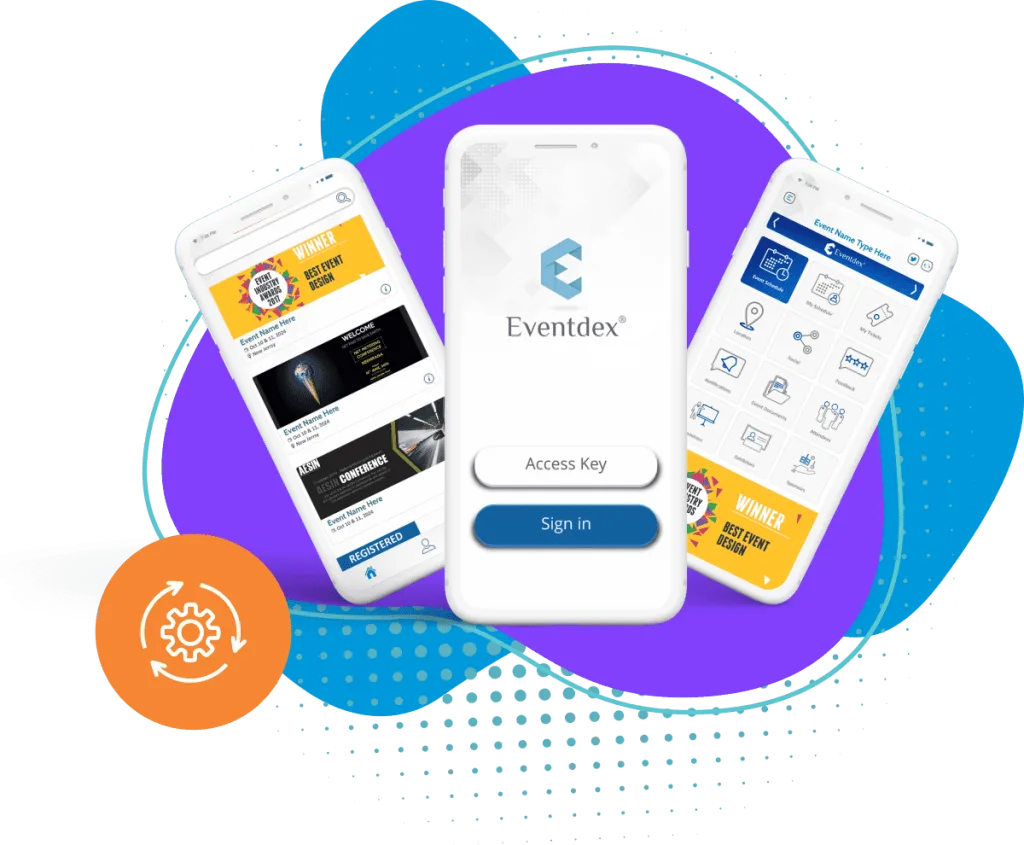
Eventdex's pages describe a virtual meeting app for video sessions and an event app for agendas and updates. If your town hall is part of a larger event, the registration software handles sign-up.
Check any option against your own audience size and security requirements; the pages do not state a maximum audience.
Mistakes to avoid
These show up in most employee town halls.
No plan for questions you cannot answer
Say you will follow up in writing, and then do it.
Too much presenting
Keep leadership slides short so there is time for discussion.
No test run
Rehearse screen sharing and audio with presenters before the day.
The Eventdex platform
Tools for virtual sessions
“Very smooth... Liked selecting meetings and blocking off time. Amazing! Would use again! ... I met with the people I wanted to meet and appreciated the option to read the profiles and decline meetings if someone would not be a good fit.”
 University at Buffalo
 Eversource Energy
 Georgia Tech
 Influence Communications
FAQ
Virtual Town Hall Software: common questions
What is virtual town hall software?
Software that lets leaders address employees online and lets employees ask questions, usually with moderated Q&A, polls and a recording.
What features does a virtual town hall need?
Support for your audience size, moderated Q&A, polls, recording and a simple way to join. Reporting on attendance helps afterwards.
How long should a virtual town hall be?
Keep it short enough to hold attention. Many organizers plan under an hour, with at least half of it for questions; test that against your own staff.
How do you handle questions at a virtual town hall?
Collect them in advance, use a moderator during the session and publish written answers to anything you did not reach.
See how Eventdex supports virtual events
Start with a free interactive floor plan, or talk to an event specialist on +1 (866) 434-5088.