


Event Planning Workflow
What is an event planning workflow?
An event planning workflow is the agreed order of work from the first brief to the final report: each stage has an owner, an input, an output and a check before the next stage starts. It keeps a team from booking a venue before the budget is set or promoting before registration works.
This guide gives a seven-stage workflow, a table of owners and handovers, and a short list of rules that stop work from stalling. For a dated schedule, see the event planning timeline guide.
Updated by the Eventdex team


4.7/5 from 39 reviews on each
Seven stages, in order
Each stage ends with something you can point to, so the next stage never starts from a guess.
Brief
Write the purpose, audience, date range, budget and how success will be measured on one page.
Event brief templateBudget and approvals
Turn the brief into a budget with a contingency line, and name who can approve spending.
Event budgetVenue, date and program
Book the venue or platform, confirm the date and draft the program. These three depend on each other, so decide them together.
Registration and promotion
Open registration, then promote. Test the registration form before the first invitation goes out.
Event registration softwareLogistics and communication
Confirm suppliers, schedules and the messages attendees, speakers and staff will receive.
Event logistics checklistOnsite delivery
Run the event from a run of show with named owners for each block and a way to share changes quickly.
Follow-up and report
Send thanks and surveys, then report against the success measures in the brief.
Post-event report template
Owners and handovers
A workflow fails at the handovers, so write down who gives what to whom.
| Stage | Usual owner | Needs before starting | Hands over |
|---|---|---|---|
| Brief | Event lead | Request from the organization | Signed-off one-page brief |
| Budget | Event lead and finance | Brief | Approved budget |
| Venue and program | Event lead | Budget and date range | Contract and draft program |
| Registration and promotion | Marketing | Program and dates | Live registration and campaign |
| Logistics | Operations | Confirmed program | Supplier schedule and run of show |
| Onsite | Operations | Run of show | Delivered event and raw data |
| Follow-up | Event lead and marketing | Event data | Report and next-step list |
Rules that keep the workflow moving
These are habits, not tools. Any shared document or task board can hold them.
One owner per task
A task with two owners has none. Name one person and a due date.
Decide, then record
Write each decision and who made it in one shared place, so nobody reopens it by accident.
Check before you advance
Before moving a stage forward, confirm its output exists. Do not promote before registration is tested.
Review weekly
A short weekly review of open tasks and risks catches slips while they are small.
Where Eventdex fits
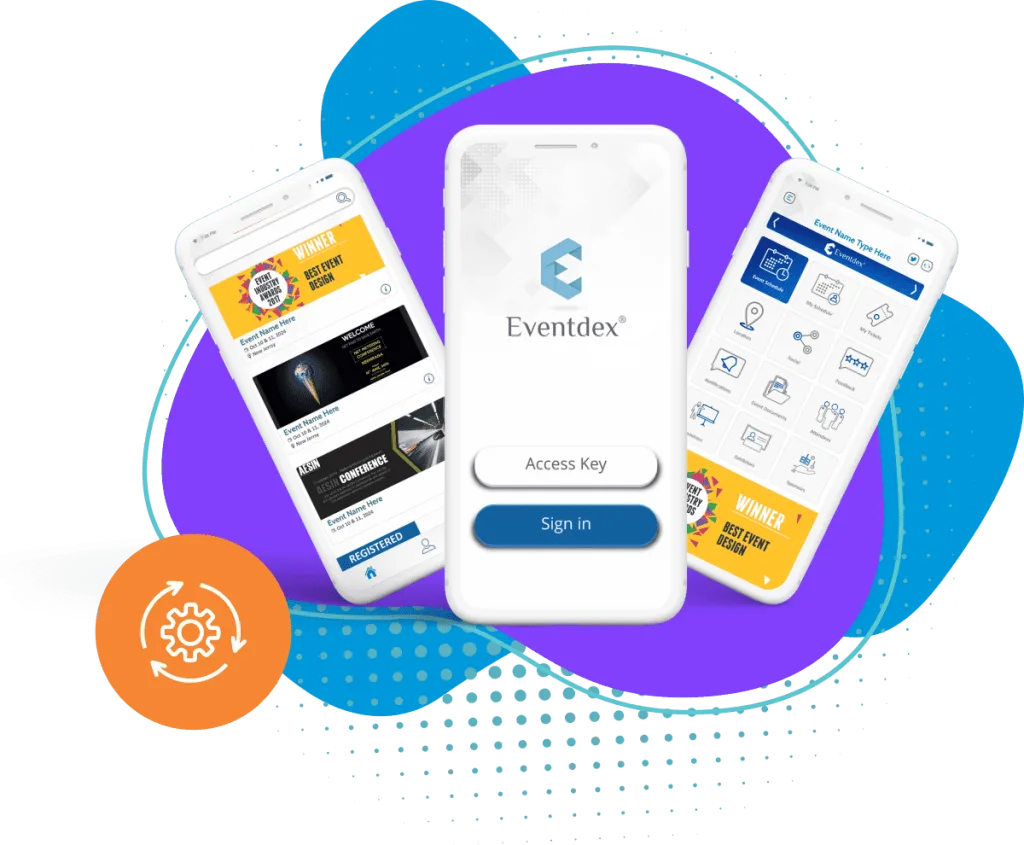
Eventdex's pages describe online registration, a branded event mobile app with agenda and push notifications for last-minute changes, and event ROI measurement. These support the registration, onsite and report stages. Eventdex's pages do not describe project management or task-tracking features, so the planning stages above run in whatever tool your team already uses.
The Eventdex platform
Tools for each stage
“We really appreciated the adaptability of the software to meet our changing needs. For example, we liked being able to create promo codes to offer reduced rates to conference attendees with special circumstances.”
 University at Buffalo
 Eversource Energy
 Georgia Tech
 Influence Communications
FAQ
Event Planning Workflow: common questions
What is an event planning workflow?
The agreed order of work from brief to report, with an owner, an input and an output for each stage, so one stage does not start before the one it depends on is finished.
What are the stages of event planning?
Brief, budget and approvals, venue and program, registration and promotion, logistics and communication, onsite delivery, and follow-up with a report.
Which tool should I use to manage an event planning workflow?
Any shared task board or document works if each task has one owner and a due date. Eventdex's pages do not describe project management features, so choose the tool your team will actually keep updated.
What is the difference between a workflow and a timeline?
A workflow sets the order and handovers between stages. A timeline puts dates on those stages. Build the workflow first, then date it.
See how Eventdex supports event teams
Start with a free interactive floor plan, or talk to an event specialist on +1 (866) 434-5088.