



Event Seating Chart Software for Galas and Dinners
EVENTDEX'S
Streamline Seating Arrangements Using Eventdex Event Seating Software
At the forefront of event innovation, Eventdex table finder and seating management solution transforms the way attendees interact with seating arrangements through its cutting-edge QR code technology for table location and seating management. Leave the stress behind with our online event seating software that guides attendees straight to their tables, creating a smooth and stress-free event experience from the moment they arrive. With just a simple smartphone scan, attendees can instantly find their way to their assigned table number. Eventdex’s event seating software is quick, effortless, and adds a touch of elegance to the entire event experience.



4.7/5 from 39 reviews on each
BOOK A DEMO
Experience the power of Eventdex firsthand – schedule your demo today!
Prefer to talk now? Call +1 (866) 434-5088.
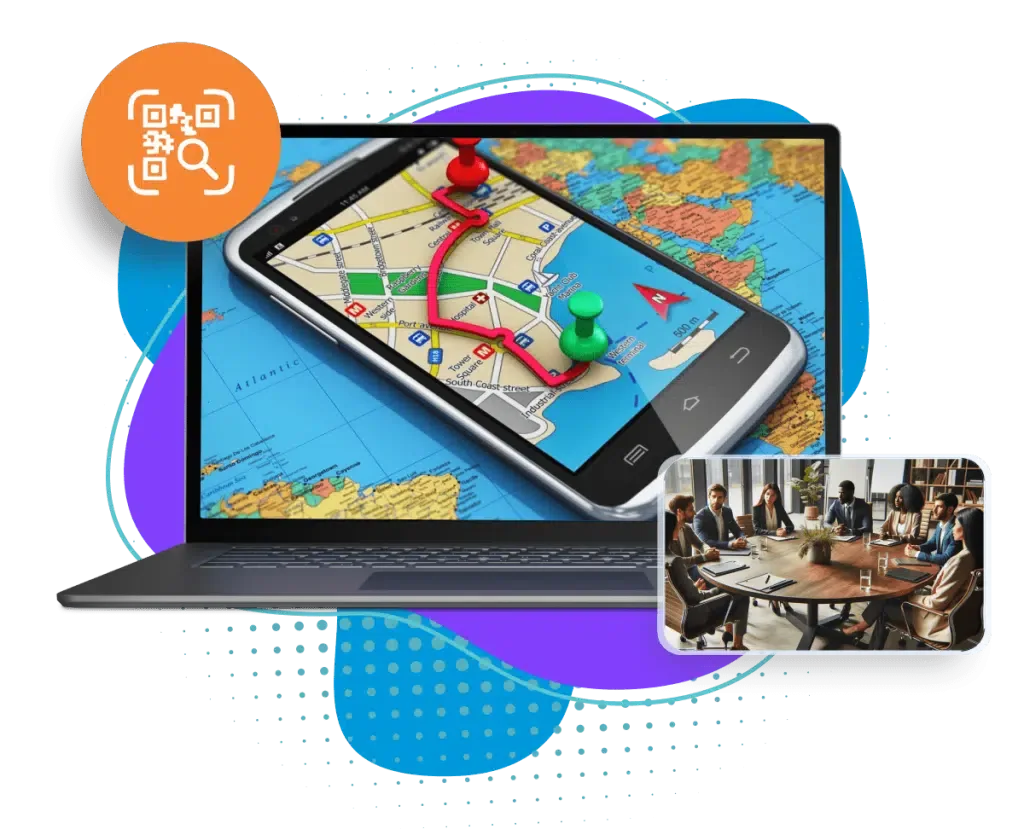
Eventdex Online Event Seating Software for Smooth Navigation
Streamline your event operations with our advanced event seating chart software, making navigation a breeze for both event organizers and event attendees. Gone are the days of chaotic table searches. Now, attendees can simply scan a QR code, open the prompted link, enter their name and that’s it; they’re guided right to their seats! This event seating tool not only enhances efficiency but also boosts security and accuracy, helping you track and manage attendees like never before. With a built-in attendee database feature, you’ll also have future access to guest information at your fingertips, empowering you long after the event has ended.
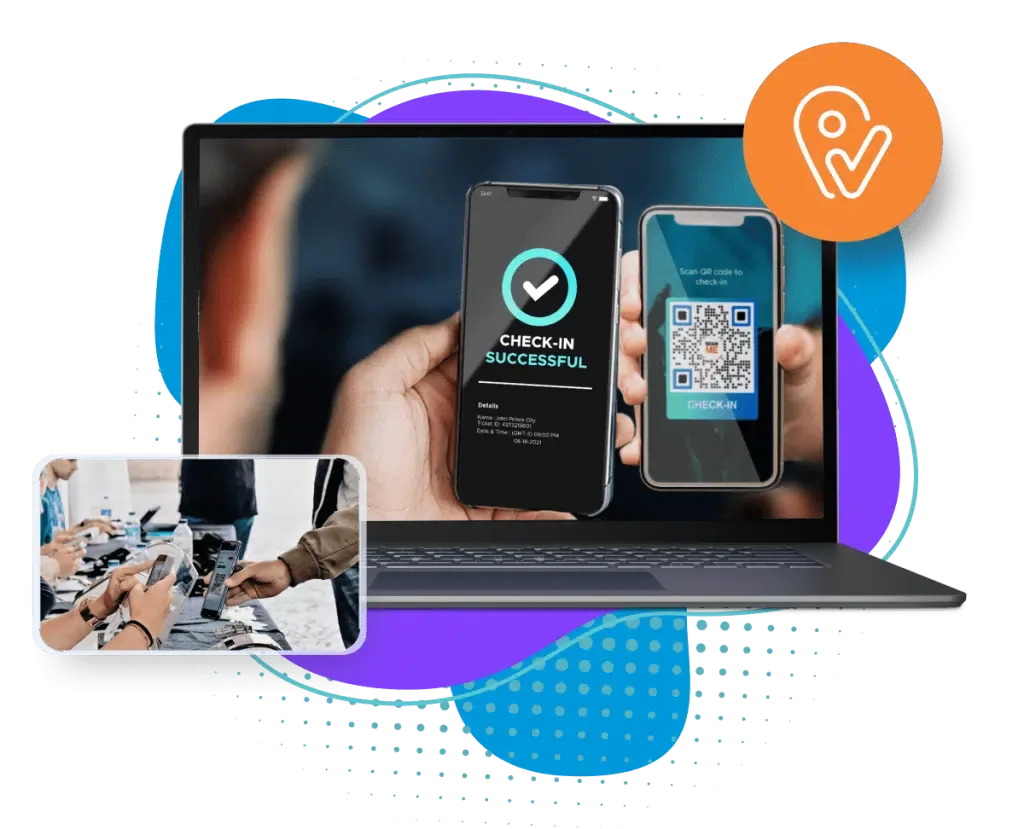
Streamlining Event Check-Ins: QR Codes for Efficiency
Take a peek into the future with QR code-powered event check-ins that save time and minimize errors. The days of manual look-ups and confusion are over! Attendees can check in smoothly and be directed to their designated tables with laser precision. This isn’t just a tech upgrade—it’s a game-changer. Also, with Eventdex’s seating arrangement tool for gala events, fundraisers, conferences, and other gatherings, you can ensure your event flows effortlessly and stays on point.
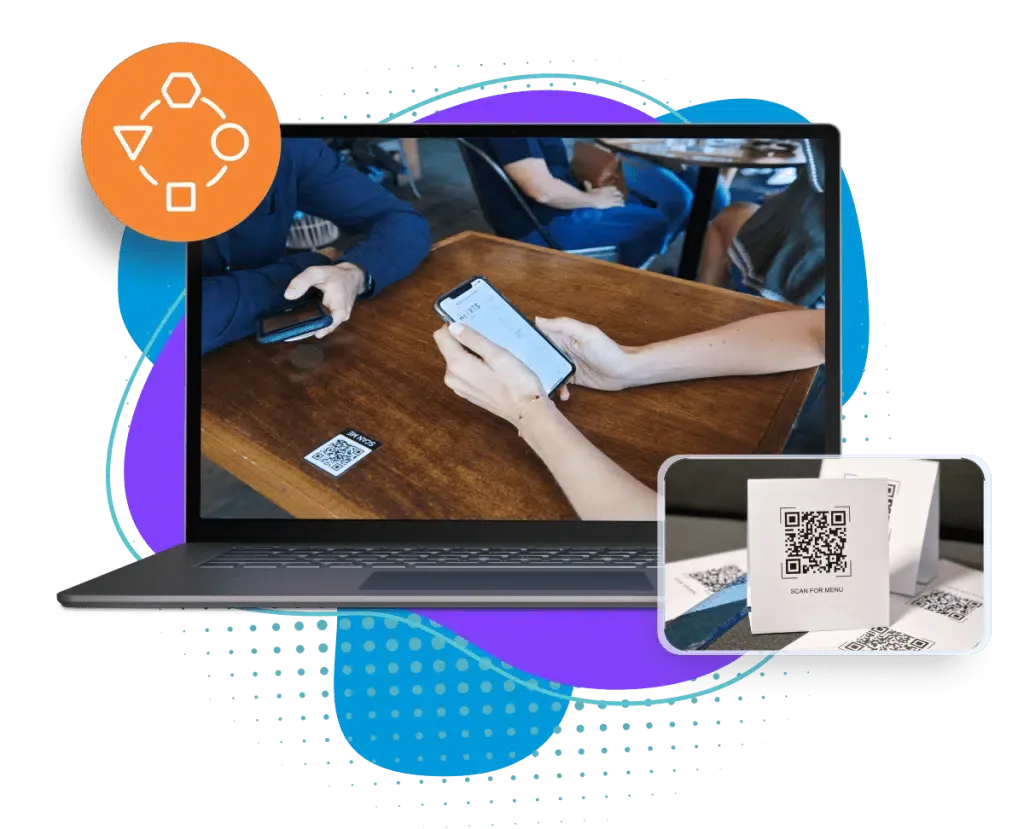
Adaptable Resolution for Sophisticated Events
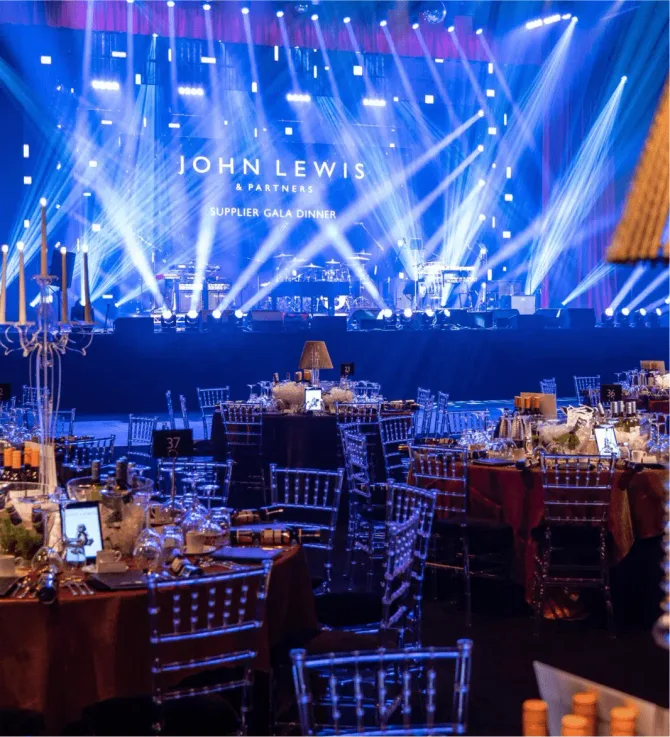
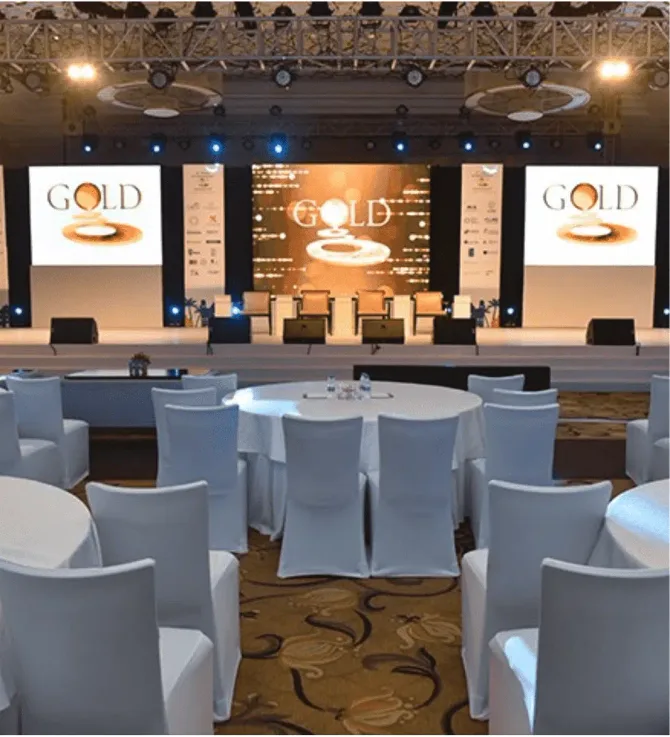
Whether an elegant gala, an exclusive awards ceremony, or a prestigious annual dinner, Eventdex’s event check-in and event seating software for gala dinners is your go-to tool for seamless table management. This versatile event management tool for corporate gala events takes the complexity out of seating logistics, ensuring guests move smoothly through the event space and find their spots without a hitch. With customization options and real-time updates, this feature makes Eventdex event seating software the perfect choice for sophisticated events where first impressions matter.
TAKE YOUR EVENTS TO THE NEXT LEVEL
Features of QR Codes for Finding Tables
Smart Event Seating Software
Our smart seating arrangement software uses QR codes to transform the entire seating experience. Attendees can now locate their tables with just a quick scan on their smartphones—no more confusion or delays. For event organizers, this means a smoother check-in process and enhanced guest satisfaction. It’s not just about efficiency; it’s about creating an elevated, unforgettable atmosphere.
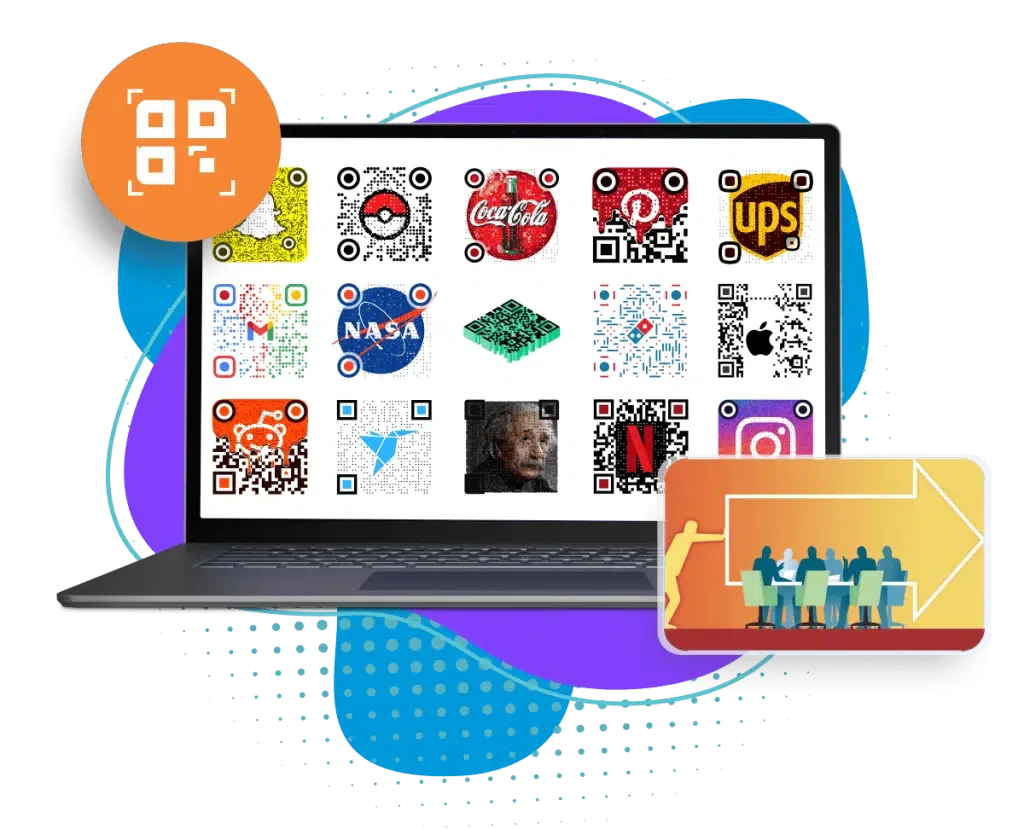
Personalized QR Code Design and Dynamic Management
Eventdex offers fully customizable QR codes that match the theme of your event. Want to add logos, play with background colors, or experiment with different font styles? You’ve got it. But that’s not all—our dynamic event management system allows real-time updates to table assignments and QR code data. This event seating tool gives you full control to make last-minute changes without breaking a sweat. Search for attendees by first name, last name, company, or email to deliver a personalized event experience that attendees won’t forget.
Real-Time Table Management with QR Codes
Flexibility is key to successful event management. with Eventdex’s real-time table management tools, organizers can update seating plans instantly. The result? A flawless, professional event experience that keeps your attendees engaged and delighted. And no matter the scale or sophistication of your event, Eventdex gala seating software has the tools to ensure success.
Easy Customization Options
From annual Galas to award ceremonies, networking events, fundraisers, and more, Eventdex’s best software for gala dinner seating plans ensures your events run smoothly. You can readily customize the seating plan to match your event’s theme. This ensures you always get a premium event experience with technology that works in real time. Besides, you can also share a detailed seating plan with attendees in CSV or Excel format, ensuring a streamlined event experience.
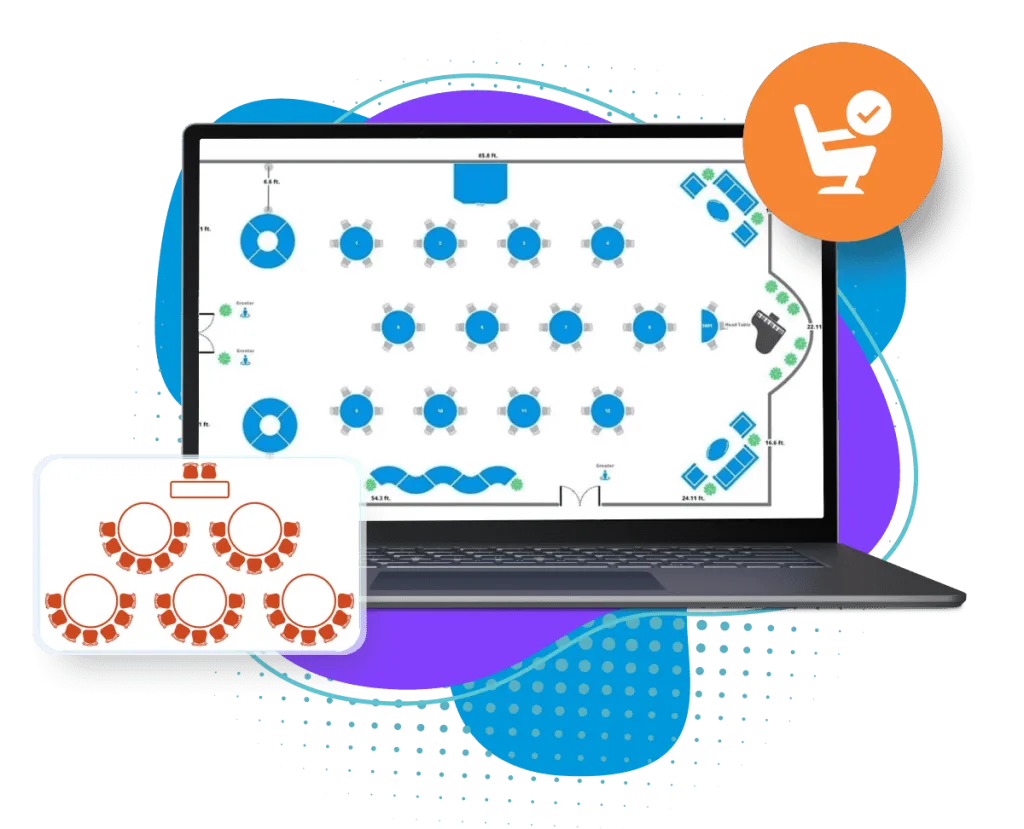
Visual Table Design and Seat Allocation
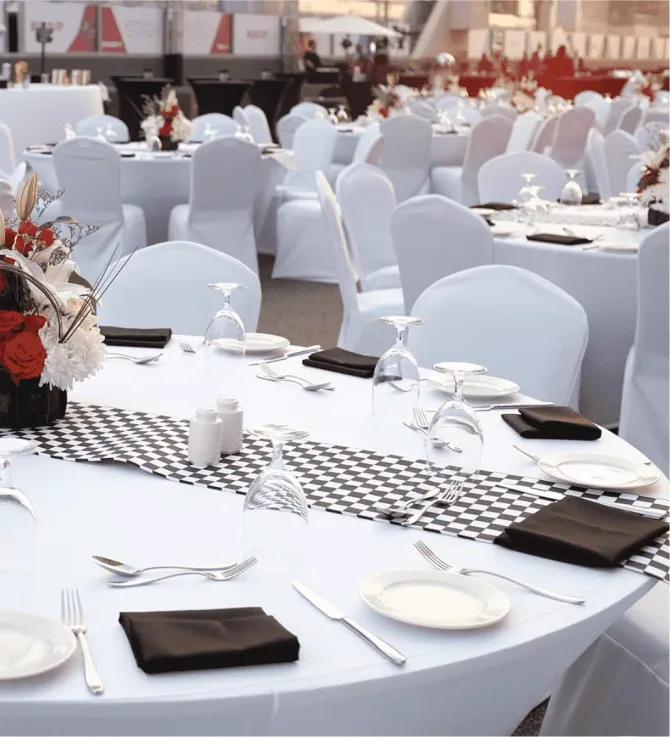
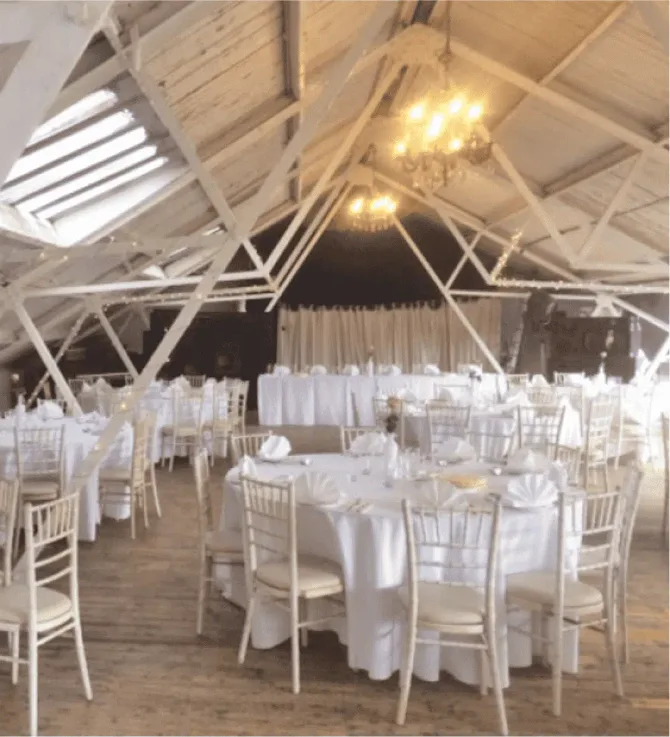
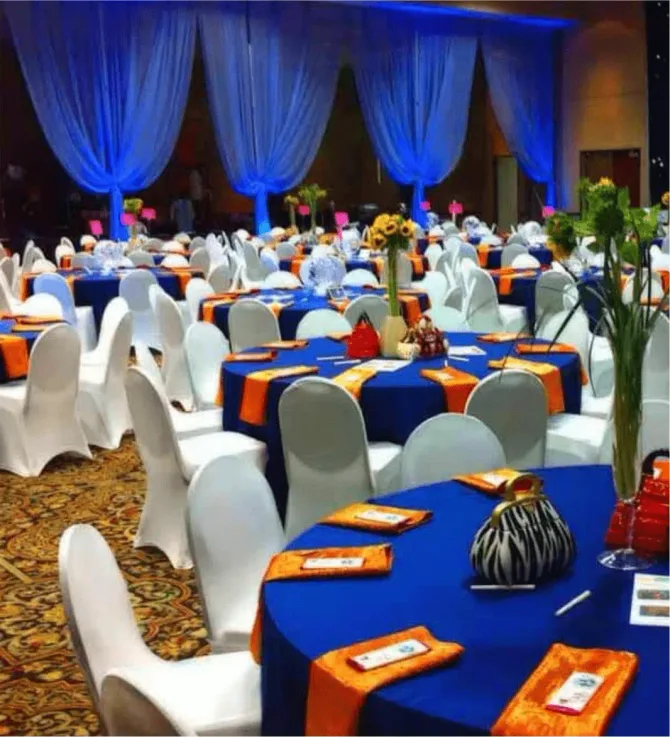
Using Eventdex’s round table feature, you can easily allocate table numbers for pre-registered attendees. Our admin portal allows for a visual representation of the seating chart, giving you precise control over table and seat assignments. This means you can ensure that everyone is seated exactly where they should be, enhancing the overall flow and experience of your event. This level of precision not only makes check-ins smoother but also adds an extra layer of sophistication to your event.
TAKE YOUR EVENTS TO THE NEXT LEVEL
Benefits of QR Code Technology for Table Location and Seating Management
Convenient Seating Arrangement
No more guessing games! The Table/Seat Finder tool ensures that your attendees can effortlessly find their seats.
User-Friendly Interface
Designed with simplicity in mind, the QR code seat-finding interface offers an intuitive, user-friendly experience for your guests.
Direct Link for Sharing
Easily share the seating arrangement widget via a direct link or embed it on your event website for instant access.
Real-Time Information Updates
Stay on top of any last-minute changes with real-time updates to ensure your attendees always have the most current information at their fingertips.
Event Support Assistance
If any questions arise, rest assured knowing that our dedicated Eventdex support team is ready to assist, offering quick resolutions to any issues.
How to make a seating chart
How to Make an Event Seating Chart
Six steps from guest list to a seating chart guests can use, and what Eventdex does at each step.
1. Start with the guest list
Begin with the people who will sit down. Eventdex allocates table numbers to pre-registered attendees, so the guest list comes first. Its attendee database keeps guest information for later events.
2. Set up your tables
Count the tables you have and how many seats each holds. Eventdex's round table feature is the one the page describes. It does not describe other table shapes.
3. Assign tables and seats
Assign each guest a table and seat. Seat groups, partners and colleagues together, and place guests who should meet near each other. The admin portal shows the chart visually, so you can see who is where.
4. Create a QR code for finding tables
Make a QR code for table finding. You can add your logo, change background colours and choose fonts to match the event's theme. Guests scan it, open the link and enter their name to see their table.
5. Share the chart
Share the seating arrangement widget by direct link or embed it on your event website. You can also share the plan with attendees as a CSV or Excel file.
6. Update it on the day
Guests move, cancel and arrive late, so change assignments right up to the event. Updates to table assignments and QR code data happen in real time. You can search guests by first name, last name, company or email.
Choosing seating chart software
What to Look for in Seating Plan Software
Questions to ask of any seating plan tool, with what Eventdex's page says and does not say.
Can guests find their own table?
Eventdex: yes. Guests scan a QR code, enter their name and are shown their table number.
Can you change it on the day?
Eventdex: yes. Table and seat assignments can change in real time, including the QR code data.
Can you share the plan?
Eventdex: yes. The seating plan can be shared in CSV or Excel format, and a widget can be shared by link or embedded.
Does it connect to check-in?
Eventdex: the QR check-in and the seating chart work together, so guests are directed to their table as they check in.
What does the page not describe?
The page does not describe drag-and-drop editing, automatic seating by preferences, dietary tracking or a price. Ask in a demo about any of these.
Questions
Event Seating Software FAQ
What is event seating chart software?
Seating chart software lets you assign guests to tables and seats and share the result. Eventdex's version shows the chart visually in the admin portal and helps guests find their table with a QR code.
How do I make an event seating chart?
Add the guests, set up the tables, assign each guest a table and seat, then share the chart. The steps above show how Eventdex handles each one.
Is a seating plan the same as a seating chart?
People use the two terms for the same job: planning who sits where. Eventdex's page uses seating chart, seating plan and seating arrangement for the same feature set.
How does the QR code table finder work?
Yes. Guests scan a QR code, open the link, enter their name and see their assigned table. You can customize the QR code with your logo, colours and fonts.
Can I change seating at the last minute?
Yes. The page says organizers can update table assignments and QR code data in real time, so last-minute changes reach guests.
What events is it for?
The page describes the software for galas, awards ceremonies, fundraisers, conferences and annual dinners. For booth layouts at expos, use Eventdex's event floor plan software instead.
What should I look for in seating chart software?
Seating chart software should let you set up tables, assign each guest, change it late and share the result. Check that guests can find their own table too. The checklist above shows what Eventdex's page says on each point.
Can I share or export the seating chart?
Yes. The page says the seating plan can be shared as a CSV or Excel file, and a seating widget can be shared by link or embedded on your event website.
Does it seat guests automatically?
Eventdex's page describes round tables. It does not describe drag-and-drop editing, automatic seating by guest preference or dietary tracking, so ask in a demo if you need them.
Contact Us & Reach!
Discover how Eventdex can amplify your success and help you surpass your event goals. Reach out to us directly at sales@nextechar.com or fill out our Contact form - we're excited to start transforming your event experience!
Headquarters
United States Of America
Book a demo
Experience the power of Eventdex firsthand – schedule your demo today!
Prefer to talk now? Call +1 (866) 434-5088.