



Event Scheduling Software
Build the agenda, and let attendees schedule their own time
Event scheduling covers two jobs: the program you publish, and the time each attendee spends inside it. Eventdex handles the first with a program agenda you can change on the go, and the second with session selection at registration, personalized agendas and scheduled meetings.
For business events, the matchmaking app schedules one-on-one, group and hosted buyer meetings, and lets users reschedule or cancel 1-on-1 appointments. This page links to the product pages that describe each part. It also states what Eventdex's pages do not describe, such as room capacity limits or automatic conflict checks, so you can ask about them in a demo.



4.7/5 from 39 reviews on each
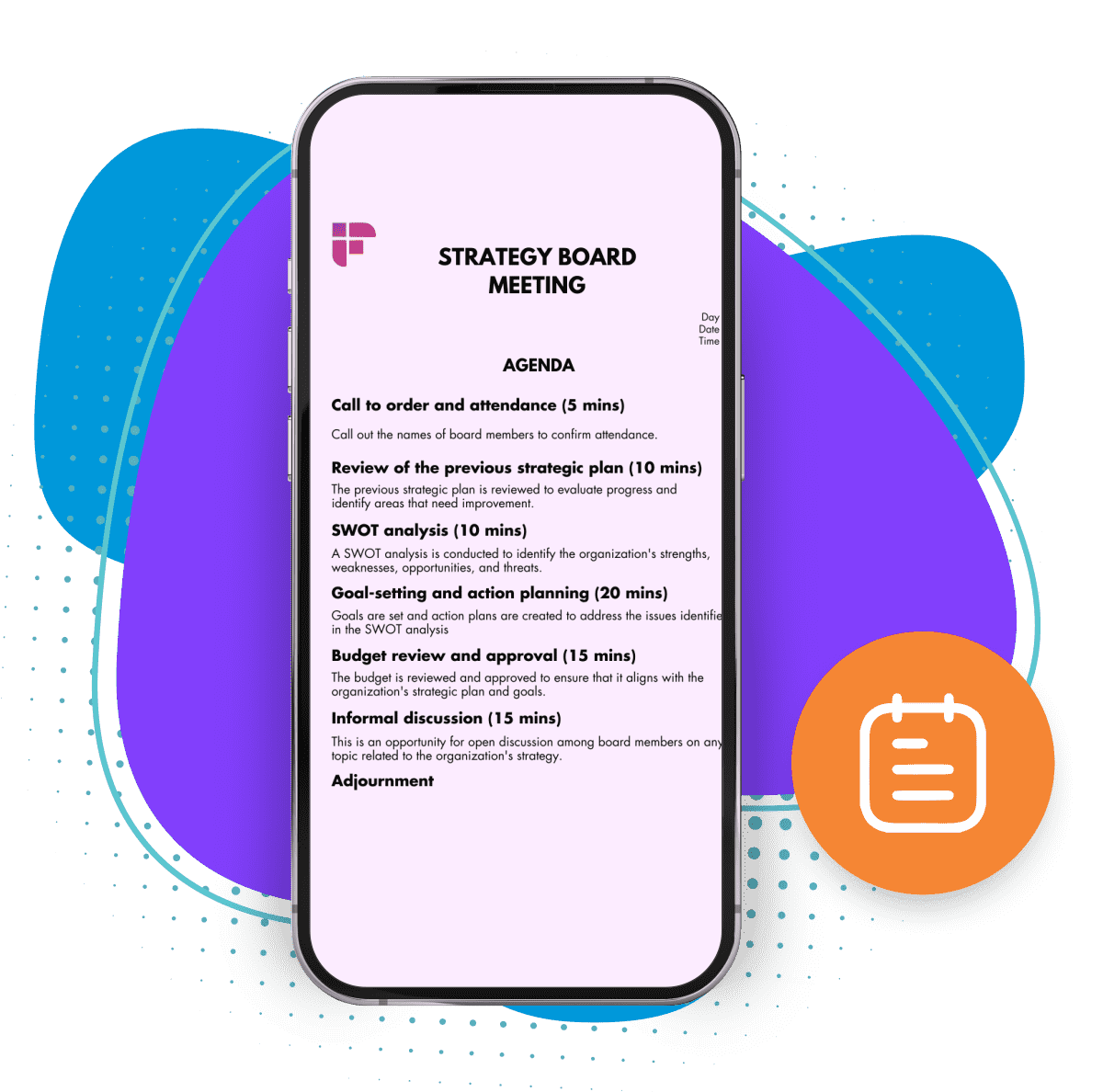
Agenda to appointments
The parts of Eventdex that schedule your event
- Program agendaThe mobile app's program agenda replaces printed schedules, lets you make changes on the go and lets guests build a personalized agenda.Learn more about Program agenda
- Session selection at registrationRegistration supports multi-day and multi-track events, and attendees choose their sessions as they register.Learn more about Session selection at registration
- Hybrid schedulesCreate customized schedules for in-person and virtual participants, who pick the sessions closest to their interests.Learn more about Hybrid schedules
- Scheduled meetingsUsers schedule, reschedule or cancel 1-on-1 appointments by preference and availability, and organizers can edit schedules in bulk.Learn more about Scheduled meetings
- On-demand table bookingAccepted meeting requests are assigned an available table in real time, with no fixed table schedule.Learn more about On-demand table booking
- Virtual meetingsRun one-on-one or group matching for online participants from the virtual meeting app.Learn more about Virtual meetings
Why schedule your event in Eventdex
Change the agenda after it is published
Organizers can update the agenda and send real-time push notifications when sessions change, instead of reprinting schedules.
Every attendee gets their own agenda
Guests build a personalized agenda in the app, and matchmaking meetings sit in a schedule customized for each attendee.
Registration and schedule together
Session choices are made at registration, in the same platform that later checks people into sessions and tracks attendance.
Meetings, not just sessions
Buyers and sellers set preferences and Eventdex schedules meetings for them, or users book their own appointments by availability.
Bulk schedule edits
Matchmaking lets you modify users' schedules in bulk, which saves time and avoids manual errors on large lists.
What it does not say
Eventdex's pages do not describe room capacity limits, waitlists for sessions or automatic checks for conflicting sessions. Ask in a demo before you rely on them.
“Very smooth... Liked selecting meetings and blocking off time. Amazing! Would use again! ... I met with the people I wanted to meet and appreciated the option to read the profiles and decline meetings if someone would not be a good fit.”
 University at Buffalo
 Eversource Energy
 Georgia Tech
 Influence Communications
FAQ
Event Scheduling Software: common questions
What is event scheduling software?
It is the software that builds and maintains the event agenda and manages how attendees use it: choosing sessions, keeping a personal schedule and booking meetings. Eventdex does this through the program agenda, session selection at registration and the matchmaking app's meeting scheduling.
Can attendees build their own agenda?
Yes. The mobile event app lets attendees build a customizable agenda, and the program agenda page says guests can create a personalized agenda based on their preferences. Attendees also select sessions when they register. Organizers can edit the agenda while attendees keep their own schedule.
What happens when a session time changes?
Organizers can change the agenda on the go and send real-time push notifications so attendees see the update. Eventdex's pages do not describe automatic rescheduling of attendees' personal agendas, so ask in a demo. The agenda is edited in the app's program agenda, which attendees read on their own devices.
Can Eventdex schedule one-on-one meetings?
Yes. The business matchmaking app schedules 1:1, group and hosted buyer meetings, matches by preferences, and lets users schedule, reschedule or cancel 1-on-1 appointments based on preferences and availability. On hybrid events, meetings can be in-person conversations or video calls for remote participants.
Does it enforce room capacity or catch session conflicts?
Eventdex's pages do not describe room capacity limits or automatic conflict checks for sessions. Meeting scheduling is described as based on preferences and availability. If either matters for your event, ask about it in a demo. Raising it early lets the Eventdex team tell you what is possible for your program.
Does it work for hybrid events?
Yes. The hybrid event platform page describes customized schedules for in-person and virtual participants, and scheduling of one-on-one meetings as in-person conversations or video calls for remote attendees. Attendees pick the sessions that match their interests. Hybrid matchmaking also covers networking lounges and breakout rooms.
Plan your event schedule with Eventdex
Start with a free interactive floor plan, or talk to an event specialist on +1 (866) 434-5088.