



Virtual Career Fair
How does a virtual career fair work for a career center, its students and its employers?
A virtual career fair is a career-center event held online, where students and recent graduates meet employers through chat, video and scheduled conversations. For a university or college it extends something the campus already does in person: employers who could not travel can take part, students who work, commute or study off campus can attend, and the career center can offer more employer time to more students.
This guide is written from the career center's side, with a section each for students and employers. It covers the formats you can choose, how to prepare both audiences, how to schedule meetings, how to make the event accessible, and how to measure what happened. If you are an employer or organization running a hiring event for the general public, the companion guide on how to host a virtual job fair covers that case.
Updated by the Eventdex team



4.7/5 from 39 reviews on each
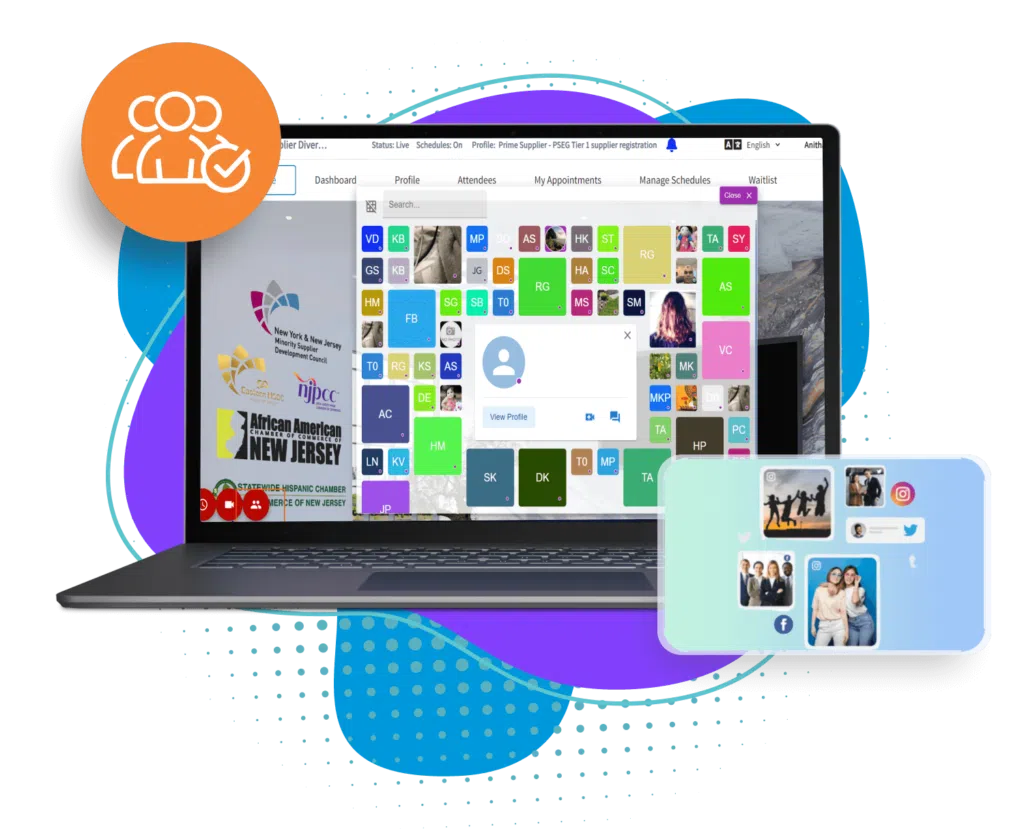
What a virtual career fair is, and how it differs from a job fair
The two terms overlap, and organizers use them loosely. In this guide, a career fair is run by a school or career center for its own students and alumni. Employers come to meet students who may be months from graduating, so the event covers internships, entry-level roles and general career conversations, not only immediate openings. A job fair, as the companion guide describes it, is usually run by an employer, a workforce group or an association for any job seeker.
That changes the planning. A career center already knows its audience, holds data about majors and graduation years, and can prepare students in advance through advising and workshops. It also has to protect the relationship with employers it works with year after year.
Audience
Current students and alumni of your institution, often grouped by major, class year or program.
Employers
Recruiters and alumni who hire from your campus, plus new employers a career center is trying to bring in.
Purpose
Internships, entry-level hiring, career exploration and networking, not only a fixed set of vacancies.
Connection to campus
The fair can sit beside in-person fairs, graduate fairs and employer information sessions. Eventdex's university page lists graduate and careers fairs among the campus events it can manage.
Eventdex for universities
Choosing a format
Pick the format from your students' real schedules and your employers' capacity. A fair that suits first-year students exploring careers is not the one for final-year students hunting for offers.
| Format | How it works | Best for | Watch out for |
|---|---|---|---|
| Live fair | A fixed window, with employer booths open and students browsing and chatting | A broad fair with many employers and a big student turnout | Quiet booths at the start and a rush in the middle; staff the busy hour well |
| Scheduled meetings | Students book short one-to-one video meetings with employers in advance | Employers with specific roles, and students with clear targets | Popular employers fill up; cap meetings per student |
| Employer sessions | Individual employers host talks or panels followed by questions | Career exploration, industry insight, first and second-year students | Sessions compete with classes; record or share notes for those who cannot attend |
| Open booths for days | Booths stay open over several days with recruiters present at set hours | Students across time zones or with work schedules | Spreading recruiters thin; publish clear staffed hours |
| Hybrid fair | An in-person fair with a virtual option for remote students and employers | Campuses wanting both reach and a physical presence | Two audiences to look after; give remote visitors their own host |
How students prepare
Students get more from a virtual fair when they arrive with a plan. Career centers can send the checklist below ahead of time, or teach it in a short workshop. The advice is simple and mostly the same as an in-person fair, with a few differences for video and chat.
Tell students that a virtual fair is not a place to hand over a resume and walk away. A short, prepared conversation and a follow-up message are what recruiters remember.
Student prep checklist
STUDENT PREP CHECKLIST
Before the fair
[ ] Read the employer list and pick 5 to 8 to talk to, with 2 or 3 as top choices
[ ] Read the open roles and internships of each top choice
[ ] Write a 20-second introduction: name, major, year, what you are looking for
[ ] Write 2 questions for each top-choice employer
[ ] Update your resume and check that the file opens as a PDF
[ ] Update your online profile and any portfolio or project links
[ ] Book meeting slots with employers, if the fair offers them

Technical check
[ ] Test your camera, microphone and internet connection
[ ] Use a quiet place with the camera at eye level and light in front of you
[ ] Log in 10 minutes early and find the employer booths and the chat
[ ] Have a notes document open to write down names and next steps

During
[ ] Greet by name if you can see it, give your introduction, ask your question
[ ] Keep chat messages short and polite
[ ] Write down each recruiter's name and what they asked you to do next

After
[ ] Send a short thank-you message within a day or two
[ ] Apply through the links the recruiter gave you
[ ] Tell your career center what worked and what did not
How employers prepare
Employers are your guests, and a career center that makes their participation easy gets repeat visits. Send an employer briefing, give them a place to see the booth before the fair, and tell them how many students to expect if you know.
Employer prep checklist
EMPLOYER PREP CHECKLIST FOR A VIRTUAL CAREER FAIR
Before the fair
[ ] Choose the roles to promote: internships, entry-level roles, co-ops, and the majors and skills each wants
[ ] Set up the booth: logo, banner, short company description, links to each role
[ ] Add documents students will want: role descriptions, application steps, deadlines
[ ] Pick recruiters, plus an alum or a recent hire who can speak about the first year
[ ] Decide which meeting slots to offer, and how long each lasts
[ ] Attend the employer practice session

Technical check
[ ] Test each recruiter's camera, microphone and connection
[ ] Decide who answers chat and who takes video conversations

During
[ ] Greet students by name and ask what they are studying and what they are looking for
[ ] Explain the application process and deadlines clearly
[ ] Take short notes on each student for follow-up

After
[ ] Send the next step to each student you spoke with within a few days
[ ] Give your career center feedback on the fair and the candidates
Scheduling meetings and matching students to employers
Scheduled meetings give each student a few conversations that matter and give each employer a list of students who chose them. Open browsing still has a place, but it should be a supplement.
What the tools do matters. A virtual event platform should let students request, reschedule or cancel appointments, remind both sides, and run the meeting by video with screen share for a portfolio. Eventdex's virtual meeting page lists appointment requests, rescheduling and cancellation, screen share, meeting recording, note-taking and meeting ratings. Its business matchmaking page describes AI matching from stated preferences, with scheduled 1:1 meetings, and its FAQ lists job and hiring events, with recruiters meeting candidates, among its use cases.
Collect preferences at registration
Ask students for major, class year, what they are looking for and which employers interest them. Ask employers for the majors and roles they want.
Business matchmaking appOpen meeting requests early
Let students book before the live window, and set a limit per student so one student cannot fill every slot.
Keep a few slots free
Hold some time for students who register late or decide on the day.
Send reminders
Remind both sides the day before and an hour before, with the link and how to cancel.
Virtual meeting appHandle no-shows
Set a wait time, such as a few minutes, and release the slot after it.
Make the fair accessible
A virtual fair removes some barriers, such as travel, and adds others. Plan for accessibility from the first week, not the last. Check the requirements that apply to your institution, because rules vary by place; your campus disability services office can advise.
Captions and transcripts
Plan live captions for any presentation, and a transcript or notes for recorded sessions. Tell students how to request an accommodation.
Keyboard and screen reader use
Test the platform with a keyboard and a screen reader before the fair, and ask the vendor what it supports.
Choices in how to take part
Offer text chat as well as video, so students who cannot or prefer not to be on camera can still speak with recruiters.
Time zones and schedules
State times in the fair's time zone and a second one, and use recordings or open booths for students who work or live elsewhere.
A person to ask
Name a contact for help before and during the fair.
Measure the results
Choose measures before the fair, so you can compare years. A career center usually reports to employers, to its own leadership and sometimes to the students' academic departments, so pick measures each of them can follow.
Eventdex's university page mentions event insights and attendee feedback, and the matchmaking page describes reports and meeting ratings. Whatever tool you use, keep the measures simple and describe how you count them.
| Measure | What it tells you | Where to get it |
|---|---|---|
| Registered and attended | Reach and turnout among students | Registration and check-in records |
| Conversations and meetings held | How much employer time students used | Booth activity and meeting records |
| Employers who return | Whether the fair is worth employers' time | Employer feedback survey |
| Student feedback | Whether the fair helped and what to change | Short student survey after the fair |
| Follow-up outcomes | Interviews, offers and internships linked to the fair | Employer reports and student reports to the career center |
| Participation by group | Whether majors, class years or other groups were reached | Registration data by group |
The Eventdex platform
Tools a campus career fair can use
- Eventdex for universitiesCampus events, tier-based registration, event websites and feedback.Learn more about Eventdex for universities
- Virtual meeting appVirtual booths, video meetings and appointments.Learn more about Virtual meeting app
- Business matchmakingAI matching and scheduled 1:1 meetings.Learn more about Business matchmaking
- Event registrationPersonalized registration paths, ticketing and payments.Learn more about Event registration
- Virtual job fair platformEventdex's virtual job fair platform page.Learn more about Virtual job fair platform
“Eventdex helped me run a smooth registration process during my event and helped me deliver an excellent mobile application to my event's attendees. Their support team was brilliant and I really enjoyed incorporating the Eventdex solutions into my events.”
 University at Buffalo
 Eversource Energy
 Georgia Tech
 Influence Communications
FAQ
Virtual Career Fair: common questions
What is a virtual career fair?
A virtual career fair is an online event, usually run by a university or career center, where students and graduates meet employers through booths, chat, video and scheduled meetings.
How is a career fair different from a job fair?
A career fair is usually run by a school or career center for its own students and alumni, and it covers internships, entry-level roles and career exploration. A job fair is more often run by an employer or an organization for job seekers in general, with a focus on current openings.
What should students do to prepare?
Choose a few employers, read their open roles, write a short introduction and questions, update the resume, test the camera and microphone and book meetings if the fair allows it. The student checklist in this guide covers each step.
Can Eventdex run a university career fair?
Eventdex's university page lists graduate and careers fairs among the events it can manage, and its virtual meeting and matchmaking pages describe booths, appointments and matching. Its pages do not describe career-center tools like resume review or employer databases, so ask about your exact needs in a demo.
Can a career fair be hybrid?
Yes. A common approach is to keep an in-person fair and add a virtual option for remote students and employers. Give remote visitors their own host and their own schedule so they are not an afterthought.
Plan your campus fair with Eventdex
Start with a free interactive floor plan, or talk to an event specialist on +1 (866) 434-5088.