

How to extract Individual Ticket links – Public Links, Private Links & All links?
By support
Step 1. Go to Eventdex Portal >> Login >> Select the Event
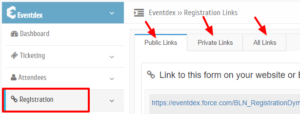
Step 2. Click on “Registration” tab and screen with “Public Links”, Private Links” and “All Links” will appear.
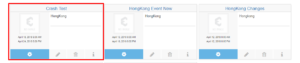
Step 3. See the “Ticket Link” section in “Public” or “Private” categories in which you purchased the individual tickets.
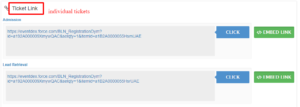
Step 4. Click on “Embed Link” tab of that particular individual ticket
Step 5. Copy the “Embed Code” given in the “Inline” page.
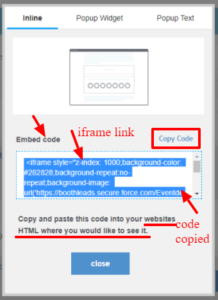
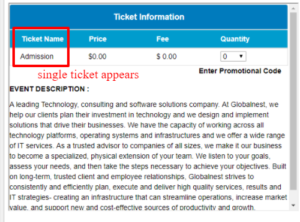
Step 6.Paste this individual ticket’s code into your website’s HTML where you would like to see it. (You can also put “Popup Widget” or “Popup Text” on websites by copying its code and pasting it in the website’s HTML page)
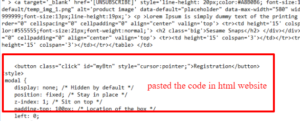
Step 7.“Save” and “Update” your website. The registration form of this individual ticket will appear on the website.
Step 8.Click on “Close” of the Inline page.