
How do I change my Password?
For security reasons, it is recommended that you change your account password frequently.
To change your Eventdex Account password, follow the steps below
Step 1: Login in to your Eventdex account at https://my.eventdex.com/
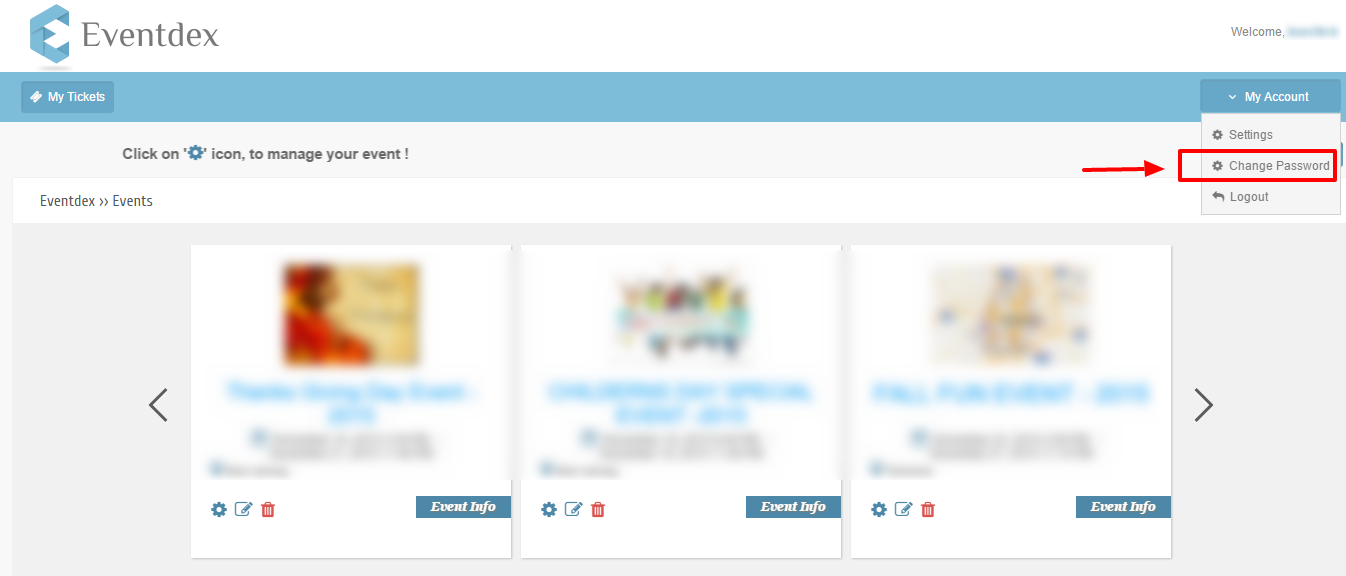
Step 2: Click on “My Account” at the top right corner and then select “Change Password.”
Step 3: Enter a new password and click the Change Password button at the bottom.
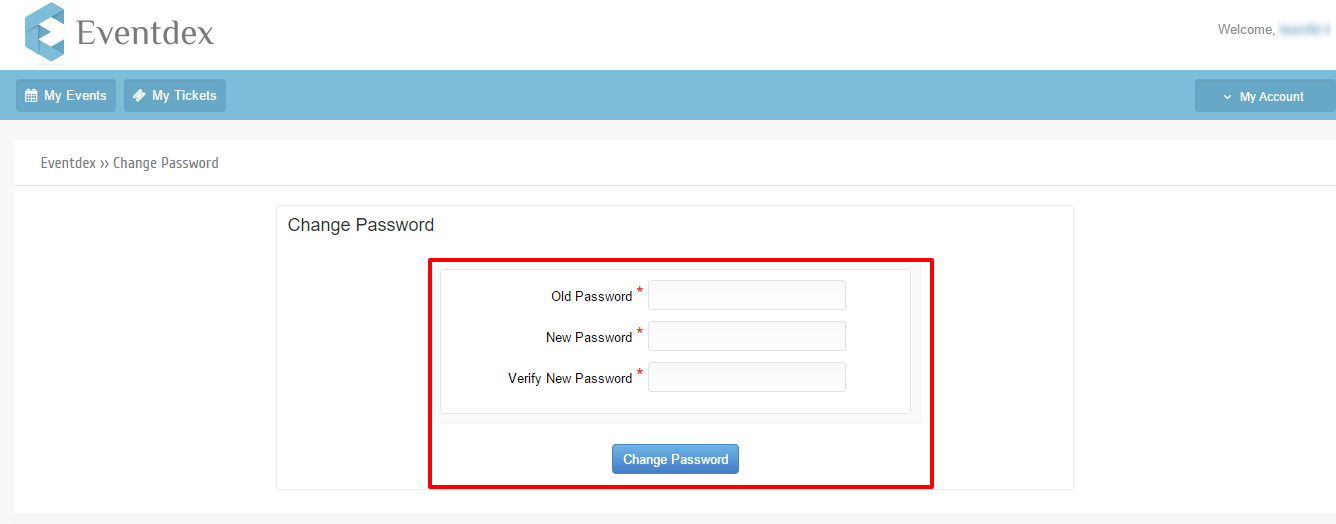
For security reasons, please enter your Eventdex account’s old password first, then enter your New password.